On this page
- 01Key takeaways
- 02What is a monthly social media content calendar?
- 03Why build the calendar a month at a time?
- 04What are the five steps to build a monthly calendar?
- 05Step 1: how do you review last month before planning?
- 06Step 2: which dates should go on next month's calendar?
- 07Step 3: how do you set the weekly slots?
- 08Step 4: how do you fill every slot with a specific idea?
- 09Step 5: how do you make, approve and schedule the month?
- 10How do you plan several platforms in one monthly calendar?
- 11How much time and money does a monthly calendar take?
- 12How do you keep the month on track once it starts?
- 13When is a monthly calendar the wrong tool?
- 14What does this look like in practice?
- 15What changes in a content calendar by sector?
- 16What should each month of the year include?
- 17More guides on building a monthly content calendar
- 18Your monthly content calendar checklist
- 19Next step
- 20Sources and further reading
- 21Frequently asked questions
Key takeaways
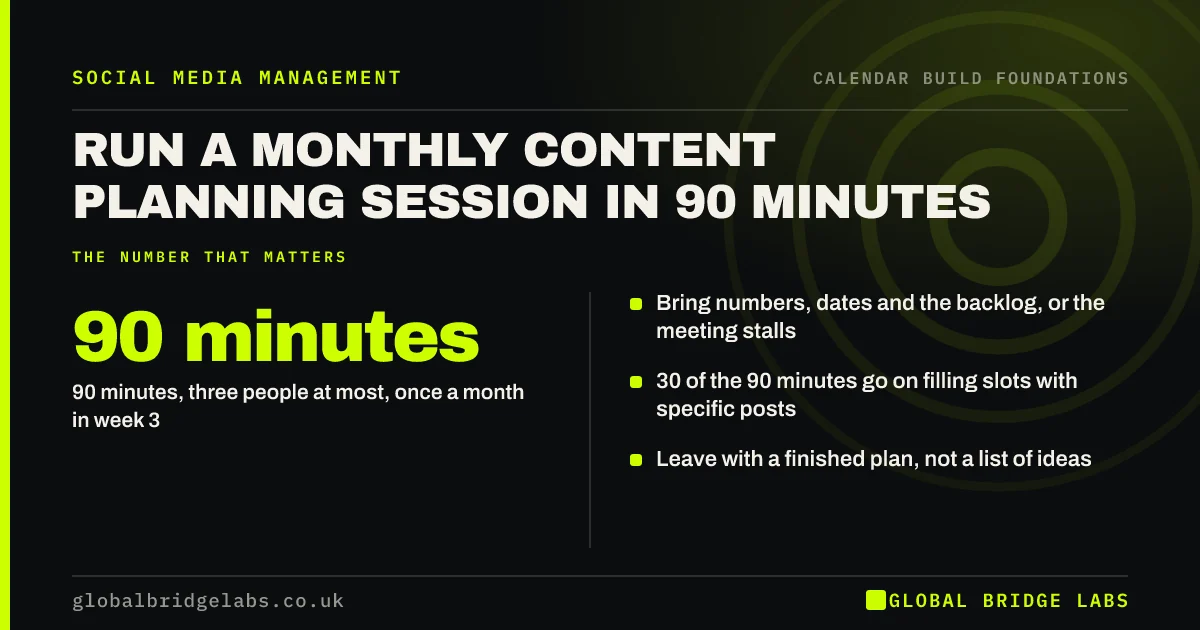
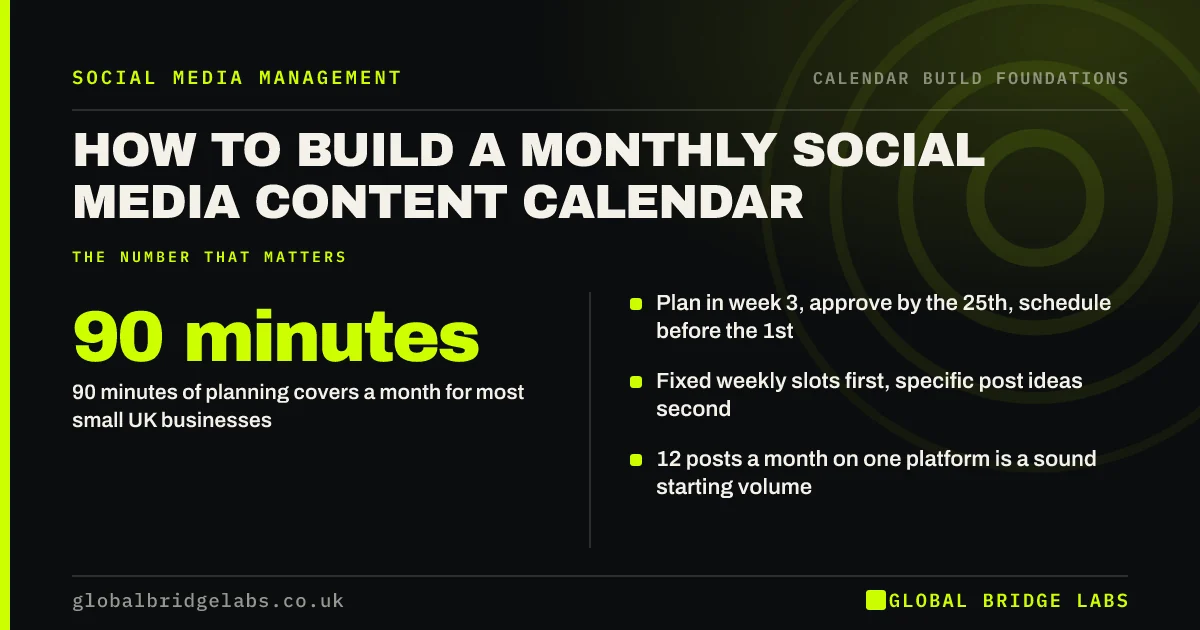
How to build a monthly social media content calendar comes down to a routine, not a template: run one 90-minute session in the third week of each month and work through five steps: review last month, map next month's dates, set fixed weekly slots, fill every slot with a specific idea, then ship it by making, approving and scheduling the posts before the 1st. The steps matter more than the tool.
- 90 minutes of planning covers a month for most small UK businesses.
- Plan in week 3, approve by the 25th, schedule before the 1st.
- Fixed weekly slots first, specific post ideas second.
- 12 posts a month on one platform is a sound starting volume.
- Aim to publish at least 90% of what you planned.
Want next month's calendar built with you in one session? Message us on WhatsApp.
Chat on WhatsApp →What is a monthly social media content calendar?
A monthly social media content calendar is a plan for one calendar month that lists every post you will publish, with its date, platform, content pillar, format, owner and status, built in one sitting before the month starts. It turns social media from a daily decision into a monthly one.
This guide is about how to build that plan, step by step, every month. The shape of the calendar itself, the four-week grid of repeating slots and how to hold it when work gets busy, is covered in our guide to a calendar that survives a busy month. Read that for the structure and this for the monthly routine that fills it.
Why build the calendar a month at a time?
A month is the right unit for most small businesses because it is long enough to batch the work and short enough to stay accurate. Plans made a quarter ahead get rewritten before they are used, and plans made a week ahead leave no time to make anything good.
A month also matches how businesses already run: monthly targets, monthly offers, monthly reporting and a monthly bank of staff holidays and events. When the content plan uses the same rhythm, it is easier to tie posts to what the business actually needs that month. Ofcom's 2026 research found 89% of UK adult internet users use at least one social media platform, so the audience is there; the constraint is almost always the time to plan.
What are the five steps to build a monthly calendar?
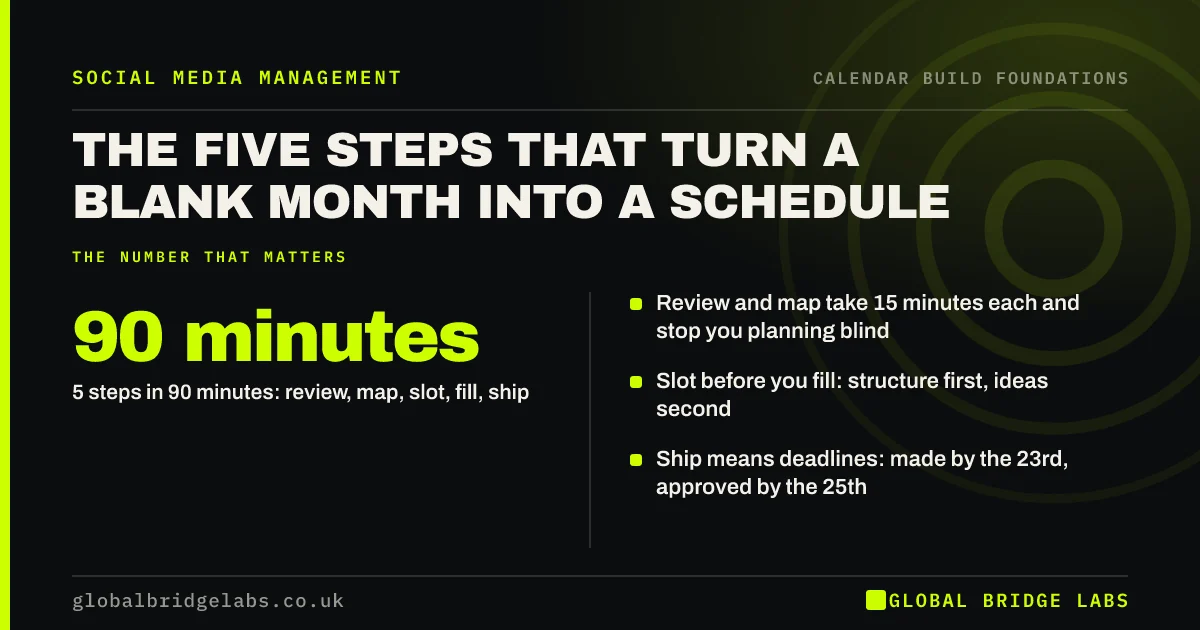
The five steps are review, map, slot, fill and ship. We call this the GBL Five-Step Month. Review last month's results and inputs, map the dates that matter next month, set the weekly slots, fill each slot with one specific idea, and ship the month by assigning, making, approving and scheduling every post.
- Review (15 minutes): what worked, what did not, what to carry forward.
- Map (15 minutes): business dates, public dates and one goal for the month.
- Slot (15 minutes): days, platforms, pillars, formats and owners.
- Fill (30 minutes): a specific idea and a one-line brief in every slot.
- Ship (15 minutes): deadlines for making, approval and scheduling.
Step 1: how do you review last month before planning?
Review last month by pulling three numbers and three lists: posts published against posts planned, enquiries or sales from social media, and reach on your main platform; then the three best posts, the three weakest, and anything that went unfinished. The best posts become next month's repeats, and the unfinished ones decide whether to carry them forward or drop them.
Then gather the inputs that make the month easier to fill: new customer questions, finished jobs worth showing, ideas from staff and objections heard on sales calls. Five minutes collecting these saves half an hour of staring at a blank slot later.
Step 2: which dates should go on next month's calendar?
Put three kinds of date on the month before any post: business dates (offers, launches, events, busy weeks, staff holidays), public dates that your buyers notice (bank holidays, school holidays, seasonal moments, local events), and dates to avoid (days you cannot reply to messages). Then write one goal for the month, such as 'ten booking enquiries'.
Be selective with public dates. A UK small business can find an awareness day for almost every date in the year, and most have nothing to do with its customers. Mark the handful that change what your buyers do, and remember that England and Wales have 8 bank holidays a year, Scotland 9 and Northern Ireland 10, according to GOV.UK.
- UK key dates to mark on a social media calendar
- Awareness days on social media: which to use
- Bank holiday social media: post, pause or schedule?
- School holidays in your social media calendar
- Local events in your content calendar
- How early should seasonal content go out?
- Tie your content calendar to business goals
Step 3: how do you set the weekly slots?
Set the slots by deciding which days you post, on which platform, from which content pillar and in which format, and who owns each one. Repeat the same weekly pattern for the whole month. Fixed slots are what make a calendar fillable, because a known slot ('Wednesday: finished job photo') takes minutes to fill and a blank day takes an hour.
Size the slots to the time you really have. For most small UK firms, two to four posts a week on one main platform is enough, which is 8 to 16 posts a month. Start at 12 if you are unsure, and add a weekly slot for replies and engagement, which is where enquiries usually turn up.
Step 4: how do you fill every slot with a specific idea?
Fill each slot by writing the specific post, not the topic: 'carousel: three signs your boiler needs servicing before winter' rather than 'tips'. Take ideas from your backlog first, then from the question log, recent jobs and the dates you mapped. Add a one-line brief so whoever makes the post knows the point, the picture and the next step.
If a slot will not fill, the problem is usually the slot, not your creativity. Change it to a format you can make from real work, such as a photo from this week's job or an answer to a question a customer asked, and keep a short reserve of evergreen posts for emergencies.
Step 5: how do you make, approve and schedule the month?
Ship the month by setting three deadlines and keeping them: posts made by the 23rd, approved by the 25th and scheduled by the last working day. Batch the making in one or two blocks, get sign-off on the whole month at once, and schedule natively or with one tool so nothing depends on someone remembering to post.
Keep a one-week buffer: the first week of next month should always be finished before this month ends. Before anything goes live, run a short compliance check on offers, claims, prices and photos of people, because a scheduled post that breaks advertising rules publishes itself just as reliably as a good one.
How do you plan several platforms in one monthly calendar?
Plan one main platform in full and treat the others as adaptations. Build the month's slots for the platform your buyers use most, then decide which of those posts are reshaped for a second platform and which are not worth moving. One calendar with a platform column beats separate calendars per channel, because the work is shared and nothing is planned twice.
How much time and money does a monthly calendar take?
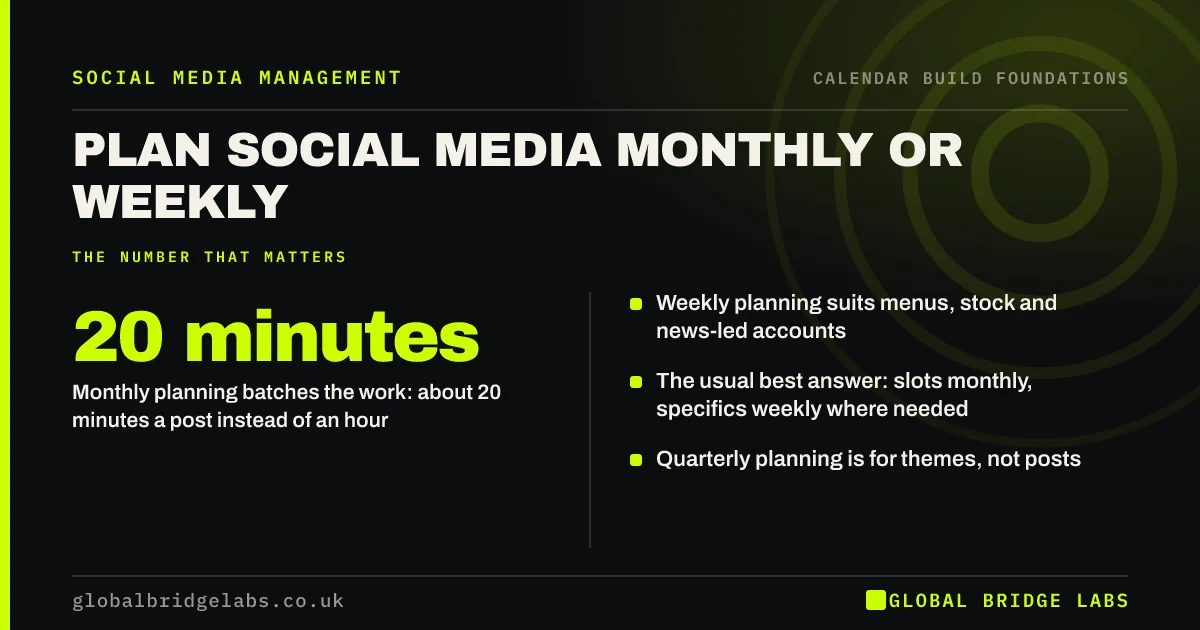
A monthly calendar for one platform at 12 posts takes about 90 minutes to plan and about 4 hours to make when batched, at roughly 20 minutes a post, plus two reply checks of about 10 minutes each working day. Made one at a time, the same posts often take closer to an hour each. These are GBL working rules of thumb, not fixed standards.
As an illustrative sum, 5.5 hours a month of planning and making costs an employer about £90 at the April 2026 National Living Wage of £12.71 (about £16.27 an hour once employer costs are added), or about £275 if it is owner time valued at £50 an hour. As indicative UK market ranges, scheduling and design tools run £20–£80 a month, freelancers £25–£60 an hour, and managed agency retainers for most SMEs £950–£2,500 a month. Global Bridge Labs (GBL) does not publish a rate card; we scope each piece of work to the requirement.
- How long does a month of social media take to plan?
- Outsource the content calendar or keep it in-house?
- Social media agency pricing in the UK: what SMEs pay
Want a costed plan for running your calendar? Message us on WhatsApp and we will discuss your requirements.
Chat on WhatsApp →How do you keep the month on track once it starts?
Keep the month on track with one 15-minute check halfway through and a clear rule for changes. At mid-month, check posts published against planned, replies answered and any slot that is about to miss. If something in the news makes a scheduled post look wrong, pause it; if you fall behind, cut to the most important slots rather than trying to catch up.
At the end of the month, record your completion rate, which is posts published divided by posts planned. Above 90% means the plan fits your capacity. Below 75% means it is too big, and next month should have fewer slots, not more effort.
When is a monthly calendar the wrong tool?
A monthly calendar is the wrong tool when your content depends on what happens this week, such as a restaurant posting today's specials or a news-led account, and when you post so rarely that a list of four dates is enough. In those cases, plan the slots monthly and fill them weekly.
It is also wrong to treat the calendar as a promise. Its job is to remove daily decisions, not to stop you reacting. Leave one flexible slot a week, and be willing to move a planned post when something better turns up. A calendar that cannot bend gets abandoned.
What does this look like in practice?
A pattern we see often in UK service businesses: the owner posts when there is a spare moment, which means bursts of activity followed by three silent weeks. A quarterly plan was tried once and abandoned in week five. Messages from interested buyers sit unanswered because nobody is looking.
What changes things is usually small: one 90-minute session in week three, 12 fixed slots on one platform, posts made in one afternoon, and two short reply checks each day. Across our client work, the average reach lift in the first 90 days is +184%, and the first measurable result usually arrives within 3 to 4 weeks. Treat those as context for what is possible, not a promise for any single business.
What changes in a content calendar by sector?
The five steps stay the same in every sector, but the dates, the proof and the rules change. Trades firms plan around weather and finished jobs, restaurants around bookings and menus, clinics around advertising rules on treatments, and B2B firms around buying cycles and events.
- A content calendar for trades and construction firms
- A restaurant social media calendar that fills tables
- An e-commerce content calendar around launches and sales
- A content calendar for accountants, solicitors and advisers
- A clinic social media calendar within the rules
- A logistics company content calendar that wins contracts
- A salon social media calendar that fills the diary
- An estate agent social media calendar for listings and trust
What should each month of the year include?
Each month has a few moments UK buyers notice and many they do not. These month-by-month guides list the dates, the buying patterns and the post ideas worth planning for, so you can start each session with step 2 half done.
- January social media content ideas for UK businesses
- February social media content ideas for UK businesses
- March social media content ideas for UK businesses
- April social media content ideas for UK businesses
- May social media content ideas for UK businesses
- June social media content ideas for UK businesses
- July social media content ideas for UK businesses
- August social media content ideas for UK businesses
- September social media content ideas for UK businesses
- October social media content ideas for UK businesses
- November social media content ideas for UK businesses
- December social media content ideas for UK businesses
More guides on building a monthly content calendar
Every guide in this 100-article series from Global Bridge Labs (GBL) covers one step, one tool or one decision in building and running a monthly social media content calendar.
- Content calendar fields: what each row needs
- Build a social media calendar in a spreadsheet
- Your first social media content calendar, from nothing
- Who should own the social media calendar?
- A monthly content calendar example, filled in
- Monthly content themes: when they help
- Plan offers and promotions into the month
- Business milestones and anniversaries as content
- An event social media plan: before, on the day, after
- Big sporting events: content without breaking rules
- Weather-led content: plan for the British weather
- Social media theme days: useful or filler?
- Plan Stories as well as feed posts
- Plan polls, questions and interactive posts
- Rotate your calls to action across the month
- Reshare your best old posts on a schedule
- A YouTube content calendar for a small business
- A Pinterest content calendar: plan months ahead
- A founder's LinkedIn posting calendar
- A content calendar for several branches or locations
- One calendar for email and social media
- A monthly video content plan for a small team
- Plan social posts around your blog articles
- A social media asset library: photos, templates and logos
- A content calendar for a one-person business
- Colour-code a content calendar so it reads at a glance
- Plan a month of posts in Meta Business Suite
- How to schedule LinkedIn posts for the month
- Hand over a content calendar to an agency or freelancer
- A shared content calendar the whole team can use
- What to do in the hour after a post goes live
- A quarterly social media plan above the monthly calendar
- An annual social media calendar on one page
- Content calendar checklist: 20 checks before the month starts
Your monthly content calendar checklist
- Book a 90-minute planning session in the third week of every month.
- Review last month: completion rate, enquiries and the three best posts.
- Map next month's business dates, public dates and one goal.
- Set fixed weekly slots sized to the hours you really have.
- Fill every slot with a specific post and a one-line brief.
- Make posts in one batch and get the month approved by the 25th.
- Run a compliance check on offers, claims and photos of people.
- Schedule everything before the 1st and keep a one-week buffer.
- Check the month for 15 minutes at the halfway point.
- Record the completion rate and resize next month to fit.
Next step
Put a 90-minute block in your diary for the third week of this month and label it 'next month's social media'. Bring last month's three best posts and a list of the dates that matter next month. That is enough to start step 1.
Message us on WhatsApp and we will run your first planning session with you, or book a 30-minute consultation.
Chat on WhatsApp →Sources and further reading
- Online Nation: how the UK uses online services · Ofcom
- UK bank holidays · GOV.UK
- Meta Business Help Centre · Meta
- LinkedIn Pages best practices · LinkedIn
- National Minimum Wage and National Living Wage rates · GOV.UK
- Recognising ads: social media and influencer marketing · ASA / CAP
Frequently asked questions
How do I create a monthly social media content calendar?
Run one planning session before the month starts and follow five steps: review last month, map next month's important dates, set fixed weekly slots, fill each slot with a specific post idea, then make, approve and schedule everything before the 1st. For one platform at 12 posts a month, planning takes about 90 minutes.
How many posts should a monthly content calendar have?
For most small UK businesses, 8 to 16 posts a month on one main platform, which is two to four a week. Start at 12 if you are unsure. The right number is the one you can make well and publish reliably, so check your completion rate and resize the next month to fit.
When should I plan next month's social media content?
In the third week of the current month. That leaves time to make the posts by about the 23rd, approve them by the 25th and schedule them before the month starts. Planning in the last few days of the month usually means the first week of posts is rushed or missed.
What should a social media content calendar include?
At minimum, the date, platform, content pillar, format, a one-line brief, the owner and the status of each post. Add the call to action and a link column if you track enquiries. Owner and status are the columns that keep the month moving, because they show who is stuck and where.
What is the best tool for a social media content calendar?
A shared spreadsheet is enough for most small businesses below about 30 posts a month, and the native schedulers in Meta Business Suite and LinkedIn handle publishing. Move to a paid tool when several people publish or you need approvals in one place. Do not buy a tool to fix a planning habit.
How long does it take to plan a month of social media?
About 90 minutes to plan a month for one platform, plus around 4 hours to make 12 posts in a batch at about 20 minutes each. A second platform adds roughly half as much again if posts are adapted rather than made from scratch. Video and photography days add more.
Written by

Global Bridge Labs (GBL) is a UK–Sri Lanka partner for social media, websites and BPO. Everything here comes from client delivery, not theory.