On this page
- 01Key takeaways
- 02Why do staff ideas make better posts?
- 03How do you collect ideas without a meeting?
- 04What do you do with the ideas before planning?
- 05What permissions do you need?
- 06When will staff contributions dry up?
- 07What does this look like in practice?
- 08Staff ideas checklist
- 09Next step
- 10Sources and further reading
- 11Frequently asked questions
Key takeaways
The easiest way to collect content ideas from staff is one shared folder or chat where they drop photos and questions as they happen, with three simple prompts and no meetings. The calendar owner sorts it for five minutes before each planning session. Staff see the work and hear the questions; they rarely have time to write posts.
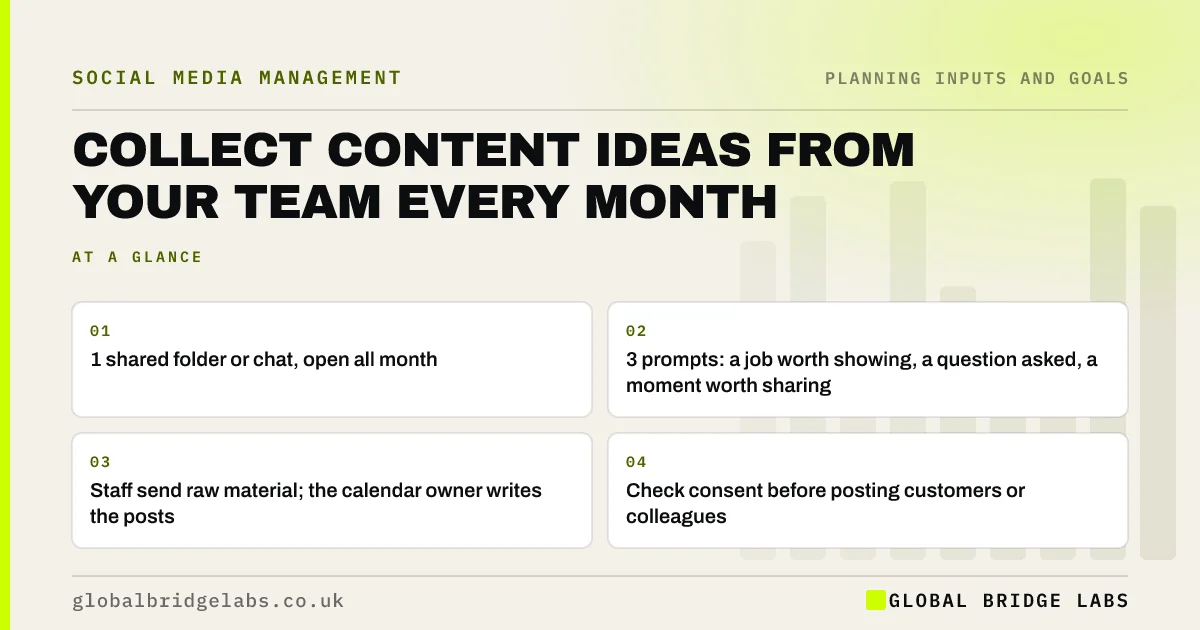
- 1 shared folder or chat, open all month.
- 3 prompts: a job worth showing, a question asked, a moment worth sharing.
- Staff send raw material; the calendar owner writes the posts.
- Check consent before posting customers or colleagues.
Want a simple idea-collection set-up for your team? Message us on WhatsApp.
Chat on WhatsApp →Why do staff ideas make better posts?
Staff ideas make better posts because they come from real work: the job that went well, the question a customer asked yesterday, the problem solved on site. That is the content buyers trust most and the hardest for a planner to invent. The people doing the work see ten times more of it than whoever writes the posts.
How do you collect ideas without a meeting?
Set up one shared place, a chat group or a phone-friendly folder, and ask for three things: a photo of a job worth showing, a question a customer asked, and a moment worth sharing. Make sending one take ten seconds. Thank people when their photo is used, which does more for contributions than any reminder.
What do you do with the ideas before planning?
Spend five minutes before the planning session sorting them into your pillars, deleting anything unusable and adding the rest to the idea backlog. Note who sent each one so you can ask for more detail. In the session, these become the first ideas used to fill the slots.
What permissions do you need?
Get permission before posting identifiable customers, their homes or their property, and ask colleagues before featuring them. Photos of identifiable people are personal data under UK GDPR, so keep a simple record of consent. Avoid house numbers, car registrations and anything confidential in the background.
When will staff contributions dry up?
They dry up when nobody sees their photos used, when the request feels like extra work, or when the process needs an app login. Keep it to the tools people already use on their phones, use contributions quickly, and credit people when they are happy to be named.
What does this look like in practice?
A pattern in trades and logistics: the office plans posts from stock photos while the team on site take great pictures that never leave their phones. A shared chat group and a weekly thank-you usually turn the account into a record of real work within a month or two.
Staff ideas checklist
- Open one shared chat or folder.
- Share the three prompts.
- Sort contributions before each planning session.
- Check consent for customers and colleagues.
- Use contributions quickly and say thank you.
Next step
Create the shared chat or folder today and send the three prompts to your team. Check it the day before your next planning session.
Message us on WhatsApp and we will help set up the collection, or book a 30-minute consultation.
Chat on WhatsApp →Sources and further reading
- What is valid consent? · Information Commissioner's Office
- Meta Business Help Centre · Meta
Frequently asked questions
How do I get employees to contribute to social media?
Give them one easy place to send photos and questions, such as a chat group, ask three simple prompts, and use what they send quickly with a thank-you. Do not ask them to write posts; the calendar owner turns their material into content.
Can I post photos staff take of customers' homes?
Only with the customer's permission, and avoid details that identify the address, such as house numbers or car registrations. Photos of identifiable people are personal data, so keep a simple record of consent.
How often should staff send content ideas?
Whenever something happens, rather than on a schedule. A steady trickle of photos and questions through the month is more useful than a batch on request, and it needs no meeting. The calendar owner sorts them before each planning session.
Written by

Global Bridge Labs (GBL) is a UK–Sri Lanka partner for social media, websites and BPO. Everything here comes from client delivery, not theory.