On this page
- 01Key takeaways
- 02Why does engagement need a slot?
- 03How much engagement time does a small business need?
- 04When should the checks happen?
- 05What about commenting on other accounts?
- 06When can you reduce engagement time?
- 07What does this look like in practice?
- 08Engagement time checklist
- 09Next step
- 10Sources and further reading
- 11Frequently asked questions
Key takeaways
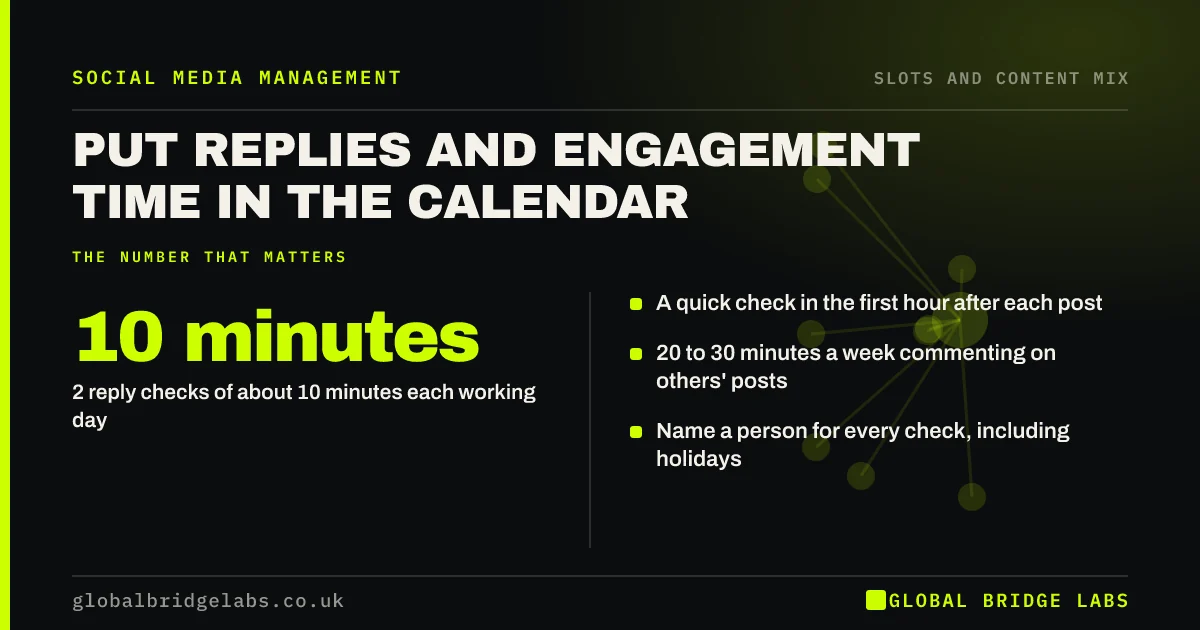
To schedule engagement time on social media, put it in the calendar like a post: two reply checks of about 10 minutes each working day, a short check after each post goes live, and a weekly 20 to 30 minute block for commenting on other accounts. Name who covers each check. Most enquiries arrive as comments and messages, so this is the slot that turns posts into work.
- 2 reply checks of about 10 minutes each working day.
- A quick check in the first hour after each post.
- 20 to 30 minutes a week commenting on others' posts.
- Name a person for every check, including holidays.
Want reply cover built into your calendar? Message us on WhatsApp.
Chat on WhatsApp →Why does engagement need a slot?
Engagement needs a slot because without one it is done when someone remembers, which in a busy week is never. A buyer who comments or messages and hears nothing for two days often goes elsewhere. Putting the checks in the calendar, with an owner, makes them as reliable as the posts.
How much engagement time does a small business need?
For one platform, about 20 minutes a working day for replies, plus 20 to 30 minutes a week commenting on customers', partners' and local accounts, is a GBL working rule of thumb. That is roughly 7 hours a month for replies. Busier accounts or campaigns need more; quiet ones can drop to one daily check.
When should the checks happen?
Once in the morning and once in the afternoon, plus a quick check within the first hour after each post publishes, when most comments arrive. Pick times that fit the person's day, such as before the first job and after lunch, so the checks survive busy days.
What about commenting on other accounts?
Plan a weekly block to comment usefully on posts by customers, partners, local groups and people in your industry. On LinkedIn especially, thoughtful comments can reach more of the right people than your own posts. Keep comments genuine and specific; generic praise reads as spam.
When can you reduce engagement time?
You can reduce it on quiet platforms, such as a secondary channel with few comments, and on bank holidays if you post an 'out of office' note. Never reduce it on your main platform during an offer or campaign, because that is exactly when buyers are messaging.
What does this look like in practice?
A pattern we see: posts go out on schedule while messages sit unread for days, and the business concludes social media brings no enquiries. Booking two short checks a day, with a named deputy, usually reveals that the enquiries were there and were being missed.
Engagement time checklist
- Book two reply checks every working day.
- Check within an hour of every post.
- Book a weekly block for commenting elsewhere.
- Name the person and their deputy.
- Never cut replies during offers.
Next step
Add two recurring 10-minute reply checks to the calendar owner's diary today, and write their deputy's name next to them.
Message us on WhatsApp if you need reply cover, or book a 30-minute consultation.
Chat on WhatsApp →Sources and further reading
- Meta Business Help Centre · Meta
- LinkedIn relevance: optimising the member experience · LinkedIn Help
Frequently asked questions
How much time should I spend engaging on social media?
For one main platform, around 20 minutes a working day replying to comments and messages, plus 20 to 30 minutes a week commenting on other accounts. Busier accounts and campaigns need more.
How quickly should a business reply to social media messages?
Within the working day for most small businesses, and faster during offers or campaigns. Two scheduled checks a day, plus one in the first hour after each post, usually achieves that.
Is commenting on other accounts worth the time?
Yes, in moderation. Useful comments on customers', partners' and industry posts can reach more of the right people than your own posts, especially on LinkedIn. Keep them specific; generic comments look like spam.
Written by

Global Bridge Labs (GBL) is a UK–Sri Lanka partner for social media, websites and BPO. Everything here comes from client delivery, not theory.