On this page
- 01Key takeaways
- 02What should colour show in a calendar?
- 03How do you colour by pillar?
- 04How do you colour by status?
- 05Why keep text labels as well?
- 06When is colour coding a distraction?
- 07What does this look like in practice?
- 08Colour coding checklist
- 09Next step
- 10Sources and further reading
- 11Frequently asked questions
Key takeaways
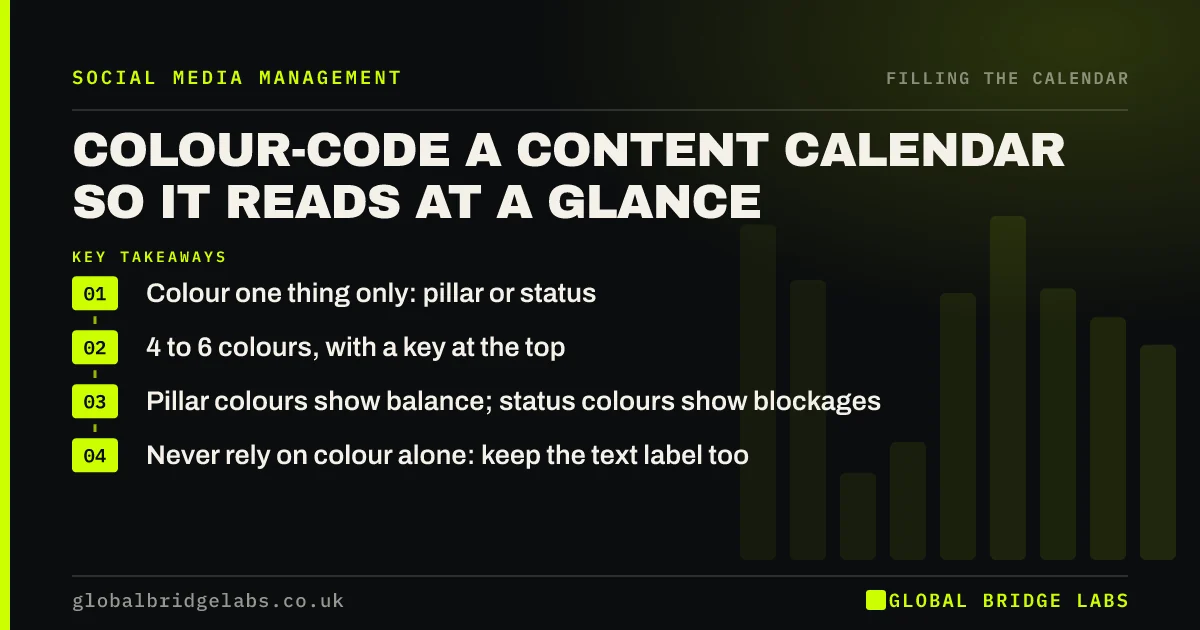
To colour code a content calendar well, use colour for one thing only, usually content pillar or status, with four to six colours and a key at the top. Pillar colours show at a glance whether the month is balanced; status colours show what is stuck. Using colour for several things at once makes the calendar harder to read, not easier.
- Colour one thing only: pillar or status.
- 4 to 6 colours, with a key at the top.
- Pillar colours show balance; status colours show blockages.
- Never rely on colour alone: keep the text label too.
Want your calendar laid out to read at a glance? Message us on WhatsApp.
Chat on WhatsApp →What should colour show in a calendar?
Colour should show the one thing you most need to see at a glance. In planning, that is usually the content pillar, so you can see that a week has too many offers. During the month, it is usually status, so you can see which posts are still at 'idea'. Pick one per view.
How do you colour by pillar?
Give each content pillar its own colour, such as green for help, blue for proof, yellow for people and orange for offers. Scan the month: a column of orange in one week means too much selling; no yellow means no people posts. It is the quickest balance check there is.
How do you colour by status?
Use colour on the status column so stuck posts stand out: grey for idea, amber for drafted, blue for approved, green for scheduled. In a spreadsheet, conditional formatting does this automatically. A mid-month check becomes a glance: any grey or amber in the next seven days needs action.
Why keep text labels as well?
Keep the pillar or status written in each row as well as the colour, because some people do not distinguish certain colours easily, and colour alone is lost when the calendar is printed or filtered. Accessibility guidance such as WCAG makes the same point: colour should not be the only way information is shown.
When is colour coding a distraction?
It is a distraction when the team spends more time choosing colours than filling slots, or when colours stand for different things in different tabs. A simple, consistent scheme set once is enough.
What does this look like in practice?
A pattern we see: a calendar coloured by platform, pillar and owner at once, which nobody can read. Colouring only the status column usually makes the mid-month check take a minute instead of a meeting.
Colour coding checklist
- Choose pillar or status, not both, per view.
- Use four to six colours.
- Put a key at the top.
- Keep text labels in every row.
- Set the scheme once and keep it.
Next step
Add colour to your status column today with conditional formatting, and a one-line key at the top of the calendar.
Message us on WhatsApp and we will tidy your calendar layout, or book a 30-minute consultation.
Chat on WhatsApp →Sources and further reading
Frequently asked questions
How should I colour code my content calendar?
Use colour for one thing only, usually content pillar while planning or status during the month, with four to six colours and a key. Keep the pillar or status written in each row too, so the calendar still works without colour.
What colours should I use for content pillars?
Any distinct colours work, as long as they are easy to tell apart and used consistently. Avoid relying on red and green alone, which some people find hard to distinguish, and keep a text label in each row.
Is colour coding a content calendar worth it?
Yes, if it is simple. Colouring pillars shows whether the month is balanced, and colouring status shows which posts are stuck. Complicated schemes that colour several things at once usually make the calendar harder to read.
Written by

Global Bridge Labs (GBL) is a UK–Sri Lanka partner for social media, websites and BPO. Everything here comes from client delivery, not theory.