On this page
- 01Key takeaways
- 02Why plan video separately?
- 03Which formats should you choose?
- 04What does a video month look like?
- 05How do you make video accessible?
- 06When should you plan less video?
- 07What does this look like in practice?
- 08Video plan checklist
- 09Next step
- 10Sources and further reading
- 11Frequently asked questions
Key takeaways
A monthly video content plan for a small team rests on three repeatable formats, one or two filming sessions a month and a fixed edit-and-schedule routine. Filming four to eight short videos in one session is far quicker than filming each on the day. Plan the formats once, write a shot list for each session, and keep video slots realistic for the hours you have.
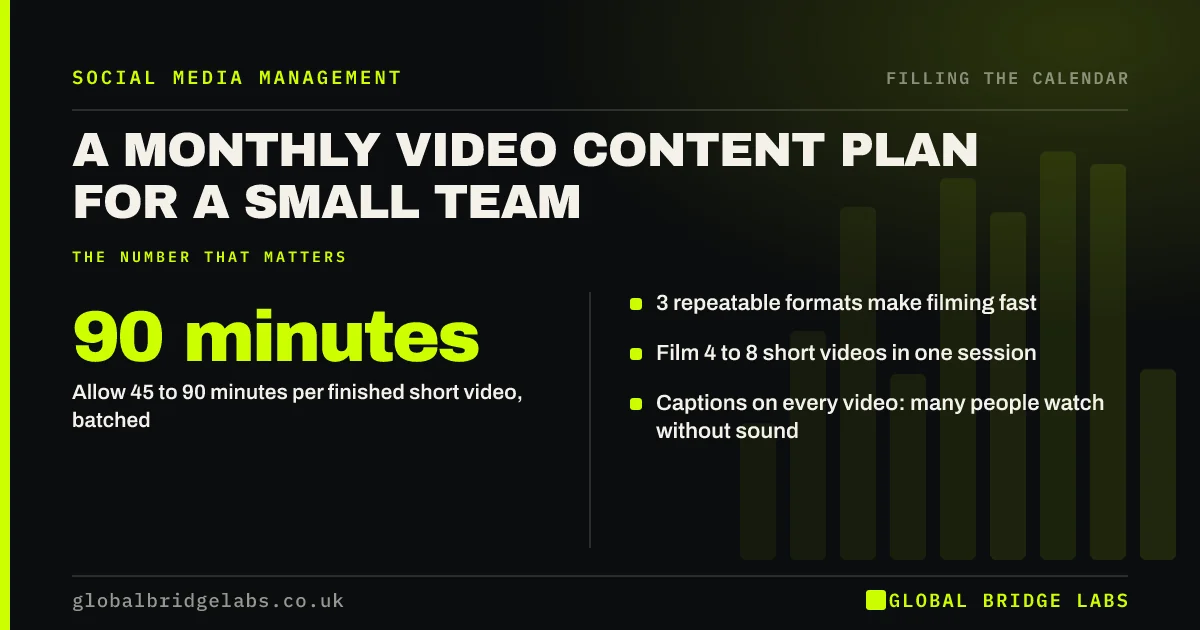
- 3 repeatable formats make filming fast.
- Film 4 to 8 short videos in one session.
- Allow 45 to 90 minutes per finished short video, batched.
- Captions on every video: many people watch without sound.
Want a video plan your team can keep? Message us on WhatsApp.
Chat on WhatsApp →Why plan video separately?
Video needs more planning than photo posts because it needs a person, a place, time and editing. Left to the day, it is the first slot to be missed. Planning it as a monthly batch, with formats fixed and sessions booked, is what makes one or two videos a week possible for a small team.
Which formats should you choose?
Choose three you can repeat with different material each time, such as a process from start to finish, one question answered to camera, and a before-and-after reveal. Repeatable formats mean each session is quick: the setup, framing and structure are already known. Change a format only when it stops working.
What does a video month look like?
An illustrative month for one platform: one filming session in week one producing six clips, editing in week one and two, one or two videos scheduled each week, and a second short session mid-month for anything timely. As a GBL working rule of thumb, each short video takes 45 to 90 minutes including filming and editing when batched.
How do you make video accessible?
Add captions to every video, because many people watch without sound and captions help viewers who are deaf or hard of hearing. Most platforms and editing apps can generate them; check them for errors. Put the key point on screen in the first seconds, so the video works for silent scrollers.
When should you plan less video?
Plan less when video keeps going unmade, when nobody is comfortable on camera, or on platforms where your audience prefers text and images, such as LinkedIn for some B2B buyers. One good video a fortnight beats four planned and none made.
What does this look like in practice?
A pattern we see: a plan for a video every day, each filmed on the day, abandoned by the third week. One filming hour a fortnight with three fixed formats usually produces more video over a month, with less stress.
Video plan checklist
- Choose three repeatable formats.
- Book one or two filming sessions a month.
- Write a shot list for each session.
- Caption every video.
- Schedule edits before the month starts.
Next step
Pick three formats, book one filming hour next week and aim to come away with six clips.
Message us on WhatsApp and we will plan your video month, or book a 30-minute consultation.
Chat on WhatsApp →Sources and further reading
- How TikTok recommends videos #ForYou · TikTok Newsroom
- Web Content Accessibility Guidelines (WCAG) 2.2 · W3C
Frequently asked questions
How many videos should a small business post a month?
Four to eight short videos a month, one or two a week, is a realistic target for most small teams when filmed in batches. Fewer good videos are better than many rushed ones.
How long does it take to make a short social media video?
As a rough guide, 45 to 90 minutes per finished short video including filming and editing when made in a batch. Filming each one separately on the day usually takes longer.
Do social media videos need captions?
Yes. Many people watch with the sound off, and captions make videos accessible to viewers who are deaf or hard of hearing. Most platforms can generate captions automatically, but check them for errors.
Written by

Global Bridge Labs (GBL) is a UK–Sri Lanka partner for social media, websites and BPO. Everything here comes from client delivery, not theory.