On this page
- 01Key takeaways
- 02How do you work out your content capacity?
- 03How long does each format take?
- 04What do you cut when capacity is short?
- 05How do you know your plan is the right size?
- 06When does capacity planning not help?
- 07What does this look like in practice?
- 08Capacity checklist
- 09Next step
- 10Sources and further reading
- 11Frequently asked questions
Key takeaways
Content capacity planning for social media means sizing the calendar to the hours you really have, not the posts you would like. Count the hours available next month, subtract replies, and divide by the time each format takes. A plan you can finish beats a bigger one you abandon in week three, and your completion rate tells you which you have.
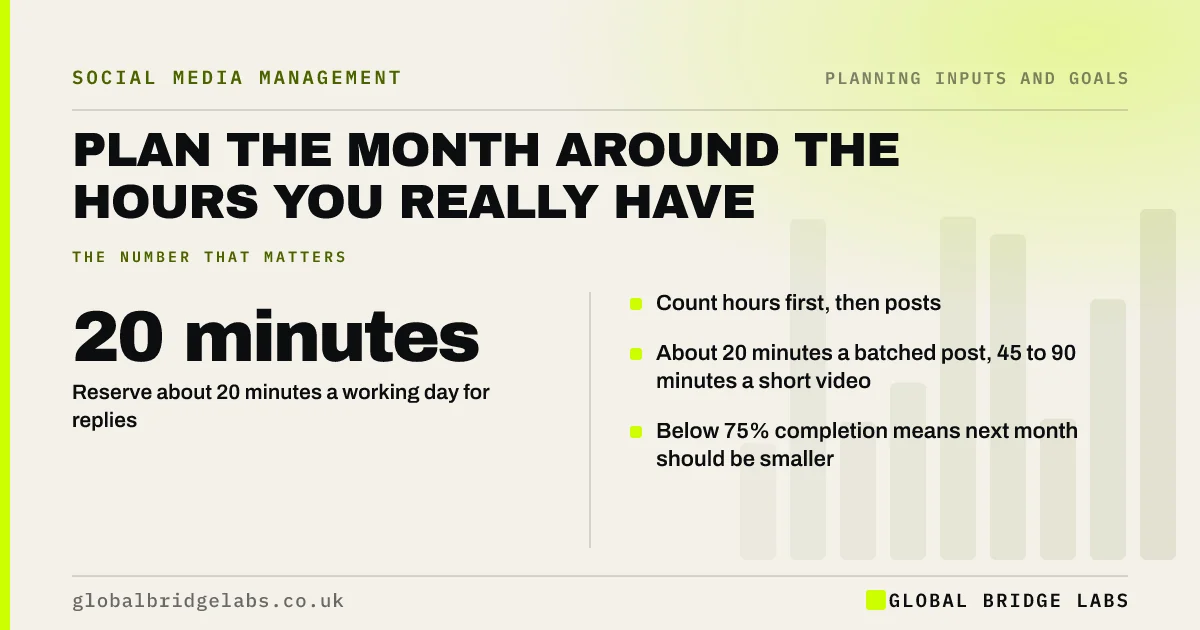
- Count hours first, then posts.
- Reserve about 20 minutes a working day for replies.
- About 20 minutes a batched post, 45 to 90 minutes a short video.
- Below 75% completion means next month should be smaller.
Want your capacity worked out for next month? Message us on WhatsApp.
Chat on WhatsApp →How do you work out your content capacity?
Work it out in three steps: write down the hours available for social media next month, take out the reply and engagement time (about 20 minutes a working day, or around 7 hours a month), then divide what is left by the time each post type takes. The answer is your maximum; plan a little under it to allow for a bad week.
How long does each format take?
As GBL working rules of thumb, when batched: a photo with a caption takes about 15 to 20 minutes, a carousel 30 to 45 minutes, and a short video 45 to 90 minutes including filming and editing. Made one at a time, double these. Time yourself for one month, because your own numbers beat any rule of thumb.
What do you cut when capacity is short?
Cut volume before quality and never cut replies. Drop a second platform before you drop a slot on the main one, swap a video slot for a photo slot, and lean on repurposed posts. A busy month should be planned as a smaller month from the start, not discovered halfway through.
How do you know your plan is the right size?
Your completion rate tells you. Above 90% of planned posts published means the plan fits. Between 75% and 90% means it is tight. Below 75% means it is too big, and next month should have fewer slots. Do not fix a low completion rate with more effort; fix it with a smaller plan.
When does capacity planning not help?
It does not help if the hours on paper are not really available, such as an owner who 'has two hours on Fridays' that always go on client work. Protect the hours in the diary first. If they keep disappearing, the capacity you have is lower than you think, or the work needs to move to someone else.
What does this look like in practice?
A pattern we see: a plan of 20 posts across three platforms, made by someone with about four spare hours a month. Half the posts go out, and the team feels it is failing. Cutting to 10 posts on one platform usually lifts the completion rate to nearly all of them, with better posts.
Capacity checklist
- Write down next month's real hours.
- Reserve reply time first.
- Price each format in minutes.
- Plan slightly under the maximum.
- Shrink busy months in advance.
- Resize after every month's completion rate.
Next step
Write next month's available hours at the top of your calendar, take off 7 for replies, and check the plan fits what is left.
Message us on WhatsApp with your hours and we will size the month, or book a 30-minute consultation.
Chat on WhatsApp →Sources and further reading
Frequently asked questions
How many social media posts can one person make a month?
It depends on the hours and formats. As a rough guide, someone with 8 hours a month for social media, after replies, can make around 15 to 20 photo or text posts in batches, or far fewer if they include video. Time your own work for a month to know your number.
What should I cut if I do not have time for social media?
Cut a second platform first, then swap time-heavy formats like video for simpler ones, and reuse your best posts. Never cut replying to comments and messages, because that is where enquiries turn up.
How do I know if my content plan is too big?
If you publish less than about 75% of what you planned, the plan is too big for your capacity. Plan fewer posts next month and aim to publish more than 90% of them. A smaller finished plan works better than a bigger abandoned one.
Written by

Global Bridge Labs (GBL) is a UK–Sri Lanka partner for social media, websites and BPO. Everything here comes from client delivery, not theory.