On this page
- 01Key takeaways
- 02What is a content idea backlog?
- 03What should each idea include?
- 04Where should the backlog live?
- 05How do you keep it from emptying?
- 06When should you delete ideas?
- 07What does this look like in practice?
- 08Backlog checklist
- 09Next step
- 10Sources and further reading
- 11Frequently asked questions
Key takeaways
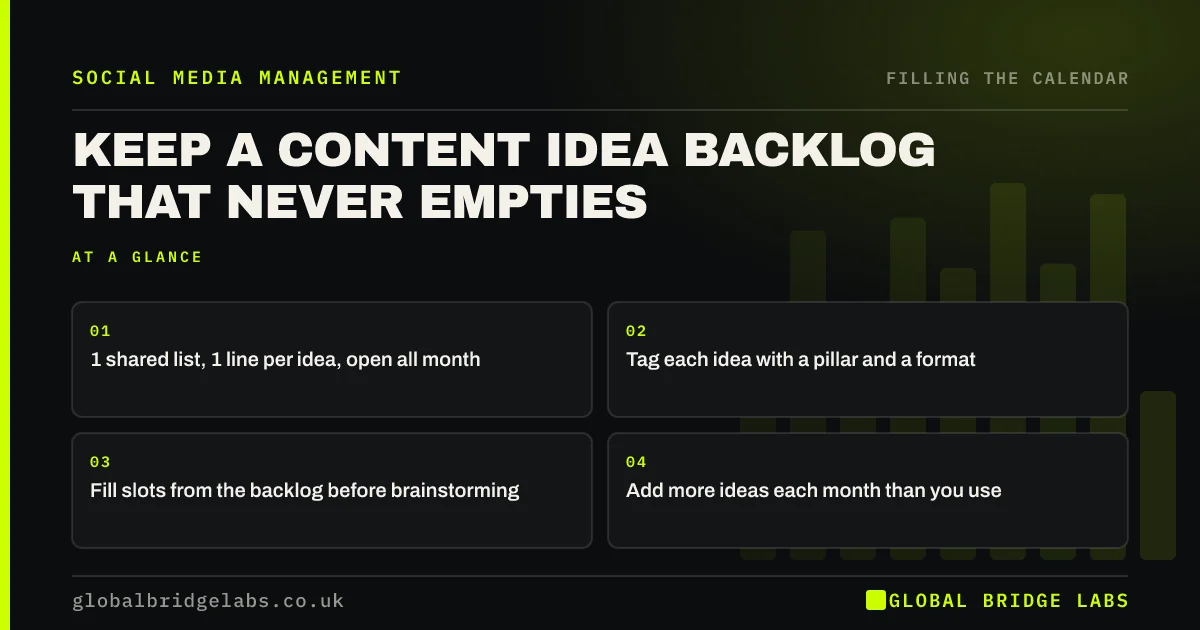
A content idea backlog is one shared list where every post idea is written down the moment it appears, one line each, tagged with its pillar and format. In the monthly session you fill slots from the backlog before thinking of anything new. It never empties if more ideas go in each month than come out, which takes only the habit of writing them down.
- 1 shared list, 1 line per idea, open all month.
- Tag each idea with a pillar and a format.
- Fill slots from the backlog before brainstorming.
- Add more ideas each month than you use.
Want a backlog set up for your team? Message us on WhatsApp.
Chat on WhatsApp →What is a content idea backlog?
A content idea backlog is a running list of post ideas that are not yet in the calendar. It is different from a content bank, which holds finished posts ready to publish. The backlog holds raw ideas; the bank holds made posts. Most small businesses need both, and the backlog feeds every planning session.
What should each idea include?
One line: the specific post, not the topic. 'Before and after: the Leeds loft conversion' beats 'loft work'. Add a pillar tag, a format tag and where the material is, such as 'photos in the shared folder'. Ideas written this way can go straight into a slot without more thinking.
Where should the backlog live?
Somewhere everyone can add to from their phone in seconds: a shared note, a tab in the calendar spreadsheet or a chat group pinned for ideas. If adding an idea takes longer than 20 seconds, people stop doing it. The calendar owner tidies the list before each planning session.
How do you keep it from emptying?
Make adding a habit at the moments ideas appear: after a job, after a customer question, after a sales call and after any post that did well. Aim to add more ideas each month than the calendar uses. If the backlog is shrinking, the capture habit has slipped, not your creativity.
When should you delete ideas?
Delete ideas that have sat for three months without being used, that no longer fit the business, or that depended on a moment that has passed. A long list of stale ideas is as hard to use as an empty one. A quarterly tidy keeps the backlog useful.
What does this look like in practice?
A pattern we see: good ideas mentioned in meetings and lost by the next planning session. A pinned chat for ideas, tidied monthly, usually means the session starts with more ideas than slots.
Backlog checklist
- Set up one shared list.
- Write ideas as specific posts.
- Tag pillar, format and material.
- Add after jobs, questions and calls.
- Tidy it every quarter.
Next step
Create the backlog today and add ten ideas from the last month's work. That is most of next month's calendar.
Message us on WhatsApp and we will help start your backlog, or book a 30-minute consultation.
Chat on WhatsApp →Sources and further reading
- Meta Business Help Centre · Meta
- LinkedIn Pages best practices · LinkedIn
Frequently asked questions
Where should I store social media content ideas?
In one shared list everyone can add to from their phone in seconds, such as a shared note, a tab in your calendar spreadsheet or a pinned chat. Write each idea as a specific post with a pillar and format tag.
What is the difference between a content backlog and a content bank?
A backlog is a list of ideas not yet made. A content bank is a set of finished posts ready to publish when needed. The backlog feeds the monthly plan; the bank covers gaps and emergencies.
How many ideas should my backlog have?
Ideally more than a month's worth of slots, so the planning session never starts from nothing. More important than the number is that more ideas go in each month than come out.
Written by

Global Bridge Labs (GBL) is a UK–Sri Lanka partner for social media, websites and BPO. Everything here comes from client delivery, not theory.