On this page
- 01Key takeaways
- 02Why does a calendar need a shot list?
- 03What goes on a shot list?
- 04Who captures the shots?
- 05Do you need a professional photographer?
- 06What permissions do you need?
- 07What does this look like in practice?
- 08Shot list checklist
- 09Next step
- 10Sources and further reading
- 11Frequently asked questions
Key takeaways
A social media shot list is the list of photos and video clips next month's posts need, written during planning and shared with whoever will capture them. It turns 'we need some photos' into 'wide shot of the finished kitchen, close-up of the worktop joint, ten seconds of the tap running'. Without it, posts wait for pictures nobody took.
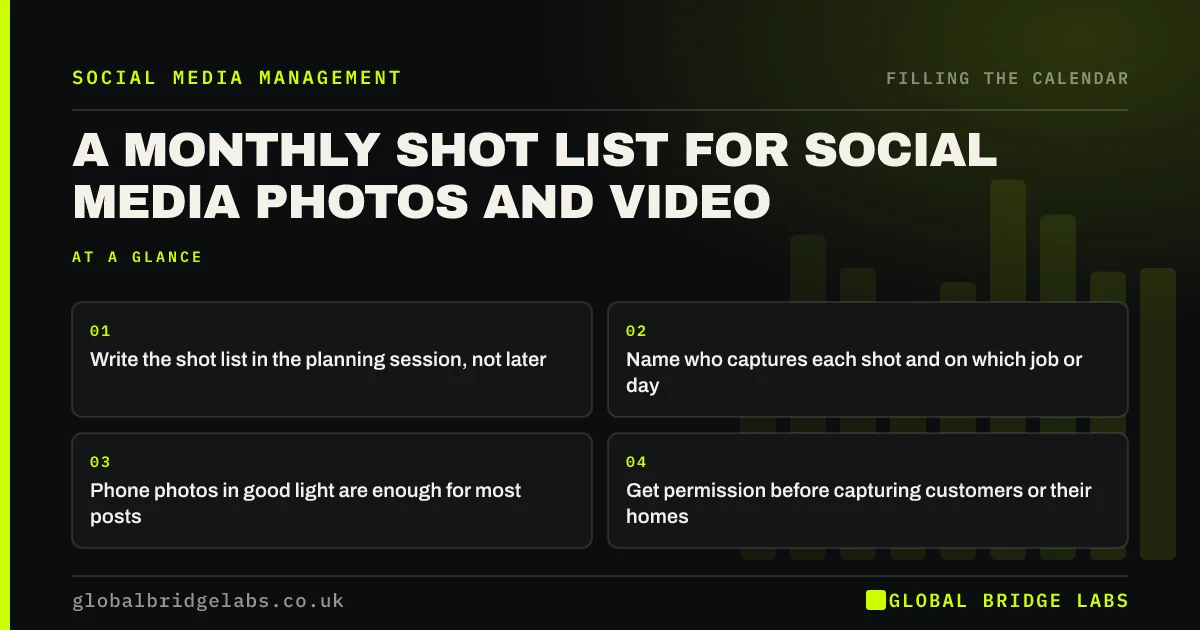
- Write the shot list in the planning session, not later.
- Name who captures each shot and on which job or day.
- Phone photos in good light are enough for most posts.
- Get permission before capturing customers or their homes.
Want a shot list built from next month's calendar? Message us on WhatsApp.
Chat on WhatsApp →Why does a calendar need a shot list?
Posts that depend on photos stall when nobody knew the photos were needed. A shot list connects the calendar to the work: the person on site knows to take a before photo before starting, and the person editing knows what is coming. It is usually the difference between proof posts that go out and proof posts that are skipped.
What goes on a shot list?
For each post that needs visuals, list the shots in plain words:
- Before and after, from the same spot and angle.
- A wide shot that shows the whole job or product.
- One or two close-ups of the detail that shows quality.
- A short clip, 5 to 15 seconds, of something happening.
- A team or person shot, with their agreement.
Who captures the shots?
Whoever is there when it happens, usually the team on site or in the shop, not the person who writes the posts. Send them the list for their jobs at the start of the week, and keep it short. A shared folder where photos land automatically saves chasing.
Do you need a professional photographer?
Not for most posts. Modern phone photos in good light, held steady and cleaned of clutter, are enough for everyday proof and people posts, and they often look more genuine. A professional half-day or day is worth booking a few times a year for profile images, products and the website.
What permissions do you need?
Ask customers before photographing them, their homes or their property, and keep a record. Avoid house numbers, car registrations and children unless you have clear permission from a parent. Photos of identifiable people are personal data under UK GDPR, so treat them with care.
What does this look like in practice?
A pattern in trades: great finished jobs and no before photos, so the most persuasive post type is impossible. Adding 'before photo, same angle' to the shot list for every job usually gives a steady supply of before-and-after posts within a month.
Shot list checklist
- Write the shot list during planning.
- List before, wide, close-up, clip and people shots.
- Send each person their shots for the week.
- Use one shared folder for uploads.
- Get and record permission.
Next step
For each proof post in next month's calendar, write the two or three shots it needs and send them to the person who will be there.
Message us on WhatsApp for a shot list template, or book a 30-minute consultation.
Chat on WhatsApp →Sources and further reading
- What is valid consent? · Information Commissioner's Office
- How copyright protects your work · GOV.UK
Frequently asked questions
What is a shot list for social media?
A list of the photos and short clips your planned posts need, such as a before photo, a wide shot of the finished job and a short clip, with who will capture each one and when. It stops posts waiting for pictures.
Can I use phone photos for business social media?
Yes. Phone photos in good light, held steady and with the background tidied, are enough for most everyday posts and often look more genuine than staged images. Book a professional for profile, product and website images occasionally.
Do I need permission to post photos of customers' homes?
Yes, ask first and keep a record of what they agreed to. Avoid details that identify the address, such as house numbers or car registrations, and anything the customer would not want shared.
Written by

Global Bridge Labs (GBL) is a UK–Sri Lanka partner for social media, websites and BPO. Everything here comes from client delivery, not theory.