On this page
- 01Key takeaways
- 02How do you set up a content calendar spreadsheet?
- 03Which spreadsheet features help most?
- 04Google Sheets or Excel?
- 05When should you move off a spreadsheet?
- 06What does this look like in practice?
- 07Spreadsheet calendar checklist
- 08Next step
- 09Sources and further reading
- 10Frequently asked questions
Key takeaways
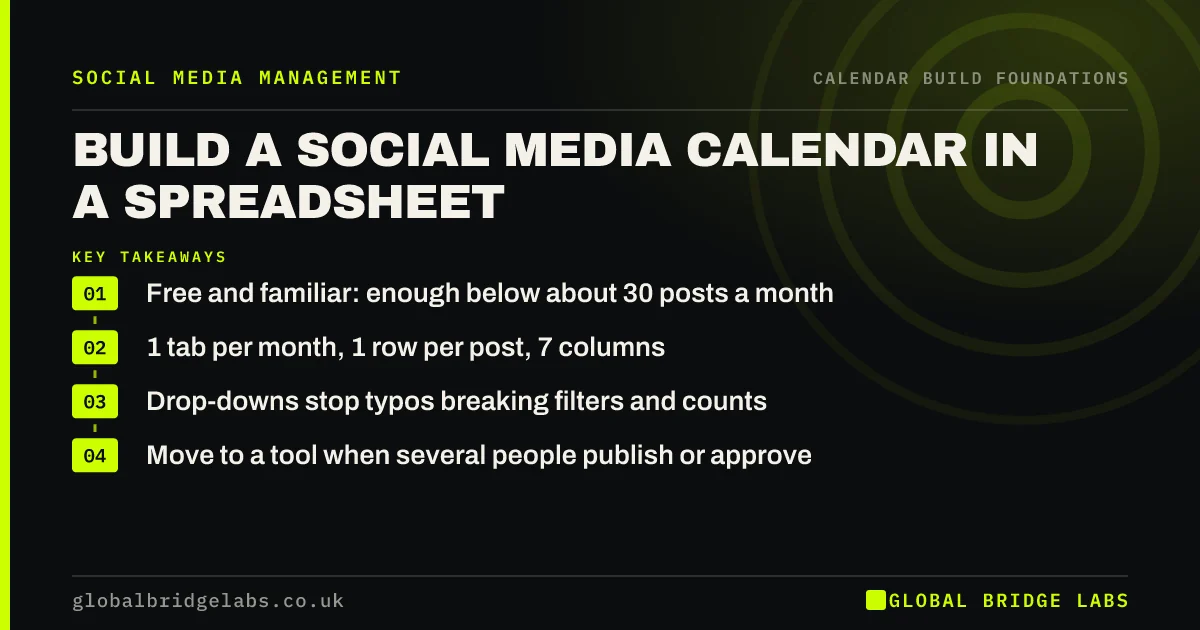
A social media calendar spreadsheet in Google Sheets or Excel is enough for most small businesses below about 30 posts a month. Use one tab per month, one row per post, seven columns, drop-down lists for platform, pillar and status, and a filter so each owner sees only their own posts. It costs nothing and everyone already knows how to use it.
- Free and familiar: enough below about 30 posts a month.
- 1 tab per month, 1 row per post, 7 columns.
- Drop-downs stop typos breaking filters and counts.
- Move to a tool when several people publish or approve.
Want a spreadsheet set up for your next month? Message us on WhatsApp.
Chat on WhatsApp →How do you set up a content calendar spreadsheet?
Create one tab per month and one row per post. Use seven columns: date, platform, pillar, format, brief, owner, status. Freeze the header row, sort by date, and add drop-down lists for platform, pillar, format, owner and status so entries are consistent. Copy last month's tab to start the next, then change the dates and briefs.
Which spreadsheet features help most?
Four features do most of the work: drop-down lists, colour rules on the status column, filters by owner, and a small summary that counts posts by status. The summary is your mid-month check: if more than a quarter of next week's posts are still at 'idea', something needs to move.
- Drop-downs for consistent entries.
- Conditional colour on status so stuck posts stand out.
- Filter views so each owner sees their own list.
- A count of posts by status for the mid-month check.
Google Sheets or Excel?
Use whichever your team already shares files in. Google Sheets is easier for several people editing at once and for comments; Excel in Microsoft 365 does the same if your business runs on it. The choice matters far less than whether the file is shared, current and opened every week.
When should you move off a spreadsheet?
Move to a scheduling tool when several people publish, when approvals need a record, or when you post more than about 30 times a month across platforms. Until then, a spreadsheet plus the platforms' own schedulers covers planning and publishing. Do not buy software to fix a planning habit; a calendar nobody updates in a spreadsheet becomes one nobody updates in a tool.
What does this look like in practice?
A pattern we see: a small firm pays for a planning tool, uses a fraction of it, and keeps a spreadsheet on the side because it is quicker. Dropping the tool and tidying the spreadsheet often costs nothing in output, and saves a subscription in the region of £20–£80 a month at indicative market rates.
Spreadsheet calendar checklist
- One tab per month, one row per post.
- Seven columns with drop-downs.
- Colour rules on status.
- A filter view per owner.
- A count of posts by status.
- Share it with everyone who makes or approves posts.
Next step
Create next month's tab today with the seven columns and drop-downs. Fill in only the dates and platforms; the rest comes in your planning session.
Message us on WhatsApp and we will share our spreadsheet layout, or book a 30-minute consultation.
Chat on WhatsApp →Sources and further reading
- Meta Business Help Centre · Meta
- LinkedIn Pages best practices · LinkedIn
Frequently asked questions
Can I use Google Sheets for a social media calendar?
Yes. Google Sheets works well for most small businesses: it is free, several people can edit at once, and drop-downs, colour rules and filters cover what a planning tool does. Publish with the platforms' own schedulers or a separate tool.
Is a spreadsheet better than a social media planning tool?
For small teams posting fewer than about 30 times a month, often yes, because everyone can use it and it costs nothing. A tool is better when several people publish, approvals need a record or you manage many accounts.
How do I organise a content calendar spreadsheet?
Use one tab per month, one row per post sorted by date, and seven columns: date, platform, pillar, format, brief, owner and status. Add drop-downs for consistent entries and a filter so each person can see only their own posts.
Written by

Global Bridge Labs (GBL) is a UK–Sri Lanka partner for social media, websites and BPO. Everything here comes from client delivery, not theory.