On this page
- 01Key takeaways
- 02Why does a team need one shared calendar?
- 03Who should be able to edit?
- 04How do you keep comments in one place?
- 05How do you make people actually open it?
- 06When does a shared calendar not help?
- 07What does this look like in practice?
- 08Shared calendar checklist
- 09Next step
- 10Sources and further reading
- 11Frequently asked questions
Key takeaways
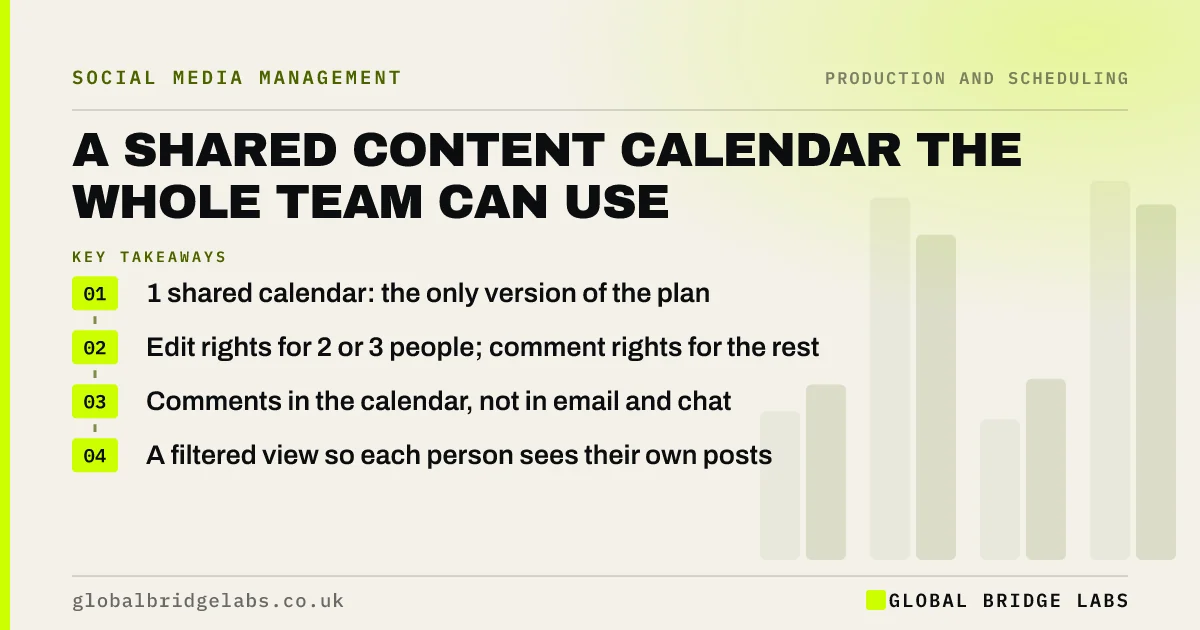
A shared content calendar for a team works when it is the one source of truth for what is planned, everyone who makes, supplies or approves posts can see it, and comments happen in it rather than across email and chat. Give editing rights to the few who change the plan and view or comment rights to everyone else.
- 1 shared calendar: the only version of the plan.
- Edit rights for 2 or 3 people; comment rights for the rest.
- Comments in the calendar, not in email and chat.
- A filtered view so each person sees their own posts.
Want a shared calendar set up for your team? Message us on WhatsApp.
Chat on WhatsApp →Why does a team need one shared calendar?
Because copies drift. When the plan lives in someone's notebook, an email attachment and a scheduling tool, nobody knows which is current, and posts are duplicated or missed. One shared calendar, linked from wherever the team works, means every question about the plan has one answer.
Who should be able to edit?
Two or three people: the calendar owner, the main maker and the approver. Everyone else, such as staff who supply photos, gets view or comment access. Fewer editors means fewer accidental changes, and it keeps decisions with the people responsible.
How do you keep comments in one place?
Ask everyone to comment on the post's row in the calendar rather than by email or chat, and have the calendar owner reply there. Approval comments, permission notes and changes stay with the post. If someone sends feedback elsewhere, copy it into the row so the record is complete.
How do you make people actually open it?
Make it useful to each person: a filtered view that shows only their posts and deadlines, a link pinned where they already work, and a short weekly message listing what is due. A calendar people have to search through is a calendar they stop opening.
When does a shared calendar not help?
It does not help when one person does everything; a private calendar is fine then. And sharing a calendar does not fix unclear ownership: if nobody owns the plan, a shared file just shows everyone that nothing is happening.
What does this look like in practice?
A pattern we see: three versions of the month in circulation, and two people posting the same offer on different days. One shared calendar with two editors and comments in the rows usually ends the duplicates within a month.
Shared calendar checklist
- Keep one shared calendar as the source of truth.
- Limit editing to two or three people.
- Give everyone else comment access.
- Keep comments in the rows.
- Give each person a filtered view.
Next step
Find every copy of your plan and delete all but one. Share that one with the right access levels and pin the link where your team works.
Message us on WhatsApp and we will help set up your shared calendar, or book a 30-minute consultation.
Chat on WhatsApp →Sources and further reading
- Meta Business Help Centre · Meta
- LinkedIn Pages best practices · LinkedIn
Frequently asked questions
How do I share a content calendar with my team?
Keep one calendar in a shared tool such as Google Sheets, Excel in Microsoft 365 or a planning tool, give editing rights to two or three people and comment rights to everyone else, and pin the link where your team works.
What is the best way to collaborate on social media content?
Use one shared calendar as the source of truth, keep comments and approvals in each post's row, give each person a filtered view of their own posts, and send a short weekly list of what is due.
Who should have edit access to the content calendar?
The calendar owner, the main maker and the approver. Staff who supply photos and ideas usually only need to view or comment, which keeps the plan from changing by accident.
Written by

Global Bridge Labs (GBL) is a UK–Sri Lanka partner for social media, websites and BPO. Everything here comes from client delivery, not theory.