On this page
- 01Key takeaways
- 02How does the calendar relate to your account set-up?
- 03What does the central team plan?
- 04What do branches plan?
- 05Who approves what?
- 06When is a central-only calendar better?
- 07What does this look like in practice?
- 08Multi-location checklist
- 09Next step
- 10Sources and further reading
- 11Frequently asked questions
Key takeaways
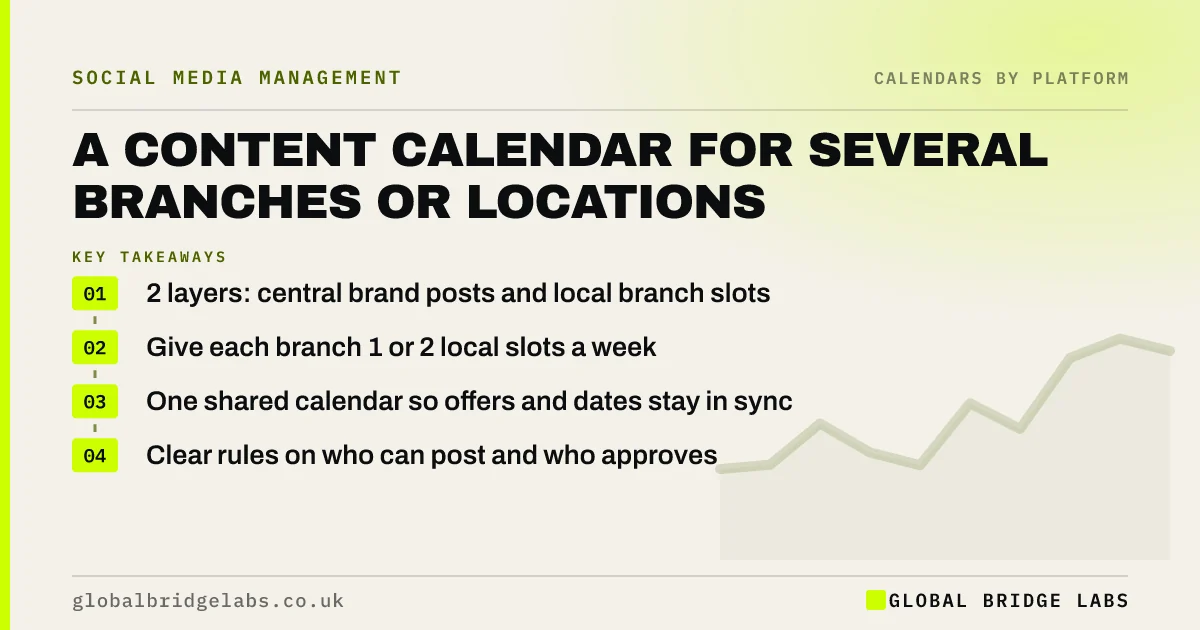
A multi location social media calendar works best with two layers: shared brand posts planned once centrally, and local slots that each branch fills with its own people, jobs and events. Set simple rules on who posts where and who approves. Local posts usually win more local engagement; central posts keep the brand consistent.
- 2 layers: central brand posts and local branch slots.
- Give each branch 1 or 2 local slots a week.
- One shared calendar so offers and dates stay in sync.
- Clear rules on who can post and who approves.
Want a calendar for all your locations? Message us on WhatsApp.
Chat on WhatsApp →How does the calendar relate to your account set-up?
Whether each branch has its own page or posts through one brand account is a structure decision, covered in our guide to consistent social media across multiple locations. This guide is about the monthly calendar that sits on top: one shared plan, whatever the account set-up, so every location works to the same dates, offers and deadlines.
What does the central team plan?
The central team plans brand-wide posts once a month: offers, launches, seasonal campaigns, hiring and brand proof. They supply templates and photos so local posts look consistent, and they set the dates every branch works around. Branches share or adapt these posts rather than recreating them.
What do branches plan?
Each branch fills one or two local slots a week: its team, its customers (with permission), its jobs, local events and opening changes. Local posts are where branches add value, because they show real people in a real place. Give each branch a named owner and a simple shot list.
Who approves what?
Agree simple rules in writing: branches can publish everyday local posts themselves, while offers, prices, complaints and anything sensitive go to the central team first. Keep admin access to every account with the central team as well as the branch. A short social media policy prevents most problems.
When is a central-only calendar better?
A central-only calendar is better when branches have no time or interest in posting, when content quality varies too much, or in regulated sectors where every post needs a check. The central team can still collect local photos and stories from branches and post them centrally.
What does this look like in practice?
A pattern with multi-site businesses: one branch posts every day, another has not posted for a year, and the offers differ between them. A shared calendar with central posts and two local slots per branch usually brings every location to a steady, consistent level.
Multi-location checklist
- Decide one account or one per location.
- Plan brand posts centrally once a month.
- Give each branch one or two local slots.
- Write approval rules for offers and complaints.
- Keep central admin access to every account.
Next step
List every location and its accounts, with who owns and who has admin access to each. Gaps in that list are the first things to fix.
Message us on WhatsApp and we will plan a calendar for your locations, or book a 30-minute consultation.
Chat on WhatsApp →Sources and further reading
- Meta Business Help Centre · Meta
- Google Business Profile Help · Google
Frequently asked questions
How many local posts should each branch plan a month?
One or two local posts a week, so four to eight a month, is a realistic level for most branches alongside the central brand posts. Give each branch a named owner and a short shot list, and lower the number if branches keep missing their slots.
How do I manage social media for multiple locations?
Use one calendar with two layers: central brand posts planned once a month and local slots that each branch fills with its own team, customers and events. Set clear rules on who can post and what needs approval.
Who should approve branch social media posts?
Branches can usually publish everyday local posts themselves. Offers, prices, complaints and anything sensitive should go to the central team first. Keep central admin access to every account in case a branch manager leaves.
Written by

Global Bridge Labs (GBL) is a UK–Sri Lanka partner for social media, websites and BPO. Everything here comes from client delivery, not theory.