On this page
- 01Key takeaways
- 02What is a recurring content slot?
- 03How is a slot different from a content series?
- 04How many slots should you have?
- 05How do you choose days for your slots?
- 06When should you change a slot?
- 07What does this look like in practice?
- 08Content slots checklist
- 09Next step
- 10Sources and further reading
- 11Frequently asked questions
Key takeaways
Recurring content slots on social media are fixed weekly positions in the calendar, such as 'Wednesday: finished job photo', with the day, platform, pillar, format and owner decided once. Each week you only refill the slot with a new post. Slots are what make a monthly calendar fillable, because a known slot takes minutes and a blank day takes an hour.
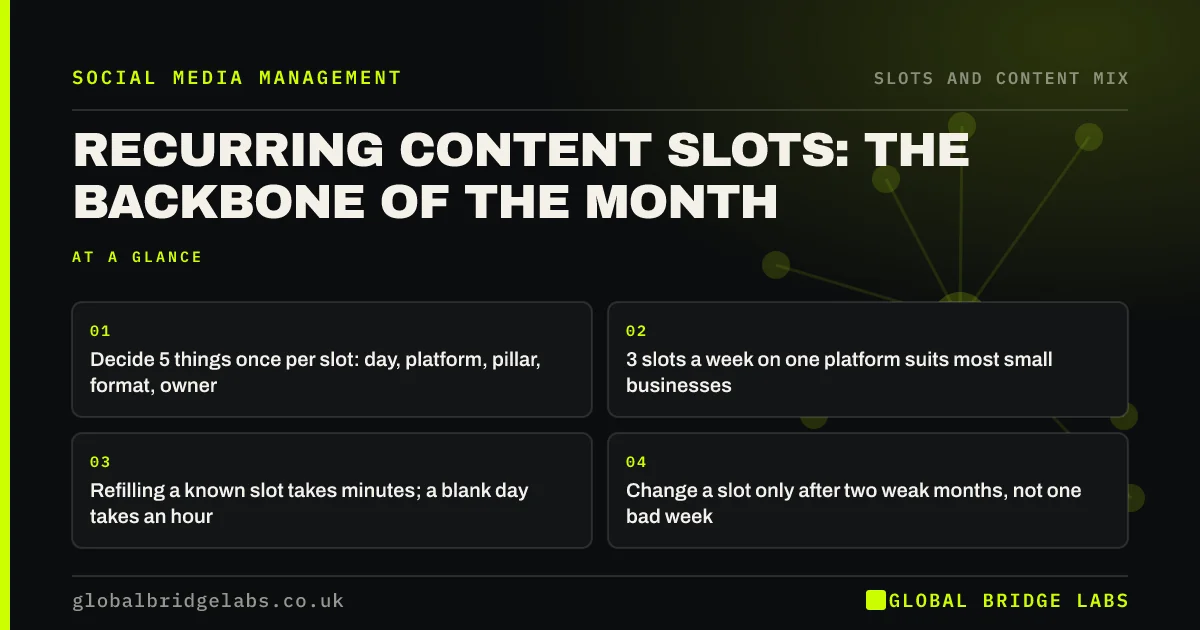
- Decide 5 things once per slot: day, platform, pillar, format, owner.
- 3 slots a week on one platform suits most small businesses.
- Refilling a known slot takes minutes; a blank day takes an hour.
- Change a slot only after two weak months, not one bad week.
Want your weekly slots set up? Message us on WhatsApp.
Chat on WhatsApp →What is a recurring content slot?
A recurring content slot is a repeating position in your weekly posting pattern with five things fixed: the day, the platform, the content pillar, the format and the owner. 'Monday, Facebook, help, carousel, office manager' is a slot. The specific post changes every week; the slot does not. A month of three slots is twelve posts.
How is a slot different from a content series?
A slot is the position in the calendar; a series is a named, repeating format that followers recognise, such as 'Tip Tuesday' or a weekly Q&A. A series can fill a slot, but most slots do not need a name. Start with slots for structure, and add a named series only where a format has proved popular.
How many slots should you have?
Most small UK businesses do well with two to four slots a week on one main platform, which is 8 to 16 posts a month. Start with three: one help, one proof and one people slot. Add a fourth for offers or interaction once the first three have run reliably for a month.
How do you choose days for your slots?
Choose days when your audience is around and someone can reply. Look at your own insights for when followers are active, then spread the slots so they are not back to back. The reply matters more than the minute: a post at the 'best time' with nobody watching the inbox loses the people it attracts.
When should you change a slot?
Change a slot when it underperforms for two months running, when it keeps going unmade because it is too hard to produce, or when your goals change. Do not redesign slots every month. Stability is the point: it lets followers know what to expect and lets you refill quickly.
What does this look like in practice?
A pattern we see: a team that decides each post from scratch on the day, so posting stops whenever work gets busy. Fixing three weekly slots usually means posts keep going out in busy weeks, because filling a known slot is a small job.
Content slots checklist
- Write each slot as day, platform, pillar, format, owner.
- Start with three slots a week.
- Spread them across the week.
- Pick days when someone can reply.
- Change a slot only after two weak months.
Next step
Write your three weekly slots in one line each: day, platform, pillar, format, owner. That is next month's structure.
Message us on WhatsApp with your three lines and we will check them, or book a 30-minute consultation.
Chat on WhatsApp →Sources and further reading
- Meta Business Help Centre · Meta
- LinkedIn Pages best practices · LinkedIn
Frequently asked questions
What are content slots in a social media calendar?
Fixed weekly positions with the day, platform, content pillar, format and owner decided once, such as Wednesday, Instagram, proof, photo set, marketing lead. Each week you refill the slot with a new post rather than deciding everything from scratch.
How many content slots should I have each week?
Two to four on one main platform for most small businesses. Start with three, one help, one proof and one people, and add more only once those run reliably for a month.
Should I post on the same days every week?
Yes, mostly. Fixed days make the calendar easy to fill and help followers know what to expect. Choose days when your audience is active and someone can reply to comments and messages.
Written by

Global Bridge Labs (GBL) is a UK–Sri Lanka partner for social media, websites and BPO. Everything here comes from client delivery, not theory.