On this page
- 01Key takeaways
- 02What can the Meta Business Suite planner do?
- 03How do you load a month into it?
- 04Should you post the same thing to both platforms?
- 05What should you check before relying on it?
- 06When do you need more than Meta Business Suite?
- 07What does this look like in practice?
- 08Meta Business Suite checklist
- 09Next step
- 10Sources and further reading
- 11Frequently asked questions
Key takeaways
The Meta Business Suite planner lets a small business schedule Facebook and Instagram posts, Stories and Reels from one place for free, and shows them on a calendar view. For most businesses posting only on Meta's platforms, it is all the scheduling tool needed. Keep your own calendar as the plan, and use the planner to publish it.
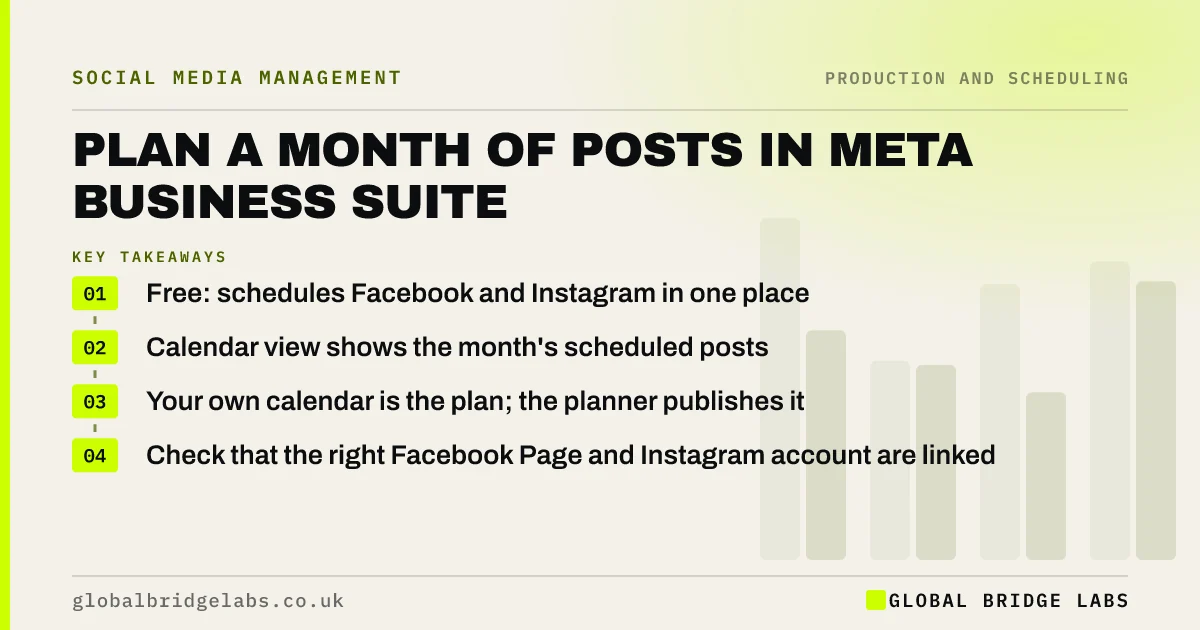
- Free: schedules Facebook and Instagram in one place.
- Calendar view shows the month's scheduled posts.
- Your own calendar is the plan; the planner publishes it.
- Check that the right Facebook Page and Instagram account are linked.
Want your month loaded into Meta Business Suite? Message us on WhatsApp.
Chat on WhatsApp →What can the Meta Business Suite planner do?
Meta Business Suite lets you create a post once and publish it to a Facebook Page and a linked Instagram business account, schedule it for a date and time, save drafts, and see everything scheduled in a planner view. It also brings Facebook and Instagram messages into one inbox, which helps with reply checks.
How do you load a month into it?
After the month is approved, work through your calendar in date order: create each post, adjust the caption and format for Facebook and Instagram if needed, choose the date and time, and schedule. Mark each one 'scheduled' in your calendar as you go. Loading 12 to 16 posts usually takes under an hour once the posts are made.
Should you post the same thing to both platforms?
Meta Business Suite makes it easy to post to both at once, which is fine for proof and help posts, but adjust the first line, hashtags and link for each platform. Instagram captions cannot carry clickable links, so point people to your bio or Stories there.
What should you check before relying on it?
Check that the right Facebook Page and Instagram business account are connected, that at least two people in the business have full access, and that scheduled posts actually published on the first few days. Features and limits change, so check Meta's Business Help Centre if something looks different.
When do you need more than Meta Business Suite?
You need more when you post regularly on LinkedIn, TikTok or Pinterest as well and want one place for all of them, when approvals need a record, or when an agency manages many accounts. Even then, many small businesses use the native tools for each platform and a spreadsheet as the shared plan.
What does this look like in practice?
A pattern we see: a small business paying for a scheduling tool it uses only for Facebook and Instagram. Moving publishing to Meta Business Suite and keeping the plan in a spreadsheet usually loses nothing and saves the subscription.
Meta Business Suite checklist
- Connect the right Page and Instagram account.
- Give two people full access.
- Load the approved month in date order.
- Adjust captions and links per platform.
- Check the first scheduled posts went live.
Next step
Open Meta Business Suite, check which Page and Instagram account are connected and who has access, then schedule next week's posts.
Message us on WhatsApp and we will help set it up, or book a 30-minute consultation.
Chat on WhatsApp →Sources and further reading
Frequently asked questions
Is Meta Business Suite free?
Yes. Meta Business Suite is free for businesses with a Facebook Page and, optionally, a linked Instagram business account. It lets you schedule posts, Stories and Reels and manage messages from both in one place.
Can I schedule Instagram posts in Meta Business Suite?
Yes, if your Instagram business or creator account is linked to your Facebook Page. You can schedule feed posts, Reels and Stories, and see them in the planner view alongside Facebook posts.
Do I need a paid scheduling tool as well?
Not if you post mainly on Facebook and Instagram. A paid tool earns its place when you post regularly on several other platforms, need approval records or manage many accounts.
Written by

Global Bridge Labs (GBL) is a UK–Sri Lanka partner for social media, websites and BPO. Everything here comes from client delivery, not theory.