
On this page
- 01Key takeaways
- 02How should you use this checklist?
- 03Read: can visitors read every page comfortably?
- 04Find: can visitors find what they need?
- 05Trust: does the site look current and real?
- 06Act: is the next step obvious and easy?
- 07Work: does it work for everyone, everywhere?
- 08What do the scores mean?
- 09What does this checklist not cover?
- 10What does this look like in practice?
- 11Next step
- 12Sources and further reading
- 13Frequently asked questions
Key takeaways
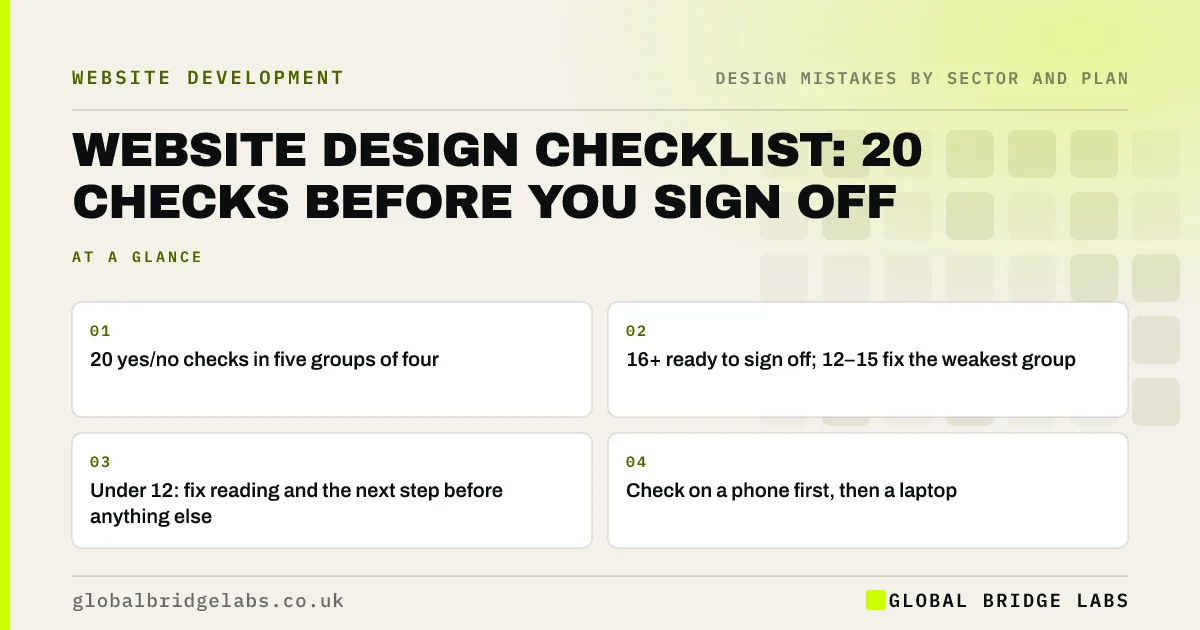
Use this 20-point website design checklist before signing off a new design or after changing an existing one. It expands the GBL Design Mistake Scorecard into four checks each for read, find, trust, act and work. Score one point per yes: 16 or more is ready, 12 to 15 means fix the weakest group, under 12 means start with read and act.
- 20 yes/no checks in five groups of four.
- 16+ ready to sign off; 12–15 fix the weakest group.
- Under 12: fix reading and the next step before anything else.
- Check on a phone first, then a laptop.
Want us to run the checklist with you? Message us on WhatsApp.
Chat on WhatsApp →How should you use this checklist?
Run it on the homepage, your most important service or product page and the contact page, on a phone and a laptop. Answer each check yes or no; if you are unsure, the answer is no. Add up the yes answers for a score out of 20 and note the group with the fewest.
Read: can visitors read every page comfortably?
- Body text is at least 16px and headings are clearly larger.
- Text contrast is at least 4.5:1 (3:1 for large text).
- Lines are not too long on wide screens, and paragraphs are left-aligned.
- No important text is inside images.
Find: can visitors find what they need?
- The main menu has about five to seven plain labels and is visible on desktop.
- Every main service is reachable within two taps of the homepage.
- The footer has contact details and links to key pages.
- The 404 page offers links and contact details.
Trust: does the site look current and real?
- Photos are real (team, premises, work), not generic stock.
- Logo is sharp, top left and links home.
- Buttons, colours and headings are consistent on every page.
- No placeholder text, demo content or out-of-date details remain.
Act: is the next step obvious and easy?
- Each screen has one main button that looks clickable and says what happens.
- Phone or WhatsApp is in the header on every page and tappable on mobile.
- Every form field has a visible label and errors say how to fix them.
- The form sends, and a confirmation appears.
- Button design: why visitors miss your website buttons
- Form labels vs placeholder text: which should you use?
Scoring low on act? Message us on WhatsApp and we will discuss your requirements.
Chat on WhatsApp →Work: does it work for everyone, everywhere?
- The site works on Safari on iPhone and Chrome on Android.
- Every link, menu and form works with a keyboard, with visible focus.
- Meaningful images have alt text.
- Nothing autoplays with sound, and moving content can be paused.
What do the scores mean?
16 to 20: the design is ready to sign off or keep; fix any remaining no answers as routine. 12 to 15: fix the group with the most no answers before launch or further spending. Under 12: fix read and act first, because visitors are struggling to read or contact you, then re-run the checklist.
What does this checklist not cover?
It covers design. It does not cover hosting, security, search optimisation, tracking or legal pages in detail; use a full website audit or launch checklist for those. It also cannot replace watching real customers use the site.
What does this look like in practice?
A pattern we see: a new design scores well on trust and find, because it looks good and the menu is tidy, and poorly on act and work, because nobody tested the form on an iPhone. The checklist makes those gaps visible before sign-off, when they are cheapest to fix.
Next step
Print this checklist, run it on three pages on your phone and write down your score out of 20.
Message us on WhatsApp with your score and we will suggest where to start, or book a 30-minute consultation.
Chat on WhatsApp →Sources and further reading
- Understanding SC 1.4.3: Contrast (Minimum) · W3C
- Understanding SC 2.1.1: Keyboard · W3C
- Designing for different browsers and devices · GOV.UK Service Manual
- Why you only need to test with 5 users · Nielsen Norman Group
Frequently asked questions
What should be on a website design checklist?
Readable text and contrast, clear navigation, real photos and consistent styling, an obvious next step with working forms and visible contact details, and access for every device, browser and visitor, including keyboard users and people using screen readers.
How do I sign off a website design?
Review it with real content on a phone and a laptop, run a structured checklist, test the forms, and watch a few customers try key tasks. Sign off when must-fix issues are resolved, not when everyone likes the colours.
What score should a website get on the checklist?
16 or more out of 20 means ready to sign off. 12 to 15 means fix the weakest group first. Under 12 means fix readability and the next step before anything else.
Written by

Global Bridge Labs (GBL) is a UK–Sri Lanka partner for social media, websites and BPO. Everything here comes from client delivery, not theory.


