
On this page
- 01Key takeaways
- 02Why do team photos matter on a business website?
- 03Mistake 1: stock photos of people
- 04Mistake 2: mismatched photos
- 05Mistake 3: out-of-date photos
- 06Mistake 4: headshots only
- 07Mistake 5: hiding the team on one page
- 08What about consent and privacy?
- 09What makes a good team photo?
- 10What does this look like in practice?
- 11Team photos checklist
- 12Next step
- 13Sources and further reading
- 14Frequently asked questions
Key takeaways
Real team photos are one of the cheapest trust signals a business website can carry. Nielsen Norman Group found people pay attention to photos of real people and ignore generic stock images. The mistakes are using stock people, mismatched selfies, outdated photos of former staff and burying the team on one page nobody visits.
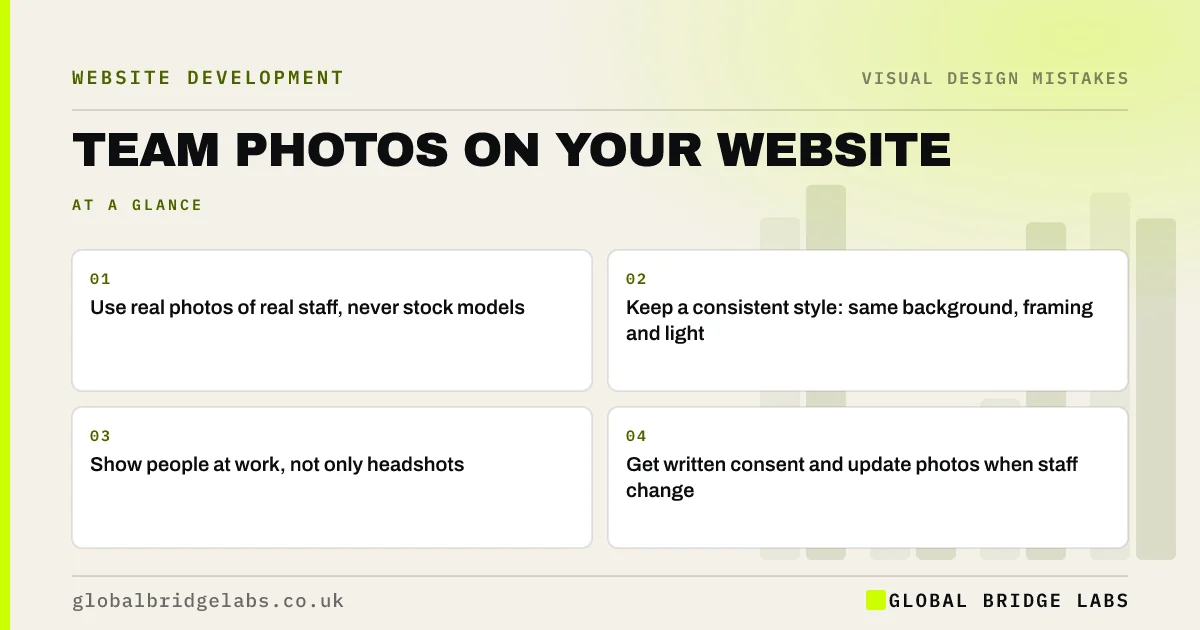
- Use real photos of real staff, never stock models.
- Keep a consistent style: same background, framing and light.
- Show people at work, not only headshots.
- Get written consent and update photos when staff change.
Want help planning team photography? Message us on WhatsApp.
Chat on WhatsApp →Why do team photos matter on a business website?
Buyers of services are choosing people. Seeing who will answer the phone, visit the house or handle the account reduces uncertainty. Nielsen Norman Group's research on photos as web content found users scrutinise images of real people and products, while generic, decorative images are ignored.
Mistake 1: stock photos of people
Smiling models in a stock office are instantly recognisable and suggest you have something to hide. Visitors who have seen the same face on another site lose trust. Even modest real photos beat polished stock.
Mistake 2: mismatched photos
A team page made of holiday selfies, cropped group shots and one professional headshot looks disorganised. Shoot everyone on the same day, against the same background, with the same framing and light. If someone joins later, recreate the setup.
Mistake 3: out-of-date photos
Photos of people who left two years ago, or of the founder ten years younger, mislead visitors who then meet different people. Review the team page whenever staff change, at least once a year.
Mistake 4: headshots only
Headshots show faces; photos of people at work show what you do. A tradesperson fitting a boiler, a clinician with a patient (with consent), or a warehouse team loading a vehicle tells buyers far more. Use a mix on service pages and the homepage.
Mistake 5: hiding the team on one page
The About or Team page often gets few visits. Put a relevant photo of real people on service pages, near the contact form and on the homepage, where buyers are deciding. A face next to the form can make getting in touch feel less anonymous.
Want to know where photos would help most on your site? Message us on WhatsApp and we will discuss your requirements.
Chat on WhatsApp →What about consent and privacy?
A photo of an identifiable person is personal data under UK GDPR. Get written consent from staff before publishing, explain where the photo will appear, and remove it promptly if they leave or ask. Take extra care with customers, patients and children in workplace photos.
What makes a good team photo?
Good team photos are well lit, sharp, consistently framed, and show people looking approachable rather than posed. Add each person's name and role, and alt text describing them. Natural light and a plain background work well; a professional photographer for a half day is often affordable and worth it.
What does this look like in practice?
A pattern we see: a service business uses a stock image of a call centre on its contact page. Replacing it with a photo of the actual small team who answer enquiries, with their names, makes the page feel like contacting people rather than a system.
Team photos checklist
- Replace stock people with real staff.
- Shoot everyone in one consistent style.
- Include photos of people at work.
- Add names, roles and alt text.
- Place photos on service and contact pages.
- Get written consent and update when staff change.
Next step
List every photo of a person on your site and mark which are stock, outdated or inconsistent.
Message us on WhatsApp for a photo plan, or book a 30-minute consultation.
Chat on WhatsApp →Sources and further reading
- Photos as web content · Nielsen Norman Group
- Lawful basis for processing personal data · Information Commissioner's Office
- Understanding SC 1.1.1: Non-text Content · W3C
Frequently asked questions
Should I put staff photos on my business website?
Yes, if staff agree. Real photos help buyers trust a service business and make contacting you feel personal. Use consistent, well-lit photos with names and roles, get written consent and update them when people leave.
Do I need consent to put employee photos on my website?
A photo of an identifiable person is personal data under UK GDPR, so get written consent, explain how it will be used and remove it if they leave or withdraw consent. This is general information, not legal advice.
Are professional headshots worth it for a small business?
Often, yes. A half-day shoot gives consistent, sharp photos for the website, LinkedIn and proposals. Add some photos of people at work, which show buyers what you do as well as who you are.
Written by

Global Bridge Labs (GBL) is a UK–Sri Lanka partner for social media, websites and BPO. Everything here comes from client delivery, not theory.


