
On this page
- 01Key takeaways
- 02Why do people miss website buttons?
- 03Mistake 1: ghost buttons for the main action
- 04Mistake 2: low contrast
- 05Mistake 3: vague labels
- 06Mistake 4: buttons that are too small
- 07Mistake 5: too many competing buttons
- 08Mistake 6: inconsistent styles
- 09Mistake 7: no visible focus or hover state
- 10What does this look like in practice?
- 11Button checklist
- 12Next step
- 13Sources and further reading
- 14Frequently asked questions
Key takeaways
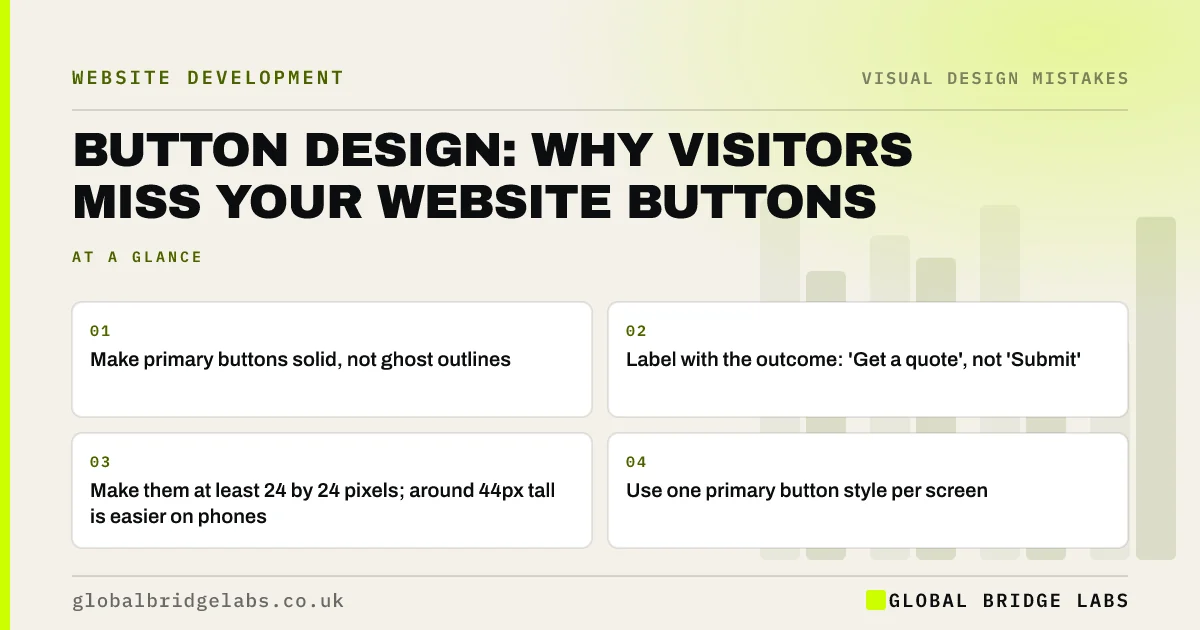
Visitors miss website buttons when they do not look clickable: thin ghost outlines, low-contrast colours, flat text that looks like a heading, or labels such as 'Submit' that say nothing. A good button is solid, high contrast, large enough to tap, consistent across the site and labelled with what happens next.
- Make primary buttons solid, not ghost outlines.
- Label with the outcome: 'Get a quote', not 'Submit'.
- Make them at least 24 by 24 pixels; around 44px tall is easier on phones.
- Use one primary button style per screen.
Want your buttons reviewed? Message us on WhatsApp.
Chat on WhatsApp →Why do people miss website buttons?
People look for visual cues that something is clickable: a filled shape, contrast, a familiar position. Nielsen Norman Group's research on clickable elements found that flat designs which strip these cues make people hesitate and miss actions. If a button looks like decoration or a heading, many visitors will scroll past it.
Mistake 1: ghost buttons for the main action
A ghost button is a transparent button with a thin outline. Over a photo or a busy background it can disappear. Use solid fills for the main action, and keep outlined buttons for secondary actions where you want less emphasis.
Mistake 2: low contrast
White text on a pale brand colour, or a button colour close to the background, fails readability and WCAG. Button text needs 4.5:1 against the button, and the button needs 3:1 against the background around it. WebAIM's 2026 survey found empty or unlabelled buttons on 30.6% of top home pages, too.
Mistake 3: vague labels
'Submit', 'Click here', 'Learn more' and 'Go' do not tell visitors what will happen. Write labels that describe the outcome: 'Get my quote', 'Book a call', 'See prices', 'Message us on WhatsApp'. The GOV.UK Design System recommends button text that describes the action in a few words.
Mistake 4: buttons that are too small
Tiny buttons are hard to tap on a phone and easy to miss. WCAG 2.2 sets a minimum target size of 24 by 24 CSS pixels, with exceptions. In practice, buttons around 44px tall with generous padding are easier for most people to tap accurately.
Mistake 5: too many competing buttons
Three equal buttons side by side ('Call', 'Email', 'Brochure') make visitors choose instead of act. Pick one primary action per screen and style the others as secondary or plain links.
Want one clear next step on every page? Message us on WhatsApp and we will discuss your requirements.
Chat on WhatsApp →Mistake 6: inconsistent styles
If the main button is green on one page, blue on another and an underlined link on a third, visitors cannot learn what an action looks like. Define a primary, a secondary and a text-link style and use them everywhere. Also avoid styling non-clickable labels to look like buttons.
Mistake 7: no visible focus or hover state
Buttons should change when hovered and show a clear outline when reached by keyboard. Removing the focus outline for looks fails WCAG's Focus Visible criterion and leaves keyboard users lost.
What does this look like in practice?
A pattern we see: a homepage's main action is a white ghost button over a photo, labelled 'Discover'. Changing it to a solid, high-contrast button labelled with the actual outcome is a small change that often makes the next step far easier to see.
Button checklist
- Use solid fills for primary buttons.
- Check text contrast at 4.5:1 and button edge at 3:1.
- Label each button with its outcome.
- Make buttons easy to tap, around 44px tall.
- Use one primary button per screen.
- Use the same styles on every page.
- Keep visible focus and hover states.
Next step
List every button on your homepage and rewrite any label that does not say what happens next.
Message us on WhatsApp for a button and call-to-action review, or book a 30-minute consultation.
Chat on WhatsApp →Sources and further reading
- Beyond blue links: making clickable elements recognizable · Nielsen Norman Group
- Button component · GOV.UK Design System
- Understanding SC 2.5.8: Target Size (Minimum) · W3C Web Accessibility Initiative
- Understanding SC 2.4.7: Focus Visible · W3C
- The WebAIM Million: accessibility of the top 1,000,000 home pages · WebAIM
Frequently asked questions
What makes a good website button?
A solid shape in a colour that contrasts with the background, readable text, a label that describes the outcome, a size that is easy to tap, a visible hover and focus state, and the same style everywhere on the site.
Are ghost buttons bad?
For the main action, usually. Thin outlined buttons can disappear over images and busy backgrounds and look less clickable. They are fine for secondary actions next to a solid primary button.
What should a website button say?
What happens when it is clicked, in a few words: 'Get a quote', 'Book a call', 'See prices'. Avoid generic labels such as 'Submit', 'Click here' or 'Learn more', which make visitors guess.
Written by

Global Bridge Labs (GBL) is a UK–Sri Lanka partner for social media, websites and BPO. Everything here comes from client delivery, not theory.


