
On this page
- 01Key takeaways
- 02How does design affect SEO?
- 03Mistake 1: text inside images
- 04Mistake 2: links that are not real links
- 05Mistake 3: content that depends on JavaScript
- 06Mistake 4: headings used for styling
- 07Mistake 5: one page for everything
- 08Mistake 6: slow, shifting layouts
- 09Mistake 7: intrusive pop-ups on mobile
- 10What does this look like in practice?
- 11SEO design checklist
- 12Next step
- 13Sources and further reading
- 14Frequently asked questions
Key takeaways
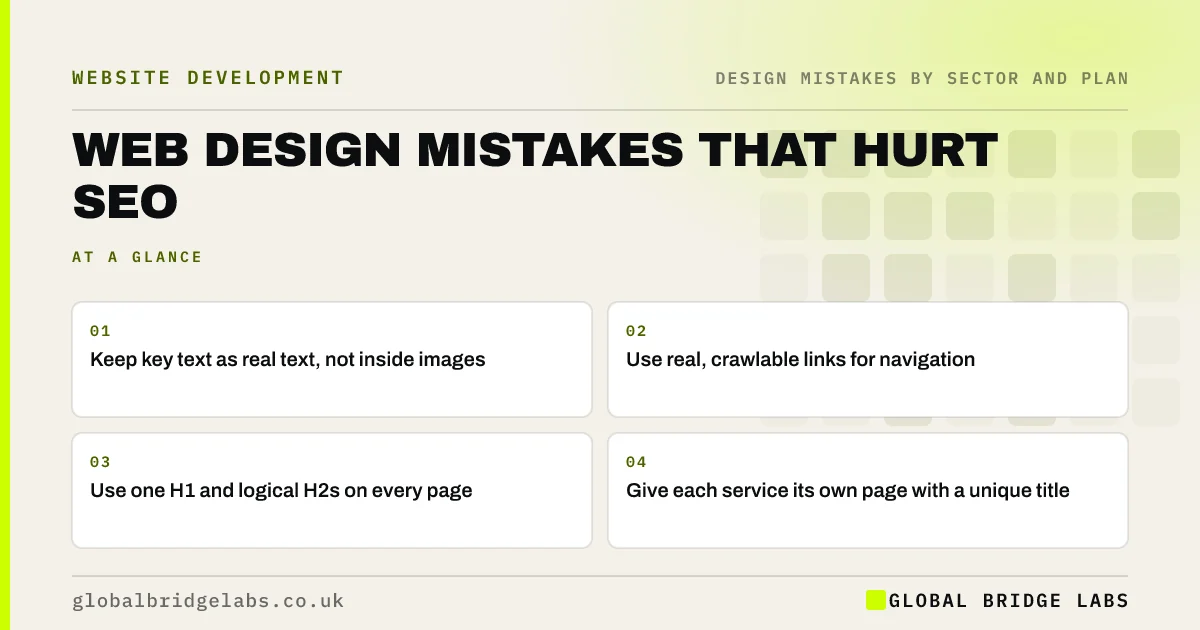
Some design decisions quietly stop search engines understanding or ranking a site: important text inside images, navigation that works only with JavaScript, headings used for styling rather than structure, one page trying to rank for every service and heavy effects that slow pages. Fixing them helps search engines, AI tools and visitors at the same time.
- Keep key text as real text, not inside images.
- Use real, crawlable links for navigation.
- Use one H1 and logical H2s on every page.
- Give each service its own page with a unique title.
Want your design checked for SEO faults? Message us on WhatsApp.
Chat on WhatsApp →How does design affect SEO?
Search engines read a page's HTML: its text, headings, links and structure. Design choices decide what ends up there. A beautiful page whose headline is an image, whose menu only appears after a script runs and whose headings are just bold paragraphs gives search engines far less to work with. Google's Search Essentials set out the basics.
Mistake 1: text inside images
Headlines, offers and price lists baked into images are hard for search engines to read and impossible to quote in AI answers. Keep important wording as real text, and use alt text to describe images.
Mistake 2: links that are not real links
Menus and buttons built with click handlers on plain elements, rather than proper anchor links with addresses, may not be followed by crawlers. Google's link guidance says it can reliably crawl links only when they are a proper anchor element with a link address.
Mistake 3: content that depends on JavaScript
Sites where content appears only after heavy scripts run can be slower to index and sometimes miss content. Google can render JavaScript, but its guidance explains the extra steps involved. Server-rendered content is safer for the pages that matter.
Mistake 4: headings used for styling
Designers sometimes pick heading levels by size rather than meaning, or style paragraphs to look like headings. Use one H1 describing the page and H2s for main sections, styled however you like. Clear headings help search engines and screen reader users understand the page.
Want your templates checked for SEO structure? Message us on WhatsApp and we will discuss your requirements.
Chat on WhatsApp →Mistake 5: one page for everything
One-page sites and pages that cover every service struggle to rank for specific searches. Give each main service and location its own page, with its own title and description.
Mistake 6: slow, shifting layouts
Heavy hero videos, sliders and animation libraries slow pages, and late-loading banners make layouts jump. Core Web Vitals measure loading, responsiveness and visual stability; they are part of how Google assesses page experience. Lighter design usually scores better.
Mistake 7: intrusive pop-ups on mobile
Pop-ups that cover the main content as soon as a mobile visitor arrives frustrate users, and Google has said intrusive interstitials can affect how pages rank. Use small banners or delay offers until visitors have engaged.
What does this look like in practice?
A pattern we see: a redesign launches with headlines as images and a script-driven menu, and search visibility drops. Restoring real text headlines and proper links gives search engines the content back without changing the look.
SEO design checklist
- Keep key text as real text.
- Use proper anchor links for navigation.
- Render important content in the HTML.
- Use one H1 and logical H2s.
- Give each service its own page.
- Keep pages light and stable.
- Avoid intrusive mobile pop-ups.
Next step
View your homepage with images turned off. Whatever disappears, search engines may not see either.
Message us on WhatsApp for an SEO and design review, or book a 30-minute consultation.
Chat on WhatsApp →Sources and further reading
- Google Search Essentials · Google Search Central
- SEO link best practices for Google · Google Search Central
- Understand JavaScript SEO basics · Google Search Central
- Understanding Core Web Vitals and Google search results · Google Search Central
- Avoid intrusive interstitials and dialogs · Google Search Central
Frequently asked questions
Can website design affect SEO?
Yes. Design decides what text, headings and links appear in the HTML, how fast pages load and whether layouts are stable. Text in images, script-only links and slow effects can all reduce how well search engines understand and rank a site.
Is a one-page website bad for SEO?
It limits SEO, because one page can target only one main topic well. Businesses with several services usually rank better with a dedicated page for each.
Do animations hurt SEO?
Not directly, but heavy animation can slow pages and hide content until scripts run. Keep content visible in the HTML and motion light, and check Core Web Vitals after adding effects.
Written by

Global Bridge Labs (GBL) is a UK–Sri Lanka partner for social media, websites and BPO. Everything here comes from client delivery, not theory.


