
On this page
- 01Key takeaways
- 02What is the difference between a label and a placeholder?
- 03Why do placeholders fail as labels?
- 04What does WCAG require?
- 05What about floating labels?
- 06Where should hints and examples go?
- 07What does this look like in practice?
- 08Form label checklist
- 09Next step
- 10Sources and further reading
- 11Frequently asked questions
Key takeaways
Use a visible label above every form field. Placeholder text inside the field, such as 'Your name', disappears as soon as visitors start typing, is usually low contrast and can be missed by screen readers. Nielsen Norman Group calls placeholders in place of labels harmful. WebAIM found missing form labels on 51% of top home pages in 2026.
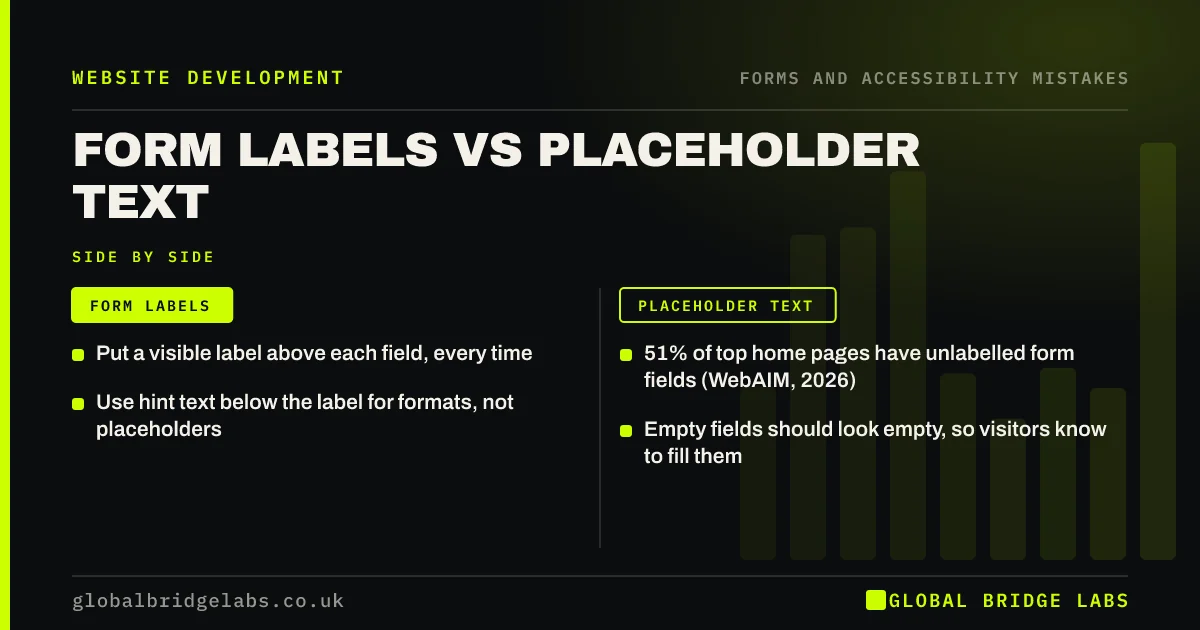
- Put a visible label above each field, every time.
- 51% of top home pages have unlabelled form fields (WebAIM, 2026).
- Use hint text below the label for formats, not placeholders.
- Empty fields should look empty, so visitors know to fill them.
Want your forms checked? Message us on WhatsApp.
Chat on WhatsApp →What is the difference between a label and a placeholder?
A label is text outside the field, usually above it, that names what the field is for and stays visible. A placeholder is grey text inside an empty field that disappears when typing starts. Labels are linked to fields in the code so screen readers announce them; placeholders often are not.
Why do placeholders fail as labels?
Nielsen Norman Group's research lists the problems clearly.
- The text disappears when typing starts, so visitors forget what the field was.
- Visitors cannot check their answers before sending.
- Grey placeholder text usually fails contrast requirements.
- Fields with placeholders look already filled in, so some are skipped.
- Screen readers may not announce placeholders reliably.
- Browser autofill can hide what each field was for.
What does WCAG require?
WCAG's Labels or Instructions criterion requires labels or instructions when content requires user input. The GOV.UK Design System, built on extensive testing, advises against placeholder text and always uses visible labels above text inputs. WebAIM's 2026 survey found a third of all form inputs on top home pages were not properly labelled.
What about floating labels?
Floating labels start inside the field and shrink above it when the visitor starts typing. They are better than placeholders alone because the label stays visible, but they can still be small, low contrast and fiddly. A plain label above the field is simpler and works for everyone.
Want forms that more people finish? Message us on WhatsApp and we will discuss your requirements.
Chat on WhatsApp →Where should hints and examples go?
Put hints, such as 'We will only call about your enquiry' or 'For example, LS1 4AB', below the label and above the field, in readable text. Hints stay visible while typing, unlike placeholders. Mark optional fields as '(optional)' rather than marking every required field with an asterisk.
What does this look like in practice?
A pattern we see: a sleek template form shows 'Name', 'Email', 'Phone' and 'Message' only as placeholders. Adding visible labels above each field takes minutes and makes the form clearer for everyone, including people using screen readers.
Form label checklist
- Add a visible label above every field.
- Link labels to fields in the code.
- Move format examples into hint text.
- Remove placeholders used as labels.
- Mark optional fields as optional.
- Check labels with a screen reader or WAVE.
Next step
Start typing in each field of your contact form and check you can still see what each one is for.
Message us on WhatsApp for a form review, or book a 30-minute consultation.
Chat on WhatsApp →Sources and further reading
- Placeholders in form fields are harmful · Nielsen Norman Group
- Understanding SC 3.3.2: Labels or Instructions · W3C
- Text input component · GOV.UK Design System
- The WebAIM Million: accessibility of the top 1,000,000 home pages · WebAIM
Frequently asked questions
Should I use placeholder text in forms?
Not as a replacement for labels. Placeholders disappear when visitors type, often fail contrast and can confuse screen readers. Use a visible label above each field and put any examples in hint text below the label.
Are form labels required for accessibility?
WCAG requires labels or instructions for fields that need input, and labels must be linked to fields so assistive technology can announce them. WebAIM found missing form labels on 51% of top home pages in 2026.
Are floating labels good?
Better than placeholders alone, because the label stays visible once typing starts. They can still be small and fiddly. A simple visible label above the field is the most reliable choice.
Written by

Global Bridge Labs (GBL) is a UK–Sri Lanka partner for social media, websites and BPO. Everything here comes from client delivery, not theory.


