
On this page
- 01Key takeaways
- 02What is a 404 page?
- 03Why does a 404 page matter?
- 04What should a 404 page include?
- 05What 404 page mistakes should you avoid?
- 06What is a soft 404?
- 07How do you find and fix broken links?
- 08What does this look like in practice?
- 09404 page checklist
- 10Next step
- 11Sources and further reading
- 12Frequently asked questions
Key takeaways
A good 404 page tells visitors in plain words that the page cannot be found, then gives them a way forward: links to your main services, a search box if you have one and your contact details. The mistakes are the default server error, jokes that do not help and a page with no links. Fix the broken links that cause 404s, too.
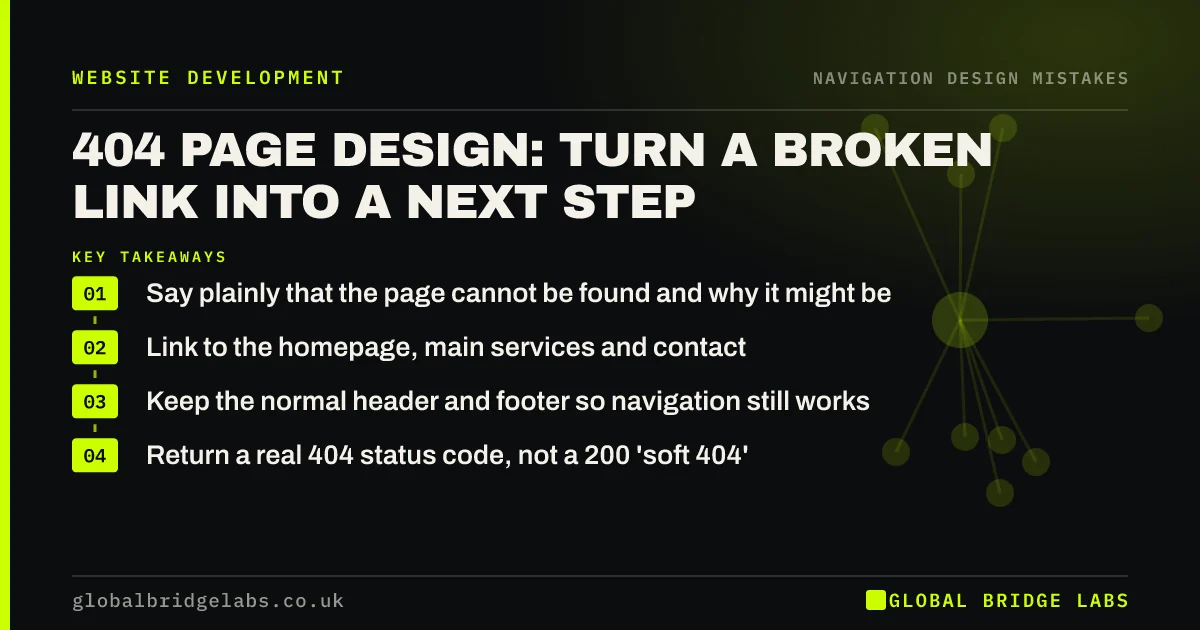
- Say plainly that the page cannot be found and why it might be.
- Link to the homepage, main services and contact.
- Keep the normal header and footer so navigation still works.
- Return a real 404 status code, not a 200 'soft 404'.
Want your 404 page and broken links fixed? Message us on WhatsApp.
Chat on WhatsApp →What is a 404 page?
A 404 page is what a website shows when a visitor requests a page that does not exist, usually because of a broken link, a mistyped address or a page that was removed or moved without a redirect. 404 is the HTTP status code for 'not found'.
Why does a 404 page matter?
Visitors who hit a 404 were trying to reach you, often from an old link, an advert or a search result. A blank server error makes the site look broken and sends them back to search. Nielsen Norman Group's guidance is that a 404 should explain the problem and help visitors recover.
What should a 404 page include?
A useful 404 page keeps the site's normal header and footer and adds a short, helpful message in the middle.
- A clear heading: 'Sorry, we cannot find that page'.
- A short reason: the page may have moved or the link may be wrong.
- Links to the homepage and your main services or categories.
- A search box if the site has search.
- Phone, WhatsApp or email for visitors who are stuck.
What 404 page mistakes should you avoid?
Avoid the default hosting or platform error page, jokes or illustrations without useful links, technical jargon such as 'HTTP Error 404 Not Found', and automatic redirects of every 404 to the homepage, which confuse visitors and search engines.
Want a helpful 404 page set up? Message us on WhatsApp and we will discuss your requirements.
Chat on WhatsApp →What is a soft 404?
A soft 404 is a 'not found' page that tells browsers the request succeeded (status 200) instead of returning a 404 code. Search engines may then treat the error page as real content. Make sure your 404 page returns the correct status code, and check Google Search Console for soft 404 reports.
How do you find and fix broken links?
Google Search Console lists pages that return 404 errors. A crawler tool can find broken links on your own site. When a page has moved, add a permanent (301) redirect from the old address to the new one, especially after a redesign. Remove or fix internal links that point to missing pages.
What does this look like in practice?
A pattern we see: after a redesign, old service page addresses still appear in search and adverts and lead to a plain hosting error. Adding redirects and a helpful 404 page recovers visitors who would otherwise have assumed the business had closed.
404 page checklist
- Keep the site header and footer.
- Write a plain-language message.
- Link to home, services and contact.
- Add search if available.
- Return a real 404 status code.
- Redirect moved pages with 301s.
Next step
Type your domain followed by a made-up page name and see what visitors see.
Message us on WhatsApp for a broken link check, or book a 30-minute consultation.
Chat on WhatsApp →Sources and further reading
- Improving the dreaded 404 error message · Nielsen Norman Group
- Google Search Console · Google
- Site moves with URL changes · Google Search Central
Frequently asked questions
What should a 404 page say?
That the page cannot be found, in plain words, with a short reason such as the page having moved. Then offer links to the homepage, main services and contact details, plus search if the site has it.
Do 404 errors hurt SEO?
Occasional 404s for pages that genuinely no longer exist are normal. The damage comes from losing visitors and link value when moved pages are not redirected. Redirect moved pages with 301s and fix internal links to missing pages.
Should I redirect all 404s to my homepage?
No. It confuses visitors, who expected a specific page, and search engines may treat it as a soft 404. Redirect moved pages to their closest replacement, and let genuinely missing pages show a helpful 404 page.
Written by

Global Bridge Labs (GBL) is a UK–Sri Lanka partner for social media, websites and BPO. Everything here comes from client delivery, not theory.


