
On this page
- 01Key takeaways
- 02Who uses a keyboard to browse?
- 03What does WCAG require?
- 04What design mistakes break keyboard use?
- 05How do you test keyboard accessibility?
- 06How should focus indicators look?
- 07Why does a skip link help?
- 08What does this look like in practice?
- 09Keyboard checklist
- 10Next step
- 11Sources and further reading
- 12Frequently asked questions
Key takeaways
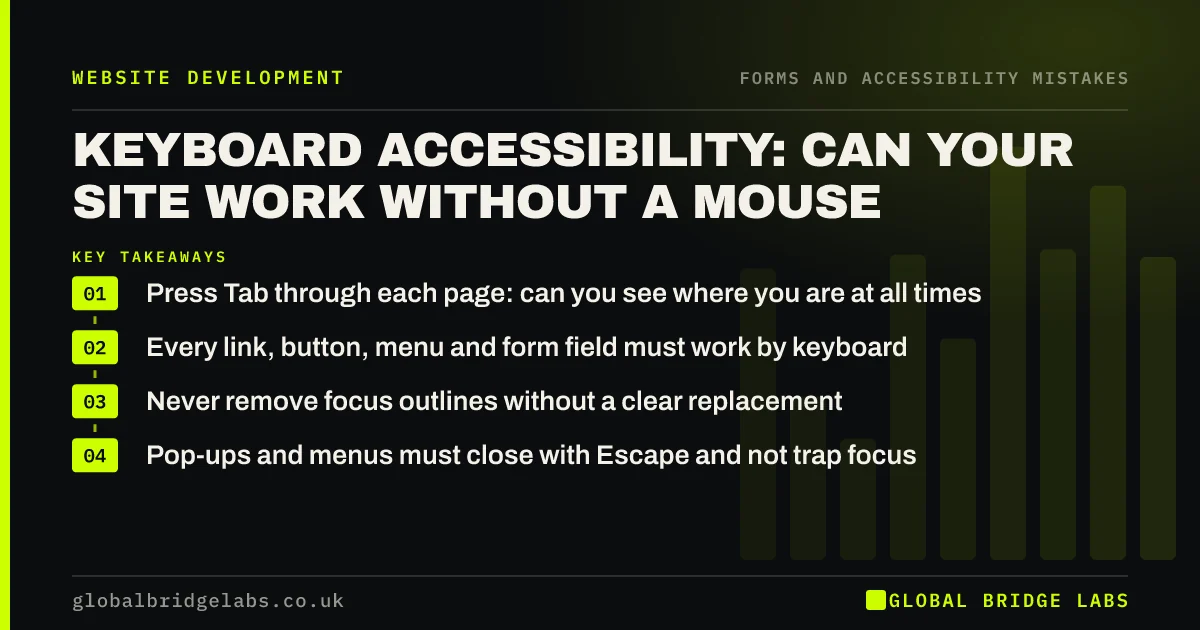
Many people use a keyboard instead of a mouse, including people with motor impairments, screen reader users and power users. WCAG requires every function to work by keyboard and a visible focus indicator showing where you are. The common design mistakes are removed focus outlines, menus that open only on hover and pop-ups that trap the keyboard. You can test in five minutes with the Tab key.
- Press Tab through each page: can you see where you are at all times?
- Every link, button, menu and form field must work by keyboard.
- Never remove focus outlines without a clear replacement.
- Pop-ups and menus must close with Escape and not trap focus.
Want a keyboard test of your site? Message us on WhatsApp.
Chat on WhatsApp →Who uses a keyboard to browse?
Keyboard users include people with motor impairments who cannot use a mouse precisely, blind people using screen readers, people using switch devices or voice control that emulate keys, and people with temporary injuries. Many experienced users also navigate forms with Tab for speed.
What does WCAG require?
WCAG's Keyboard criterion (2.1.1) requires all functionality to be operable through a keyboard. Focus Visible (2.4.7) requires a visible indicator of which element has focus. WCAG 2.2 adds Focus Not Obscured, so sticky headers and banners must not hide the focused element.
What design mistakes break keyboard use?
Most keyboard failures are design and build choices that are simple to avoid.
- Focus outlines removed because they 'look ugly'.
- Dropdown menus that open only on mouse hover.
- Clickable divs and images that are not real links or buttons.
- Pop-ups and cookie banners that trap focus or cannot be closed.
- Tab order that jumps around the page illogically.
- Custom form controls, sliders and date pickers that ignore keys.
How do you test keyboard accessibility?
Put the mouse aside and use Tab to move forward, Shift and Tab to move back, Enter to activate links and buttons, the space bar for checkboxes and buttons, arrow keys within menus and Escape to close pop-ups. Try to reach the menu, open a service page and send the contact form.
Want keyboard faults found and fixed? Message us on WhatsApp and we will discuss your requirements.
Chat on WhatsApp →How should focus indicators look?
A focus indicator should be clearly visible against the background, for example a thick outline in a contrasting colour around the focused element. If the browser's default does not suit your design, restyle it rather than removing it. Test it on light and dark sections of the page.
Why does a skip link help?
A 'Skip to main content' link, the first thing keyboard users reach, lets them jump past the header menu on every page. It can be hidden until focused. Without it, keyboard users have to tab through every menu item on every page.
What does this look like in practice?
A pattern we see: a site's styles remove all focus outlines, so keyboard users cannot see where they are, and the cookie banner cannot be dismissed without a mouse. Restoring a visible focus style and making the banner keyboard-operable fixes the two biggest barriers.
Keyboard checklist
- Tab through every key page.
- Restore or design visible focus outlines.
- Make menus open with keys, not just hover.
- Use real links and buttons.
- Let pop-ups close with Escape.
- Add a skip to main content link.
- Check sticky elements do not hide focus.
Next step
Unplug or ignore your mouse and try to send your own contact form using only the keyboard.
Message us on WhatsApp for an accessibility review, or book a 30-minute consultation.
Chat on WhatsApp →Sources and further reading
- Understanding SC 2.1.1: Keyboard · W3C
- Understanding SC 2.4.7: Focus Visible · W3C
- Web Content Accessibility Guidelines (WCAG) 2.2 · W3C
- Easy checks: a first review of web accessibility · W3C Web Accessibility Initiative
Frequently asked questions
How do I test if my website is keyboard accessible?
Use Tab and Shift+Tab to move through the page, Enter and space to activate controls, arrows in menus and Escape to close pop-ups. Check you can always see where focus is and can reach and use every link, menu and form field.
Why is my focus outline missing?
Often because the site's styles remove the browser's default outline for appearance. That fails WCAG's Focus Visible criterion. Restore it or design a clearly visible replacement.
What is a skip link?
A link at the very start of a page, often hidden until focused, that lets keyboard users jump straight to the main content instead of tabbing through the whole menu on every page.
Written by

Global Bridge Labs (GBL) is a UK–Sri Lanka partner for social media, websites and BPO. Everything here comes from client delivery, not theory.


