
On this page
- 01Key takeaways
- 02What is a website template?
- 03Mistake 1: choosing a template for its demo photos
- 04Mistake 2: leaving placeholder content
- 05Mistake 3: forcing your content into the template
- 06Mistake 4: keeping every feature
- 07Mistake 5: trusting the template on accessibility
- 08Mistake 6: looking exactly like a competitor
- 09When is a template the wrong choice?
- 10What does this look like in practice?
- 11Template checklist
- 12Next step
- 13Sources and further reading
- 14Frequently asked questions
Key takeaways
A website template is not a mistake in itself; most good small business sites start from one. The mistakes are choosing a template for its demo photos, leaving its placeholder content, forcing your content into its layout, and keeping every feature it ships with. Change the words, photos and proof first, then the styling.
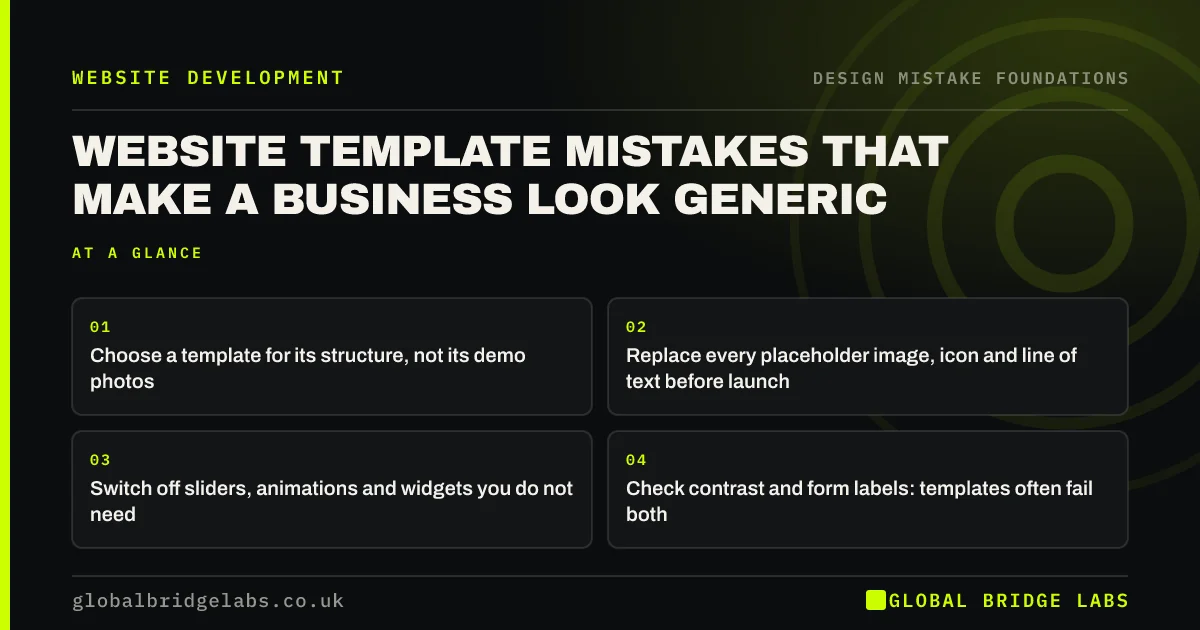
- Choose a template for its structure, not its demo photos.
- Replace every placeholder image, icon and line of text before launch.
- Switch off sliders, animations and widgets you do not need.
- Check contrast and form labels: templates often fail both.
Want your template site reviewed? Message us on WhatsApp.
Chat on WhatsApp →What is a website template?
A website template, or theme, is a pre-designed set of page layouts, styles and components that you fill with your own content. Platforms such as WordPress, Squarespace, Wix, Shopify and Webflow all offer them. A template saves design time; it does not decide what your site should say.
Mistake 1: choosing a template for its demo photos
Template demos use professional photography, short headlines and perfect content to look good. Your site will have your photos and your words. Judge a template by its page structure: does it have a clear place for your offer, your services, your proof and your contact details? Ignore the pictures.
Mistake 2: leaving placeholder content
Leftover demo images, generic icons, 'Lorem ipsum' text and testimonial slots filled with invented names are surprisingly common on live sites. They tell visitors nobody checked. Before launch, go through every page and replace or delete every placeholder.
Mistake 3: forcing your content into the template
Templates have fixed slots: three feature boxes, a four-step process, a six-image gallery. Businesses often invent content to fill them, or cut real information to fit. Delete slots you do not need and add sections you do. The template should serve your content, not the other way round.
Mistake 4: keeping every feature
Multi-purpose themes ship with sliders, animations, counters, pop-ups and page builders. Each adds weight and distraction. Switch off anything you are not using; unused scripts slow pages, especially on phones.
Mistake 5: trusting the template on accessibility
Many templates fail basic accessibility checks out of the box: pale text, placeholder-only form fields, missing focus outlines. WebAIM's 2026 survey found low-contrast text on 83.9% and missing form labels on 51% of top home pages. Check contrast, labels and keyboard focus yourself rather than assuming the theme handled them.
Want to know whether your template passes? Message us on WhatsApp and we will discuss your requirements.
Chat on WhatsApp →Mistake 6: looking exactly like a competitor
Popular templates are popular. If a competitor uses the same theme with the same layout, visitors comparing you side by side see no difference. Real photos of your team and work, your own wording and specific proof do more to separate you than changing the colours.
When is a template the wrong choice?
A template is the wrong choice when your journey does not fit it: a complex quote calculator, booking rules, multiple customer types or integrations with a customer relationship management (CRM) system. Bending a template far beyond its design usually costs more over time than a custom build on a solid framework.
What does this look like in practice?
A pattern we see: a business has paid for a premium template and kept its demo hero image because it looked better than their own photos. Visitors cannot tell what the business does from the first screen. Replacing that one image and headline with the real offer usually matters more than any further styling.
Template checklist
- Pick the template for structure, not photos.
- Replace every placeholder image, icon and text.
- Delete slots you cannot fill honestly.
- Switch off unused sliders, animations and plug-ins.
- Check contrast, labels and keyboard focus.
- Use real photos and your own words.
Next step
Search your site for any image, icon or sentence you did not choose yourself, and replace it.
Message us on WhatsApp for a template review, or book a 30-minute consultation.
Chat on WhatsApp →Sources and further reading
- The WebAIM Million: accessibility of the top 1,000,000 home pages · WebAIM
- Understanding SC 1.4.3: Contrast (Minimum) · W3C
- Understanding SC 3.3.2: Labels or Instructions · W3C
- Photos as web content · Nielsen Norman Group
Frequently asked questions
Is it bad to use a website template for a business?
No. Most small business sites start from a template, and a good one saves time and money. The problem is using it unchanged: demo photos, placeholder text and every built-in feature switched on. Customise the content first, then the styling.
How do I make a website template look unique?
Use your own photos of your team, premises and work, write your own headlines and service descriptions, add specific proof such as reviews and case studies, and remove sections you do not need. Colours and fonts matter less than real content.
Do website templates hurt SEO?
Not by themselves. Bloated themes can slow pages, and duplicated demo content adds nothing, but a well-built template with your own content, proper headings and fast loading can rank as well as a custom site.
Written by

Global Bridge Labs (GBL) is a UK–Sri Lanka partner for social media, websites and BPO. Everything here comes from client delivery, not theory.


