
On this page
- 01Key takeaways
- 02Why do long menus lose visitors?
- 03How many menu items should a website have?
- 04What usually makes menus too long?
- 05How do you cut a long menu?
- 06Do dropdowns solve the problem?
- 07What about menus on mobile?
- 08When is a longer menu justified?
- 09What does this look like in practice?
- 10Menu checklist
- 11Next step
- 12Sources and further reading
- 13Frequently asked questions
Key takeaways
Most small business websites work best with five to seven top-level menu items, named in the words buyers use. Longer menus take longer to scan and make the important pages harder to spot. Cut by grouping services, moving secondary pages to the footer and removing labels such as 'Resources' that tell visitors nothing.
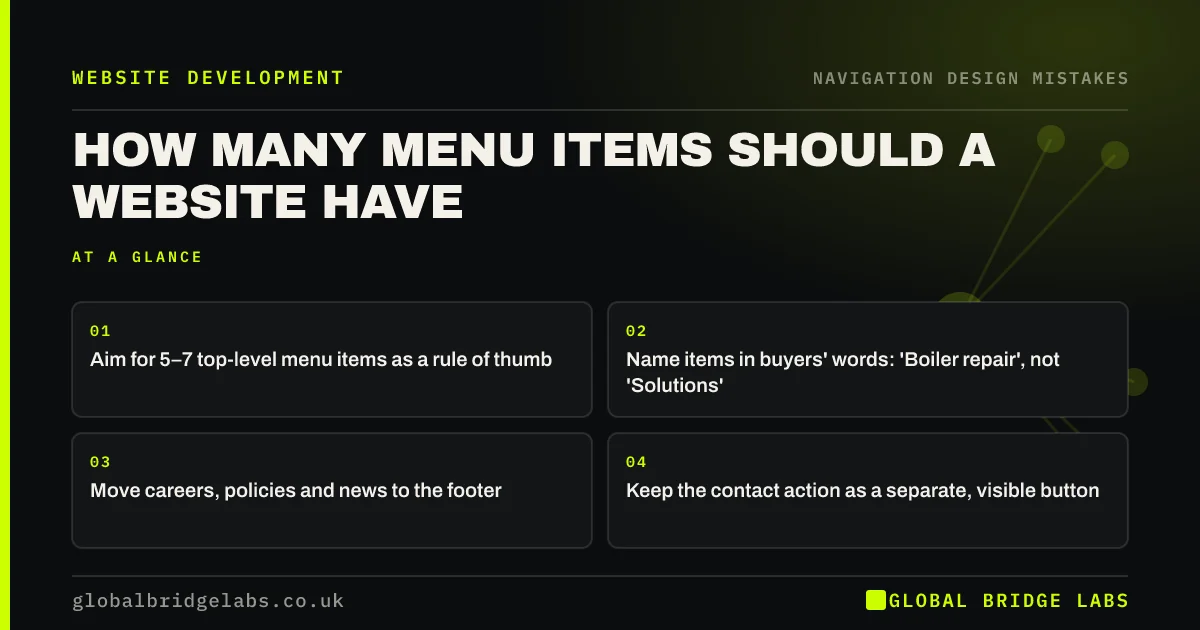
- Aim for 5–7 top-level menu items as a rule of thumb.
- Name items in buyers' words: 'Boiler repair', not 'Solutions'.
- Move careers, policies and news to the footer.
- Keep the contact action as a separate, visible button.
Want your menu simplified? Message us on WhatsApp.
Chat on WhatsApp →Why do long menus lose visitors?
Every menu item is a choice the visitor has to read and judge. Hick's Law, described by Nielsen Norman Group, says the time to decide rises with the number of options. A menu with eleven items, half of them vague, slows visitors down and makes it more likely they pick the wrong page or give up.
How many menu items should a website have?
Five to seven top-level items suits most small business websites. It is a working rule of thumb, not a law: a clinic with three services may need four items, a firm with distinct buyer groups may need eight. The test is whether a visitor can scan the whole menu at a glance and spot their page.
What usually makes menus too long?
Menus grow one page at a time. Each new service, a blog, a careers page and a news section gets its own item until the menu wraps onto two lines.
- Every service listed separately at the top level.
- Company pages (About, Team, History, Values) as separate items.
- Blog, News, Insights and Resources all present.
- Careers, policies and FAQs in the main menu.
- Contact repeated as a menu item and a button.
How do you cut a long menu?
Start from what buyers come for. Group services under one item with a dropdown, merge company pages under About, move careers, policies and news to the footer, and keep contact as a distinct button. Then rename vague labels with words customers actually use.
- List every current menu item.
- Mark which pages buyers use to decide.
- Group services under a single dropdown.
- Move non-buying pages to the footer.
- Rename vague labels in customers' words.
- Test with a few customers: can they find two services in two taps?
- Website footer design: what to include and leave out
- Card sorting: let customers organise your website
Want help restructuring your menu? Message us on WhatsApp and we will discuss your requirements.
Chat on WhatsApp →Do dropdowns solve the problem?
Dropdowns help when they group related pages under a clear parent, such as Services. They hurt when they hide important pages behind vague parents, open on hover in ways that are hard to control, or nest three levels deep. Keep to one level of dropdown, and make parent labels specific.
What about menus on mobile?
On phones, the menu usually sits behind a hamburger icon, so a long list becomes a long scroll. The same cut applies: fewer, clearer items. Keep the phone or WhatsApp action outside the hidden menu so it is always visible.
When is a longer menu justified?
Larger catalogues, retailers and businesses serving clearly separate audiences may need more. In those cases a well-organised mega menu can show many links clearly. The aim is not a number; it is a menu visitors can scan and understand quickly.
What does this look like in practice?
A pattern we see: a menu has grown to eleven items over several years, with the most profitable service tucked under 'Solutions'. Cutting to six items and naming that service directly makes it visible on every page.
Menu checklist
- Keep top-level items to about five to seven.
- Use buyers' words for labels.
- Group services under one dropdown.
- Move careers, news and policies to the footer.
- Keep contact as a visible button.
- Test with real customers.
Next step
Count your top-level menu items and mark any label a customer would not use.
Message us on WhatsApp for a navigation review, or book a 30-minute consultation.
Chat on WhatsApp →Sources and further reading
- Hick's Law: designing long menu lists · Nielsen Norman Group
- Mega menus work well for site navigation · Nielsen Norman Group
- Understanding WCAG 2.2 success criterion 2.4.5: Multiple Ways · W3C
Frequently asked questions
How many items should be in a website navigation menu?
Five to seven top-level items is a good rule of thumb for small business sites. Fewer is fine if you offer few services. The important thing is that visitors can scan the whole menu quickly and recognise the page they need.
Should every service be in the main menu?
Usually not as separate top-level items. Group them under a single 'Services' item with a dropdown, unless you have only two or three services and each is a major entry point. Make the service names clear in the dropdown.
What should go in the footer instead of the menu?
Pages people need occasionally but do not use to decide: careers, privacy and cookie policies, terms, news or blog archives, sitemap and secondary company pages. Keep contact details in the footer as well as the header.
Written by

Global Bridge Labs (GBL) is a UK–Sri Lanka partner for social media, websites and BPO. Everything here comes from client delivery, not theory.


