
On this page
- 01Key takeaways
- 02Why does easy editing matter for conversion?
- 03What should be editable, and what should not?
- 04What should you ask a supplier before you build?
- 05What should your editing guide say?
- 06What are the risks of editing it yourself?
- 07When should you still pay a developer?
- 08What does this look like in practice?
- 09Editable homepage checklist
- 10Next step
- 11Sources and further reading
- 12Frequently asked questions
Key takeaways
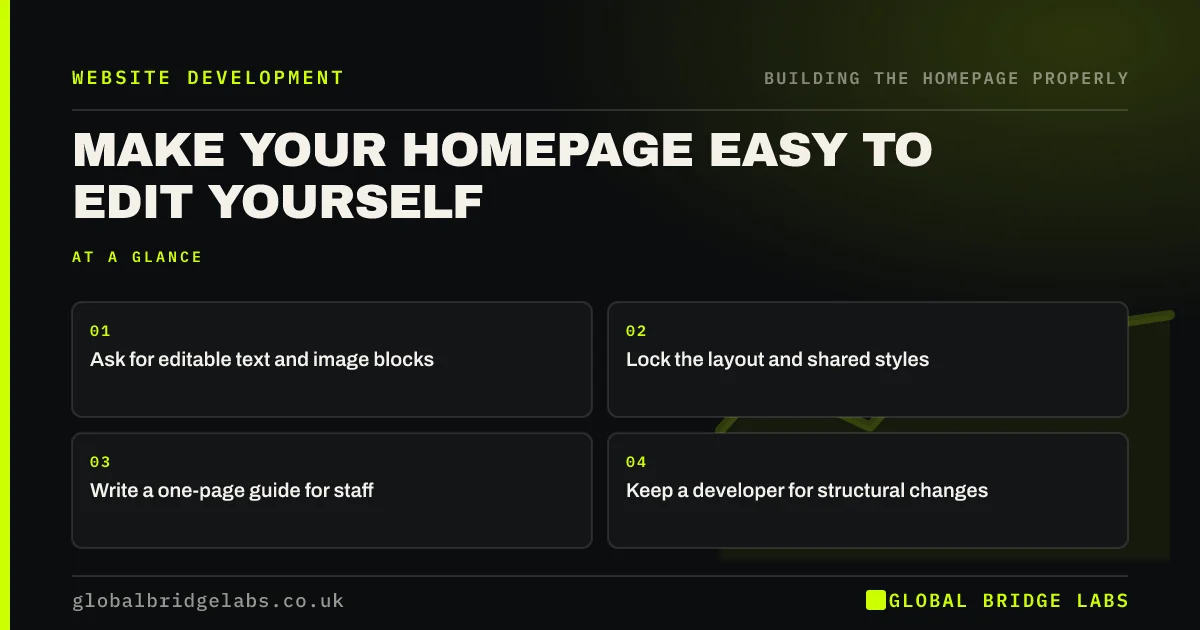
To edit your homepage yourself safely, the page must be built with that in mind. Use editable text and image blocks, lock the layout, keep a short written guide and take a backup before larger changes. If updating a headline requires paying a developer, your homepage will soon go out of date.
- Ask for editable text and image blocks.
- Lock the layout and shared styles.
- Write a one-page guide for staff.
- Keep a developer for structural changes.
Stuck waiting for someone to update your homepage? Message us on WhatsApp.
Chat on WhatsApp →Why does easy editing matter for conversion?
Easy editing keeps the page current. Offers change, staff leave and better proof arrives. If each small change means waiting for a developer, the homepage drifts out of date. Being able to test a new line in minutes also makes it far more likely that you will improve the page after launch.
What should be editable, and what should not?
Make text, images, reviews, offers and button labels easy to change. Protect layout, styles, global navigation and tracking. WordPress patterns and synced blocks, Shopify sections and Webflow's editor all support this split. The goal is that a colleague can change the words, but cannot accidentally break the design.
- Editable: headlines, body text and images.
- Editable: reviews, offers and opening hours.
- Protected: layout, fonts and colours.
- Protected: header, footer and tracking code.
What should you ask a supplier before you build?
Ask them to show you how a non-technical person changes the headline, replaces an image and adds a review. Check whether the page depends on a tool you do not own. Ask who holds admin access. If you cannot do these things during the handover, the build is not finished.
What should your editing guide say?
It should explain where to log in, how to edit common items, image size limits, how to preview and who to ask for help. One page is enough, with screenshots if possible. Add rules such as headline length, so that a well-meaning change does not push your button off the screen.
What are the risks of editing it yourself?
The main risks are oversized images, broken layouts, unapproved claims and messy styles. Use a preview, keep a change log and take a backup before larger edits. Some changes, such as new sections or scripts, should still go to a developer, because mistakes there can damage speed or tracking.
When should you still pay a developer?
Pay a developer for new templates, integrations, performance work or anything touching forms and tracking. Saving a small fee can cost more if a form stops sending enquiries without anyone noticing. Consider a modest monthly support arrangement, so that help is available when you need it.
What does this look like in practice?
A pattern we see: a homepage built around a complicated layout plugin that only the original freelancer understands. An old opening-hours line stays up for a year, because nobody wants to touch it. Testing the editing process at handover would have shown the problem before the invoice was paid.
Editable homepage checklist
- Decide what staff should be able to edit.
- Lock the layout and global styles.
- Test edits at the handover.
- Write a one-page guide.
- Set image size limits.
- Keep a change log.
- Agree when to call a developer.
Next step
Try changing one sentence on your homepage yourself today. If you cannot do it within ten minutes, your site has an ownership problem worth fixing.
Message us on WhatsApp for help making your homepage easy to manage.
Chat on WhatsApp →Sources and further reading
- Theme Handbook · WordPress.org
- Small organisations guide to cyber security · National Cyber Security Centre
- Government design principles · GOV.UK
Frequently asked questions
Can I edit my website without a developer?
Usually yes, for text and images, if the site was built on a content management system with that in mind. Check during handover. Structural, tracking or form changes are still better handled by someone with technical experience.
What is the easiest website to update yourself?
Hosted builders such as Wix and Squarespace are usually the simplest, and a well-built WordPress site can be just as easy. The build matters more than the platform. Ask for a demonstration before you commit.
How do I stop staff breaking the homepage?
Limit what they can change, using roles and locked layouts, and give them a short guide. Use previews and keep backups. Most platforms offer user roles, so give people only the access they need for their tasks.
Written by

Global Bridge Labs (GBL) is a UK–Sri Lanka partner for social media, websites and BPO. Everything here comes from client delivery, not theory.


