
On this page
- 01Key takeaways
- 02What should a Shopify homepage do?
- 03Which sections should you use?
- 04Which theme should you start with?
- 05How do apps affect your homepage?
- 06What do UK shoppers need to see?
- 07When should the homepage matter less?
- 08What does this look like in practice?
- 09Shopify homepage checklist
- 10Next step
- 11Sources and further reading
- 12Frequently asked questions
Key takeaways
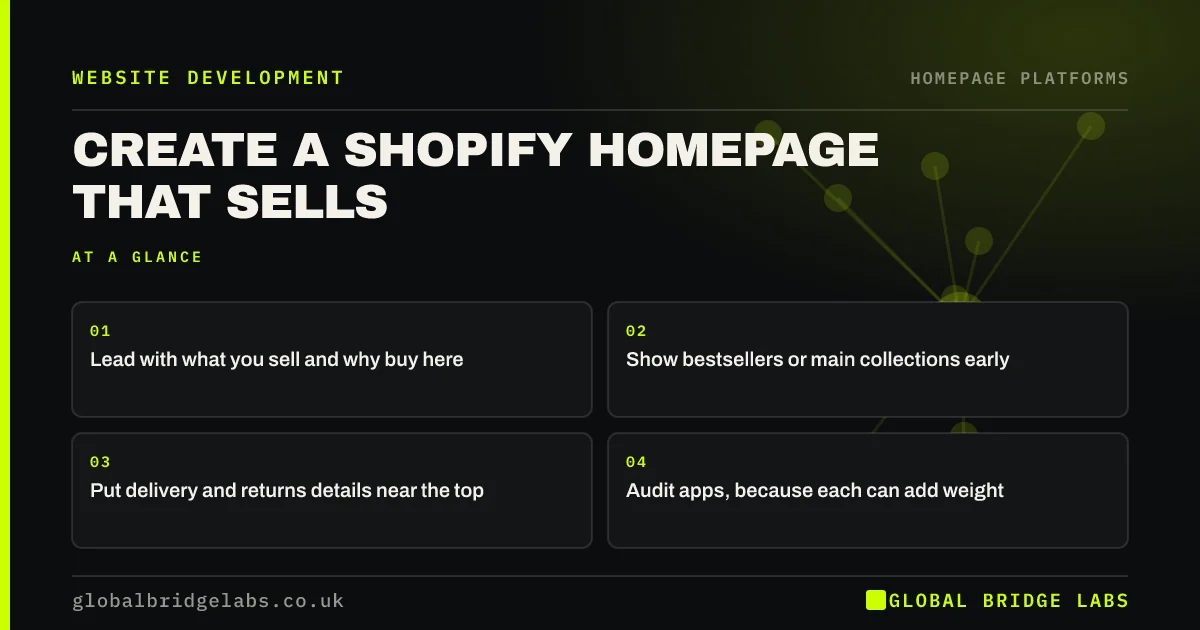
A Shopify homepage should move shoppers to products quickly. Use the theme editor to lead with a clear offer, show bestsellers or main collections, surface delivery and returns information early and keep the sections few. Apps are the main risk: each one can add code that slows the page where shoppers first arrive.
- Lead with what you sell and why buy here.
- Show bestsellers or main collections early.
- Put delivery and returns details near the top.
- Audit apps, because each can add weight.
Running a Shopify store? Message us on WhatsApp for a homepage review.
Chat on WhatsApp →What should a Shopify homepage do?
A Shopify homepage should help shoppers find a product or category within seconds. It is a sorting page rather than a brand essay. Returning customers want the new range or their usual item, and new ones want to know what you sell and whether to trust you.
Which sections should you use?
Most stores need a clear banner, a row of collections, bestsellers, a short trust strip and reviews. Add a brand story only if it affects why people buy. Shopify's theme editor uses sections you can reorder without code, so test changes on a duplicate theme rather than your live one.
- Hero banner with a clear offer and button.
- Collection tiles for main categories.
- Bestsellers or new arrivals.
- Delivery, returns and payment reassurance.
- Customer reviews with real detail.
Which theme should you start with?
Start with one of Shopify's free, maintained themes unless you have a specific reason not to. They are built to perform well and support the theme editor. Paid themes can add useful features, but check the demo's speed and the supplier's update record first.
How do apps affect your homepage?
Apps can add scripts to every page, including the homepage, and removing an app does not always remove its leftover code. Shopify's own performance guidance points to images, apps and theme code as common influences. Review each app yearly and ask what you would lose if it went.
What do UK shoppers need to see?
UK shoppers need clear delivery costs and times, returns terms and accepted payment methods. Showing those early reduces the risk of surprise at checkout, the main reason for abandoned carts in Baymard's research. Consumers buying online generally have a 14-day right to cancel, so state your returns process plainly.
When should the homepage matter less?
It matters less if most of your visitors land on product pages from ads or Google Shopping. Check your landing page report before investing. In that case, your product page deserves the attention first, while the homepage acts mostly as a route for returning and direct visitors.
What does this look like in practice?
A pattern we see in small online stores: a homepage carrying several promotional banners, review widgets and popups from different apps, each added to solve one problem. The page gets slower, and the shopper's first task, finding a product, becomes harder. Removing widgets is often the quickest improvement available.
Shopify homepage checklist
- Show a clear offer in the first screen.
- Link to main collections.
- State delivery cost and time.
- State your returns terms.
- Duplicate the theme before major edits.
- Audit your installed apps.
- Check speed on a phone.
Next step
Look at Shopify analytics and find out what share of sessions start on the homepage. That number tells you how much effort this page deserves compared with your product pages.
Message us on WhatsApp for a store review, or book a 30-minute consultation.
Chat on WhatsApp →Sources and further reading
- Web performance for your online store · Shopify Help Center
- Cart abandonment rate statistics · Baymard Institute
- Online and distance selling for businesses · GOV.UK
- Consumer Contracts (Information, Cancellation and Additional Charges) Regulations 2013 · legislation.gov.uk
Frequently asked questions
What should be on a Shopify homepage?
A clear offer, links to your main collections, bestsellers, delivery and returns information and real reviews. Keep it focused on helping shoppers reach products quickly. A long brand story is rarely the best use of this page.
How many sections should a Shopify homepage have?
There is no fixed number, but five to eight often suits a small store. Each should help people find a product or trust the shop. If a section does neither, remove it and check whether the page loads faster.
Why is my Shopify homepage slow?
Usual causes are large images, too many apps, videos and heavy theme features. Check Shopify's speed report and PageSpeed Insights, then remove unused apps. Note that leftover app code can stay in a theme even after you uninstall an app.
Written by

Global Bridge Labs (GBL) is a UK–Sri Lanka partner for social media, websites and BPO. Everything here comes from client delivery, not theory.


