
On this page
- 01Key takeaways
- 02When is Webflow the right choice?
- 03What is different about building in Webflow?
- 04How should you use interactions?
- 05How do non-designers update the page?
- 06When should you avoid Webflow?
- 07What does this look like in practice?
- 08Webflow homepage checklist
- 09Next step
- 10Sources and further reading
- 11Frequently asked questions
Key takeaways
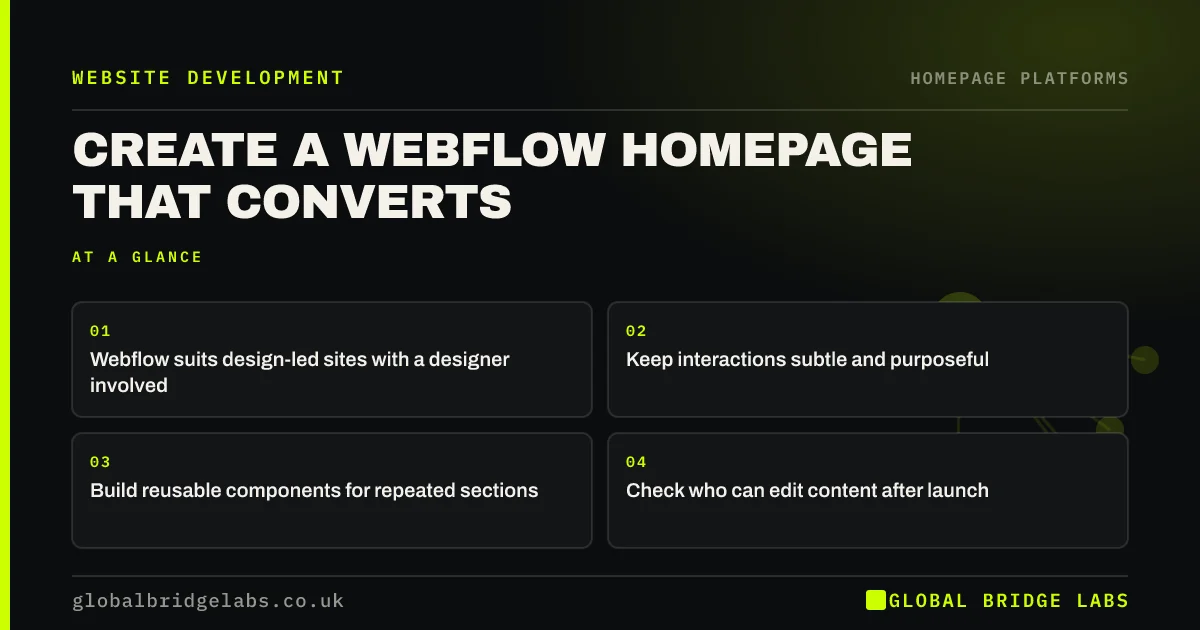
A Webflow homepage suits businesses that want custom design without traditional code, usually with a designer involved. It gives fine control and clean output, but that control makes it easy to overbuild. Keep interactions modest, build reusable components and make sure someone who is not a designer can update the words.
- Webflow suits design-led sites with a designer involved.
- Keep interactions subtle and purposeful.
- Build reusable components for repeated sections.
- Check who can edit content after launch.
Considering Webflow? Message us on WhatsApp for a straight answer.
Chat on WhatsApp →When is Webflow the right choice?
Webflow is right when you need custom design, want a visual tool and have access to someone who understands layout. It suits SaaS firms, agencies and design-conscious brands. For a small local business that wants to edit its own page, it may be more tool than the job needs.
What is different about building in Webflow?
Webflow works like visual web development, with boxes, classes and layout rules rather than drag-and-drop freedom. That means better structure when built carefully, and a steeper learning curve. Learn its class system first, because poorly named classes make later changes slow and risky.
How should you use interactions?
Use interactions to show relationships or guide attention, not to impress. Heavy scroll effects can distract, and they can harm visitors with motion sensitivity. Respect the prefers-reduced-motion setting, and make sure nothing important appears only after an animation. Designers love these effects far more than buyers do.
How do non-designers update the page?
Webflow's content editing mode lets team members change text and images without opening the Designer, depending on your plan. Connect repeated items, such as testimonials or case studies, to the CMS. Confirm this workflow before launch, because a homepage that only one freelancer can edit will soon go stale.
When should you avoid Webflow?
Avoid it if nobody can look after it, if you need many third-party plugins or if pricing across multiple team members does not suit your budget. Check current plan limits before building. WordPress has a far larger pool of developers, which matters if your freelancer moves on.
What does this look like in practice?
A pattern worth recognising on design-led builds: a homepage with scroll-triggered effects on every section takes longer to read and frustrates visitors who only want the headline. Removing most of the motion and keeping one or two meaningful transitions usually leaves the page feeling more confident, not less.
Webflow homepage checklist
- Decide who will maintain the page.
- Name classes clearly from the start.
- Build components for repeated sections.
- Limit interactions to meaningful ones.
- Respect reduced-motion settings.
- Test content editing with a non-designer.
Next step
Before choosing Webflow, name the person who will change the headline in a year's time. If that name is a freelancer you might lose, plan the handover now.
Message us on WhatsApp for platform advice, or book a 30-minute consultation.
Chat on WhatsApp →Sources and further reading
- How to create high-performance CSS animations · web.dev (Google)
- prefers-reduced-motion · MDN Web Docs
- Understanding SC 2.3.3: Animation from Interactions · W3C Web Accessibility Initiative
Frequently asked questions
Is Webflow good for small businesses?
It can be, particularly for design-led firms with a designer on hand. It offers strong control and output, but has a steeper learning curve than Wix or Squarespace, and it needs someone who understands how web layouts work.
Is Webflow better than WordPress?
Neither is better overall. Webflow gives design control with less plugin maintenance. WordPress offers more plugins, more developers and more ownership. Choose based on who will run the site and what it needs to connect to.
Can I edit a Webflow site without a designer?
Yes, for content. Editors can change text and images in the content editor, and CMS items can be updated too. Structural changes usually need someone comfortable in the Designer, so plan who will handle those.
Written by

Global Bridge Labs (GBL) is a UK–Sri Lanka partner for social media, websites and BPO. Everything here comes from client delivery, not theory.


