
On this page
- 01Key takeaways
- 02What is page weight and why does it matter?
- 03How do you find what makes the homepage heavy?
- 04What should you cut first?
- 05What is a sensible page weight budget?
- 06When is a heavier homepage acceptable?
- 07What does this look like in practice?
- 08Page weight checklist
- 09Next step
- 10Sources and further reading
- 11Frequently asked questions
Key takeaways
Homepage page size is usually inflated by a few things: an uncompressed hero image or background video, several web fonts, and third-party scripts such as chat widgets, trackers and embedded maps. Cut those first. A lighter homepage shows the message sooner, especially on phones over mobile data, which is when many visitors decide.
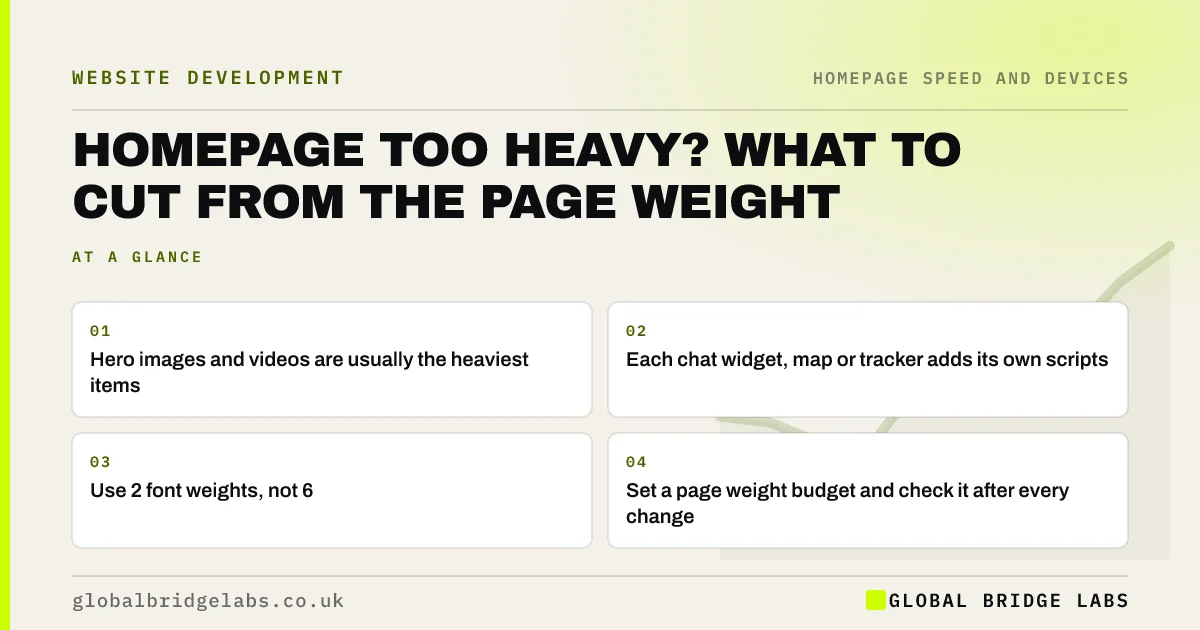
- Hero images and videos are usually the heaviest items.
- Each chat widget, map or tracker adds its own scripts.
- Use 2 font weights, not 6.
- Set a page weight budget and check it after every change.
Want to know what is weighing your homepage down? Message us on WhatsApp.
Chat on WhatsApp →What is page weight and why does it matter?
Page weight is the total size of everything a browser downloads to show a page: HTML, images, video, fonts and scripts. A heavier homepage takes longer to appear, especially on mobile connections, and the first screen is where visitors decide whether to stay. Deloitte's 2020 study for Google found a 0.1-second mobile speed improvement lifted retail conversions by 8.4%.
How do you find what makes the homepage heavy?
Open Chrome DevTools, go to the Network tab, reload the homepage and sort by size. The biggest items are your targets. PageSpeed Insights also lists heavy images and unused JavaScript. Check on mobile settings, because that is where weight hurts most.
What should you cut first?
In our experience the order below usually gives the biggest gain for the least effort.
- Compress and resize the hero image; serve WebP or AVIF.
- Replace a background video with a still image.
- Remove or delay chat widgets, embedded maps and social feeds.
- Reduce web fonts to two weights and preload the main one.
- Remove scripts from tools you no longer use.
What is a sensible page weight budget?
A performance budget is a limit you agree before adding anything new, such as a total page weight or a Largest Contentful Paint time. web.dev recommends setting one so new features do not quietly slow the page. Pick a figure based on your current page and competitors, then check it whenever the homepage changes.
When is a heavier homepage acceptable?
A heavier page can be acceptable when the extra weight loads after the first screen and carries real value, such as a gallery lower down that loads only when scrolled to. What matters most is how quickly the first screen appears and responds, not the total download.
What does this look like in practice?
A pattern we see: a small business homepage carrying a large uncompressed hero, an Instagram feed, a map, a chat widget and six font files. Compressing the hero and removing the feed and map from the homepage usually halves the load time on phones without anyone missing them.
Page weight checklist
- Sort homepage downloads by size in DevTools.
- Compress and resize the hero image.
- Swap any background video for a still.
- Remove or delay third-party widgets.
- Cut fonts to two weights.
- Agree a page weight budget.
Next step
Run PageSpeed Insights on your homepage on mobile and write down the three biggest items it lists. Remove or compress those first.
Message us on WhatsApp with the report, or book a 30-minute consultation.
Chat on WhatsApp →Sources and further reading
- Milliseconds make millions: mobile site speed and conversion · Deloitte
- Performance budgets 101 · web.dev (Google)
- Loading third-party JavaScript · web.dev (Google)
- PageSpeed Insights · Google
Frequently asked questions
What is a good page size for a homepage?
There is no single correct figure, but lighter is better, especially for mobile visitors. Focus on how fast the first screen appears and set a budget based on your current page. Compressing the hero image and removing unused scripts usually makes the biggest difference.
Why is my homepage so slow?
The most common causes are a large hero image or background video, several web fonts, and third-party scripts such as chat widgets, social feeds, maps and trackers. Page builders and unused plugins can add more. Check the largest downloads in DevTools or PageSpeed Insights.
Do chat widgets slow down websites?
They often add significant JavaScript that loads on every page. If you need one, load it after the main content or when a visitor clicks a chat button, and check its impact in PageSpeed Insights before and after.
Written by

Global Bridge Labs (GBL) is a UK–Sri Lanka partner for social media, websites and BPO. Everything here comes from client delivery, not theory.


