
On this page
- 01Key takeaways
- 02What is a website rollback?
- 03What should you back up?
- 04What should trigger a rollback?
- 05Who should be able to roll back?
- 06What about data changes during launch?
- 07When is a rollback the wrong response?
- 08What does this look like in practice?
- 09Homepage rollback checklist
- 10Next step
- 11Sources and further reading
- 12Frequently asked questions
Key takeaways
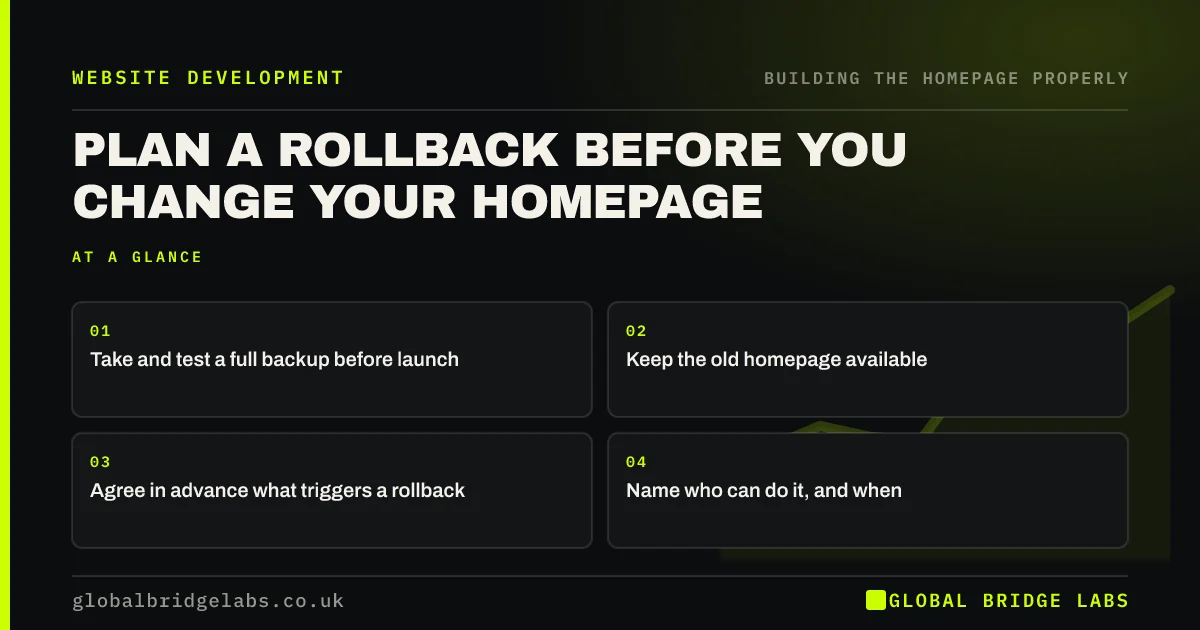
A rollback plan means you can rollback website changes in minutes if a new homepage breaks. Take a full backup, keep the old page available, agree what would trigger a reversal and name who does it. Most launches never need it, but knowing that you can undo a change makes a launch much calmer.
- Take and test a full backup before launch.
- Keep the old homepage available.
- Agree in advance what triggers a rollback.
- Name who can do it, and when.
Want a safe launch plan? Message us on WhatsApp.
Chat on WhatsApp →What is a website rollback?
A rollback restores a previous working version of your site after a change has gone wrong. It may mean restoring a backup, re-publishing an old page or switching a theme back. It is simple insurance. A bad homepage on your busiest day can cost more than the whole project.
What should you back up?
Back up your files, your database and any settings that are not held in either. On WordPress that includes the theme, plugins and media. On Shopify, duplicate the theme. On hosted builders, keep a duplicate of the site or page, where available. A backup you have never restored is only a hope.
What should trigger a rollback?
Agree on triggers before launch: enquiries or sales stop, the form fails, checkout breaks, the site is down or there is a major error on phones. Small cosmetic problems do not count. Fix those on the live page. Deciding in advance prevents panic, and it stops arguments on launch day.
Who should be able to roll back?
Name one person and a backup, confirm that they have the logins and make sure they will be available for 48 hours after launch. Launching on a Friday afternoon with the developer about to go on leave is how small problems become long ones.
What about data changes during launch?
Restoring a full backup can overwrite orders, form entries or customers added since it was taken. On shops and booking sites, restore only the theme or page, or export recent data first. Ask your developer how they would avoid losing those records, because this catches many people out.
When is a rollback the wrong response?
It is wrong for slow declines or disappointing early results, because new pages need time, and search can fluctuate after a change. Use it for clear breakages. For performance disappointments, diagnose the problem and improve the page. A rollback also will not undo problems caused by removed redirects, so fix those directly.
What does this look like in practice?
A pattern we see during launches: a backup exists, but nobody has tested it, and the login sits with a freelancer who is unavailable. Running one practice restore on staging before launch day usually exposes the gap, while there is still time to close it.
Homepage rollback checklist
- Take a full backup.
- Test the restore on staging.
- Keep the old page or theme.
- Write down your triggers.
- Name the person and a backup.
- Protect recent orders and forms.
Next step
Ask whoever runs your website how long it would take to restore yesterday's version. If nobody knows, that is your first task.
Message us on WhatsApp for help with a safe launch, or book a 30-minute consultation.
Chat on WhatsApp →Sources and further reading
- Updating WordPress · WordPress.org
- Small organisations guide to cyber security · National Cyber Security Centre
- Small Business Guide: response and recovery · National Cyber Security Centre
Frequently asked questions
How do I restore my old homepage?
It depends on your platform. In WordPress, restore a backup or a page revision. In Shopify, publish your previous theme. On hosted builders, use the site history. Take care not to overwrite recent orders or form entries.
How often should I back up my website?
Back up at least before every significant change, and on a regular schedule that fits how often your site changes. Shops and booking sites need frequent backups. Store copies away from your main host and test restoring them.
What should I do if my new homepage breaks?
Check whether enquiries or sales are affected. If they are, restore the previous version straight away, then investigate on staging. For small issues, fix them on the live page. Tell your team, so that customers calling in get the right help.
Written by

Global Bridge Labs (GBL) is a UK–Sri Lanka partner for social media, websites and BPO. Everything here comes from client delivery, not theory.


