
On this page
- 01Key takeaways
- 02What does a good service business menu look like?
- 03What does a good shop menu look like?
- 04What does a good professional firm menu look like?
- 05What about clinics, charities and B2B?
- 06What do all good examples share?
- 07Why not copy a competitor's menu?
- 08What does this look like in practice?
- 09Pattern checklist
- 10Next step
- 11Sources and further reading
- 12Frequently asked questions
Key takeaways
Good website navigation looks different by business type, but the patterns repeat: specific labels, five to seven items, prices and proof in reach and one clear action. The six patterns below cover most UK small businesses. Copy the pattern that matches how your customers buy, then test it with your own customers rather than copying a competitor's menu.
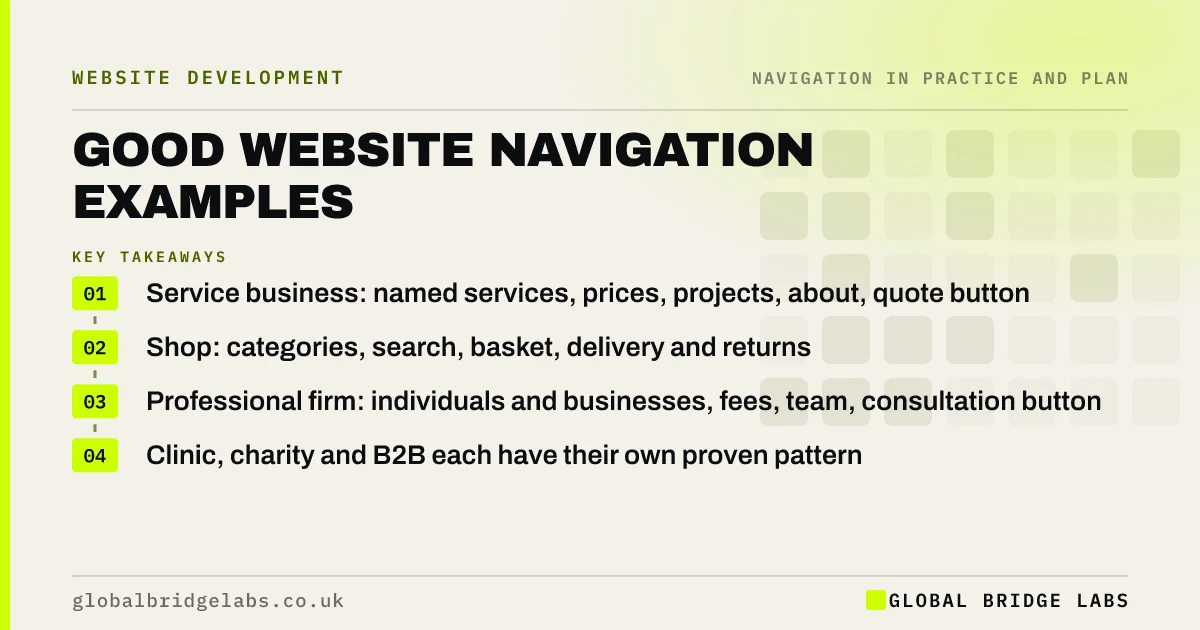
- Service business: named services, prices, projects, about, quote button.
- Shop: categories, search, basket, delivery and returns.
- Professional firm: individuals and businesses, fees, team, consultation button.
- Clinic, charity and B2B each have their own proven pattern.
Want the right pattern applied to your site? Message us on WhatsApp.
Chat on WhatsApp →What does a good service business menu look like?
A local service business, such as a builder or cleaner, does well with a short, specific menu that answers 'do you do this, where, for how much, and are you any good?'.
- Two or three named services, or Services with a dropdown.
- Prices or 'How pricing works'.
- Projects or reviews.
- Areas covered, if relevant.
- About.
- Get a quote, as a button, with the phone number beside it.
What does a good shop menu look like?
A small online shop needs categories shoppers recognise and tools in fixed places.
- Four to eight product categories, with subcategories.
- An Offers or New branch.
- Visible search, account and basket at the top right.
- Delivery and returns linked from the header or a bar.
- Filters on category pages.
What does a good professional firm menu look like?
Law, accountancy and consultancy firms do well splitting by client type and making fees and people visible.
- For individuals and For businesses, each with plain-named services.
- Fees.
- Our people.
- Insights or Guides.
- Client login in the utility area.
- Book a consultation, as a button.
Want your menu mapped to one of these patterns? Message us on WhatsApp and we will discuss your requirements.
Chat on WhatsApp →What about clinics, charities and B2B?
Clinics lead with treatments or conditions, fees, practitioners and a Book button. Charities lead with Get help, What we do, Get involved and a Donate button. B2B and manufacturing sites offer Products, Applications or Industries, Resources and Request a quote, with search that understands part numbers.
What do all good examples share?
Every good pattern shares the five qualities of clear navigation: key pages are findable, labels are in customers' words, the current page is shown, the menu is consistent everywhere and every page offers a next step. GOV.UK's design system is a well-documented public example of plain labels and consistent service navigation.
Why not copy a competitor's menu?
A competitor's menu reflects their customers, services and history, and may not work well even for them. Copy the pattern, not the labels. Use your own enquiry language, card sort your own pages and test with your own customers.
What does this look like in practice?
A pattern we see: an owner copies a large competitor's menu, including 'Solutions', 'Industries' and 'Insights'. It suits the competitor's size but hides a small firm's three services. Switching to the service business pattern, with the three services named, fits how its customers actually buy.
Pattern checklist
- Pick the pattern that matches how customers buy.
- Use your customers' words for labels.
- Keep five to seven top-level items.
- Put prices and proof in reach.
- Use one clear header action.
- Test with your own customers.
Next step
Choose the pattern closest to your business and sketch your menu in it, using your own words.
Message us on WhatsApp for a navigation review, or book a 30-minute consultation.
Chat on WhatsApp →Sources and further reading
- Service navigation component · GOV.UK Design System
- Menu-design checklist: 17 UX guidelines · Nielsen Norman Group
- Card sorting: uncover users' mental models · Nielsen Norman Group
Frequently asked questions
What is an example of good website navigation?
A local builder's menu reading 'Extensions', 'Loft conversions', 'Prices', 'Projects', 'About' and a 'Get a quote' button is a good example: specific labels, prices and proof in reach and one clear action. The best pattern depends on how your customers buy.
Should I copy a competitor's navigation?
Copy the pattern if it suits your customers, but not the labels. A competitor's menu reflects their services and customers. Use your own customers' words and test the result with them.
What makes navigation good?
Good navigation is findable, worded for customers, shows where visitors are, is consistent on every page and device and always offers a next step. It also follows familiar conventions, so visitors do not have to learn how the site works.
Written by

Global Bridge Labs (GBL) is a UK–Sri Lanka partner for social media, websites and BPO. Everything here comes from client delivery, not theory.


