
On this page
- 01Key takeaways
- 02What is faceted navigation?
- 03Which filters should a shop offer?
- 04How should filters look on mobile?
- 05Can filters cause SEO problems?
- 06What are the common filter mistakes?
- 07What does this look like in practice?
- 08Faceted navigation checklist
- 09Next step
- 10Sources and further reading
- 11Frequently asked questions
Key takeaways
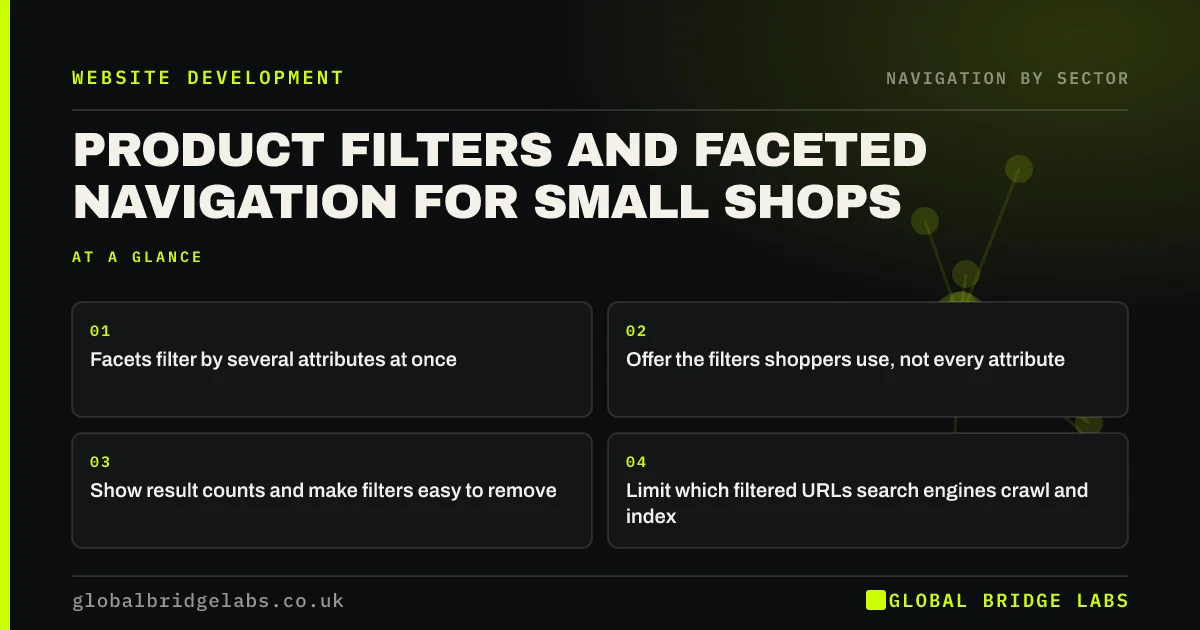
Faceted navigation lets shoppers narrow a product list by several attributes at once, such as size, colour, price and brand. Offer the filters shoppers actually use, show result counts, let them combine filters and undo them easily, and make the panel work well on phones. Control which filter combinations search engines can crawl.
- Facets filter by several attributes at once.
- Offer the filters shoppers use, not every attribute.
- Show result counts and make filters easy to remove.
- Limit which filtered URLs search engines crawl and index.
Want your product filters reviewed? Message us on WhatsApp.
Chat on WhatsApp →What is faceted navigation?
Faceted navigation is a way of browsing a set of products by selecting values across several independent attributes, called facets, such as size, colour, material and price. Nielsen Norman Group distinguishes filters, which narrow results by one attribute, from facets, which offer multiple dimensions shoppers can combine.
Which filters should a shop offer?
Offer the attributes shoppers use to decide, which vary by product. Clothing shoppers filter by size and colour; furniture shoppers by dimensions and material; gift shoppers by price and recipient. Check site search terms and customer questions to find them. Hide filters that would return one or two products.
- Size, fit and colour for clothing.
- Dimensions, material and finish for furniture.
- Price range for most shops.
- Compatibility for parts and accessories.
- In-stock only, if stock varies.
How should filters look on mobile?
On phones, use a 'Filter' button that opens a full-screen or slide-up panel, with each facet as an expandable section. Show how many results each option leaves, a clear 'Show 24 results' button and an obvious way to clear filters. Show applied filters as removable chips above the results.
Want a mobile filter panel designed for your range? Message us on WhatsApp and we will discuss your requirements.
Chat on WhatsApp →Can filters cause SEO problems?
Yes. Every combination of filters can create a new URL, producing thousands of near-duplicate pages that waste crawl effort. Google's crawl budget guidance mentions faceted navigation as a common cause of wasted crawling on large sites. Allow only valuable combinations, such as a category plus colour, to be indexed, and block or canonicalise the rest.
What are the common filter mistakes?
The common mistakes are filters that reload the page and lose the scroll position, filters that reset with the back button, options that lead to zero results, inconsistent attribute data across products and slow filter updates. Consistent product data is the foundation; without it, filters miss products.
What does this look like in practice?
A pattern we see: a clothing shop offers 14 filters, including some with one product each, and half its products have no colour attribute, so filtering by colour hides them. Cleaning the product data and offering five filters shoppers use makes filtering reliable.
Faceted navigation checklist
- Filters based on what shoppers use.
- Consistent attribute data on every product.
- Result counts on each option.
- Removable chips for applied filters.
- Filter state kept in the URL.
- Controlled indexing of filter pages.
Next step
Pick one category and check that every product in it has values for each filter you offer.
Message us on WhatsApp for a product filter review, or book a 30-minute consultation.
Chat on WhatsApp →Sources and further reading
- Filters vs. facets: definitions · Nielsen Norman Group
- Large site owner's guide to managing your crawl budget · Google Search Central
- Search: visible and simple · Nielsen Norman Group
Frequently asked questions
What is the difference between filters and facets?
A filter narrows results by one attribute, such as price. Facets are multiple independent attributes, such as size, colour and material, that shoppers can combine. Faceted navigation is the interface that lets them select across several facets at once.
Is faceted navigation bad for SEO?
It can be if every filter combination creates an indexable URL, producing many near-duplicate pages. Allow only valuable combinations to be indexed, and use canonical tags, noindex or robots rules to control the rest.
How many filters should an online shop have?
Only those shoppers use to decide, often four to seven per category. Remove filters that rarely narrow results meaningfully, and make sure product data supports each filter you keep.
Written by

Global Bridge Labs (GBL) is a UK–Sri Lanka partner for social media, websites and BPO. Everything here comes from client delivery, not theory.


