
On this page
- 01Key takeaways
- 02Findable: can visitors reach key pages?
- 03Worded: do visitors understand the labels?
- 04Located: do visitors know where they are?
- 05Consistent: does the menu stay the same?
- 06Onward: does every page offer a next step?
- 07How do you use the score?
- 08What does this look like in practice?
- 09Next step
- 10Sources and further reading
- 11Frequently asked questions
Key takeaways
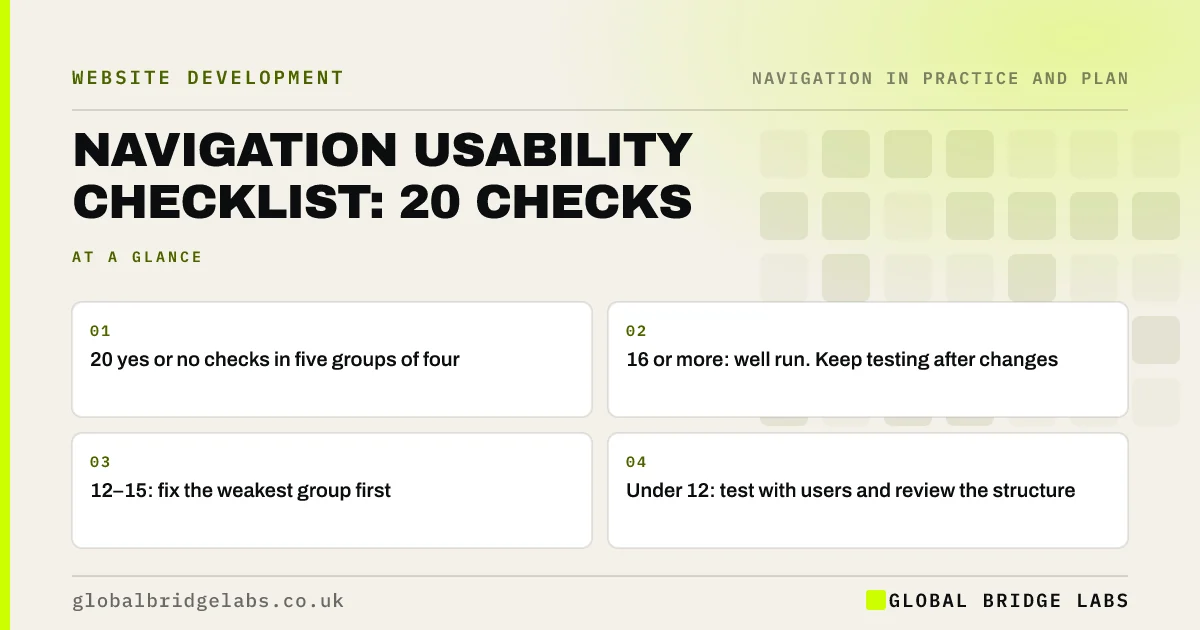
The GBL Navigation Usability Checklist is 20 yes or no checks in five groups of four: findable, worded, located, consistent and onward. Score one point per yes. A total of 16 or more is well run; 12 to 15 means fix the weakest group first; under 12 means start with a usability test and a structure review before changing labels.
- 20 yes or no checks in five groups of four.
- 16 or more: well run. Keep testing after changes.
- 12–15: fix the weakest group first.
- Under 12: test with users and review the structure.
Want the checklist run on your site with fixes ranked? Message us on WhatsApp.
Chat on WhatsApp →Findable: can visitors reach key pages?
These four checks cover whether the pages buyers need are easy to reach from anywhere on the site.
- 1. Key pages are within two clicks or taps of every page.
- 2. The main menu is visible on desktop, not behind an icon.
- 3. The main action is visible on phones without opening the menu.
- 4. A second route exists, such as search, a sitemap or contextual links.
Worded: do visitors understand the labels?
These checks cover whether labels say clearly what is behind them, in customers' words.
- 5. Menu labels use words customers use in enquiries and searches.
- 6. No vague labels such as 'Solutions', 'Resources' or 'More'.
- 7. Link text describes the destination; no 'click here'.
- 8. Each service, page and action has one consistent name.
Located: do visitors know where they are?
These checks cover orientation, especially for visitors who land deep in the site.
- 9. The current section is highlighted in the menu.
- 10. Every page has a unique, descriptive title.
- 11. The main heading matches the menu label that led there.
- 12. Deeper pages show breadcrumbs or a section menu.
Consistent: does the menu stay the same?
These checks cover whether visitors can rely on the navigation everywhere.
- 13. The menu has the same items, order and position on every page.
- 14. Mobile and desktop menus contain the same links.
- 15. Shop, booking and blog templates share the main header.
- 16. Menus work by keyboard, with visible focus and a skip link.
- Consistent navigation: same menu, same place, every page
- Skip links: let keyboard users jump past the menu
Want your consistency and accessibility checks done for you? Message us on WhatsApp and we will discuss your requirements.
Chat on WhatsApp →Onward: does every page offer a next step?
These checks cover whether visitors always have somewhere sensible to go.
- 17. Every key page ends with a relevant next step.
- 18. Prices or fees and proof are linked from service pages.
- 19. The 404 and no-results pages offer routes forward.
- 20. The back button always returns visitors to where they were.
How do you use the score?
Count the yes answers. A score of 16 to 20 is well run; 12 to 15 means one or two groups need work, so fix the group with the fewest yes answers first; under 12 suggests deeper problems, so run a five-person usability test and review the structure before changing labels. The thresholds are GBL's working rule of thumb.
What does this look like in practice?
A pattern we see: a site scores 13, losing points mainly on 'located' and 'onward': no active menu state, generic page titles, service pages without next steps and a default 404. Those are template fixes, done once for every page.
Next step
Run the 20 checks on your homepage, one service page and one blog post, and note your score.
Message us on WhatsApp for the navigation usability checklist, or book a 30-minute consultation.
Chat on WhatsApp →Sources and further reading
- Menu-design checklist: 17 UX guidelines · Nielsen Norman Group
- Web Content Accessibility Guidelines (WCAG) 2.2 · W3C
- 10 usability heuristics for user interface design · Nielsen Norman Group
Frequently asked questions
What should a navigation checklist include?
Checks that key pages are easy to reach, labels are in customers' words, visitors can tell where they are, the menu is consistent across pages and devices and accessible by keyboard, and every page offers a next step.
How do I score my website navigation?
Answer the 20 checks yes or no and count the yes answers. 16 or more is well run, 12 to 15 means fix the weakest group, and under 12 means test with users and review the structure before smaller changes.
Is a checklist enough to fix navigation?
It finds most common problems quickly, but real users find problems a checklist misses. Use the checklist to fix the obvious issues, then test with five people completing real tasks.
Written by

Global Bridge Labs (GBL) is a UK–Sri Lanka partner for social media, websites and BPO. Everything here comes from client delivery, not theory.


