
On this page
- 01Key takeaways
- 02Why do buyers look for price in the menu?
- 03What if you do not publish prices?
- 04Are some businesses required to show prices?
- 05Where should the pricing link go?
- 06When should pricing stay out of the menu?
- 07What does this look like in practice?
- 08Pricing link checklist
- 09Next step
- 10Sources and further reading
- 11Frequently asked questions
Key takeaways
If you publish prices, even guide prices, put a 'Prices' or 'Fees' link in the main menu. Price is one of the first things buyers look for, and hiding it makes them hunt or leave. If you price per job, link a page that explains how pricing works, typical ranges and what affects cost, rather than leaving price out of the menu.
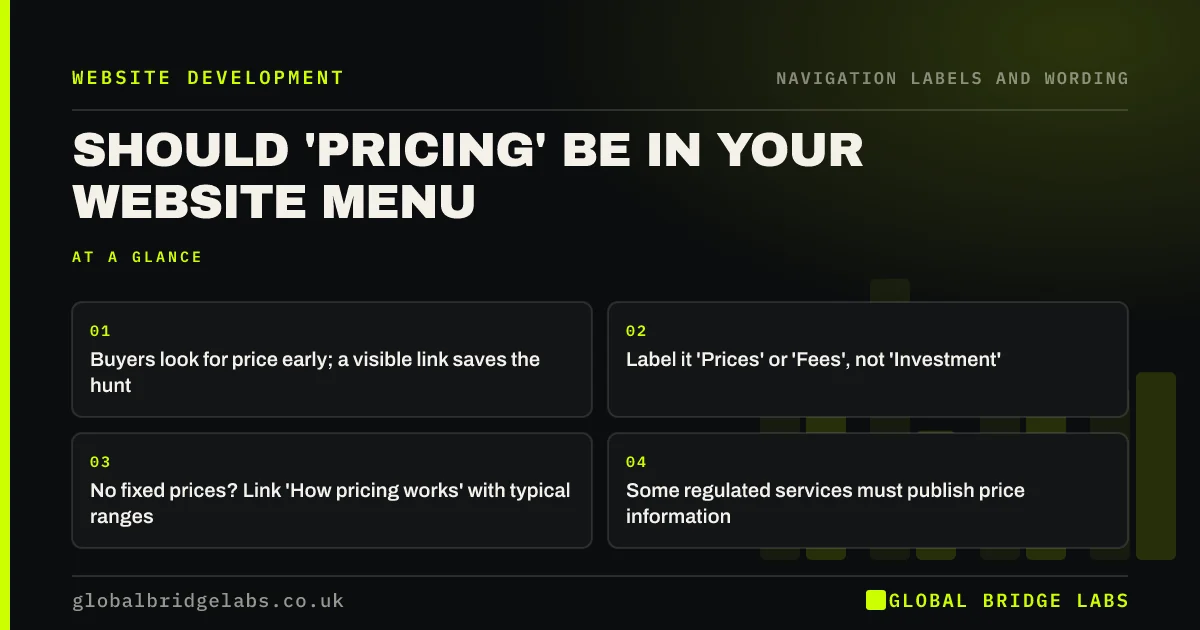
- Buyers look for price early; a visible link saves the hunt.
- Label it 'Prices' or 'Fees', not 'Investment'.
- No fixed prices? Link 'How pricing works' with typical ranges.
- Some regulated services must publish price information.
Unsure whether to show prices on your site? Message us on WhatsApp.
Chat on WhatsApp →Why do buyers look for price in the menu?
Price decides whether a buyer keeps reading. Many visitors check it before anything else, to see if the business is in their range. If the menu shows no route to price, they search the pages, scroll the footer or leave to compare elsewhere. A visible link answers the question in one click.
What if you do not publish prices?
Many service businesses price each job individually. You can still link a page that explains how pricing works: typical ranges, what changes the cost, how quotes are prepared and how long they take. Label it honestly, such as 'How pricing works', rather than hiding the subject.
Are some businesses required to show prices?
Yes. The Solicitors Regulation Authority's transparency rules require law firms to publish price and service information for certain services, and to make it easy to find. Other sectors have their own rules. Check what applies to you, and link required information clearly from the menu or footer.
Want your pricing information structured and linked clearly? Message us on WhatsApp and we will discuss your requirements.
Chat on WhatsApp →Where should the pricing link go?
In the main menu, after services, so buyers who have found the service can check the price next. Link prices from each service page too. On sites with one price list per service, the service pages can carry the prices and the menu can link to a summary.
When should pricing stay out of the menu?
When prices are genuinely bespoke and a pricing page would say nothing useful, or for very large B2B contracts where price depends entirely on scope. Even then, a short section on each service page about how pricing works helps buyers qualify themselves.
What does this look like in practice?
A pattern we see: a trades business has a guide price page linked only from the footer, while the most common enquiry question is 'roughly how much?'. Adding 'Prices' to the main menu and linking it from each service page answers the question before the call.
Pricing link checklist
- Decide what price information you can publish.
- Label the link 'Prices', 'Fees' or 'How pricing works'.
- Place it after services in the menu.
- Link prices from each service page.
- Check sector rules on price information.
Next step
Count how many enquiries ask about price first. If it is most of them, add a pricing link.
Message us on WhatsApp for a pricing navigation review, or book a 30-minute consultation.
Chat on WhatsApp →Sources and further reading
- Transparency rules · Solicitors Regulation Authority
- Information scent: how users decide where to go next · Nielsen Norman Group
- Menu-design checklist: 17 UX guidelines · Nielsen Norman Group
Frequently asked questions
Should I put prices on my website?
If you can give honest guide prices or ranges, usually yes. Price is a key question, and answering it saves time for you and the buyer. If every job differs, explain how pricing works and what affects the cost instead.
What should I call the pricing link?
Use the word buyers use: 'Prices' for consumer services, 'Fees' for professional firms, 'Pricing' for software. Avoid euphemisms such as 'Investment' that make visitors wonder whether it is the page they want.
Will showing prices put people off?
It may put off buyers outside your range, which saves time for both sides. Buyers within it are more likely to enquire because the main uncertainty has been answered. Pair prices with what is included so the value is clear.
Written by

Global Bridge Labs (GBL) is a UK–Sri Lanka partner for social media, websites and BPO. Everything here comes from client delivery, not theory.


