
On this page
- 01Key takeaways
- 02How should a shop's categories be organised?
- 03What should always be visible?
- 04How do filters and search fit in?
- 05What does mobile e-commerce navigation need?
- 06What are the common mistakes?
- 07What does this look like in practice?
- 08E-commerce navigation checklist
- 09Next step
- 10Sources and further reading
- 11Frequently asked questions
Key takeaways
Good e-commerce navigation gets shoppers to the right product in a few taps. Organise categories the way shoppers browse, keep search and the basket visible on every page, add filters on category pages, and put delivery, returns and contact where shoppers check before buying. Most shoppers browse on phones, so design the mobile menu first.
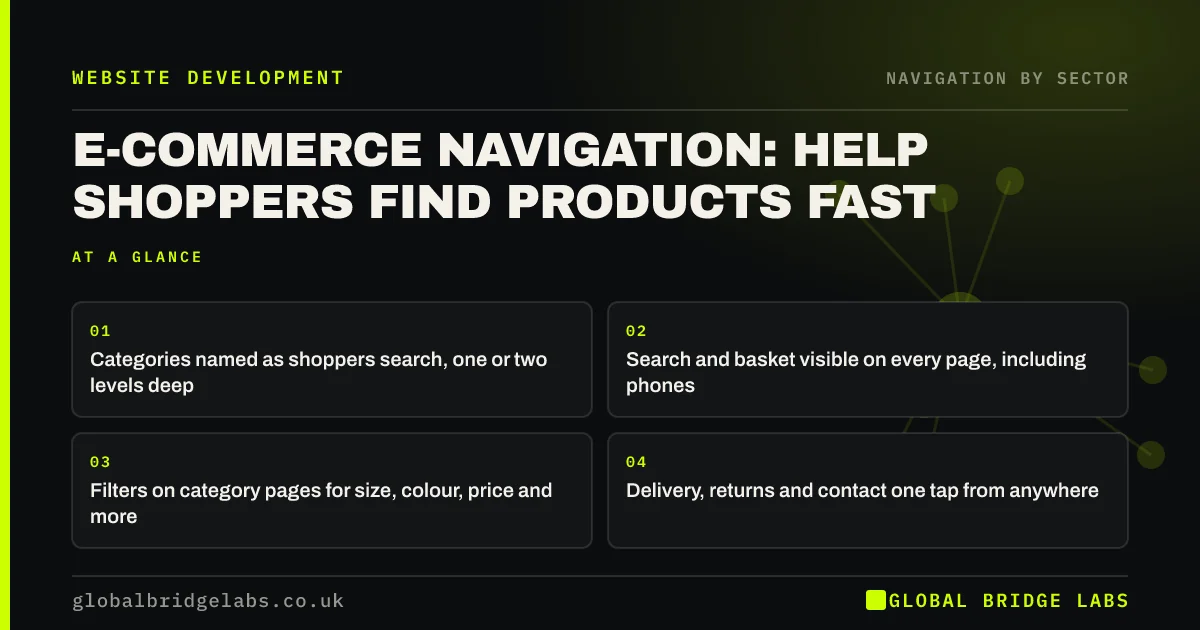
- Categories named as shoppers search, one or two levels deep.
- Search and basket visible on every page, including phones.
- Filters on category pages for size, colour, price and more.
- Delivery, returns and contact one tap from anywhere.
Want your shop's navigation reviewed on mobile? Message us on WhatsApp.
Chat on WhatsApp →How should a shop's categories be organised?
Organise categories by how shoppers think about your products: usually product type, sometimes need, occasion or recipient. Name them in shoppers' words, keep top-level categories to a handful and nest subcategories one level down. Avoid supplier names and internal codes as categories unless shoppers buy by brand.
- Top level: product types or needs.
- Second level: subcategories.
- Separate branches for gifts, offers or new arrivals.
- Brand pages only if shoppers search by brand.
What should always be visible?
Search, the basket with its item count and the account link should be visible on every page. Delivery costs and times, returns and contact should be one tap away, because shoppers check them before buying. Under the Consumer Contracts Regulations, most online purchases can be cancelled within 14 days, so clear returns information helps shoppers commit.
How do filters and search fit in?
The menu gets shoppers to a category; filters narrow it to the right products; search takes shoppers who know what they want straight there. On stores with more than a few dozen products, all three matter. Filters should update the URL so the back button returns shoppers to their filtered list.
- Product filters and faceted navigation for small shops
- Search results pages: make site search find things
- The back button: why breaking it frustrates visitors
Want your categories, filters and search planned together? Message us on WhatsApp and we will discuss your requirements.
Chat on WhatsApp →What does mobile e-commerce navigation need?
On phones, keep the logo, search and basket in the header, with the menu behind a labelled button. Category menus should expand in place. Product listing pages need a filter button that opens a clear panel and shows how many results remain. Test with one thumb on a small phone.
What are the common mistakes?
The common mistakes are too many top-level categories, categories with very few products, search hidden behind an icon, filters that reset when shoppers go back, and delivery information only in the footer. Each adds a step between a shopper and a purchase.
What does this look like in practice?
A pattern we see: an independent shop lists twelve categories in its mobile menu, including 'New', 'Sale', 'Brands', 'Collections' and 'Shop', which overlap. Cutting to five product types plus 'Offers', and adding a visible search box, makes the menu scannable in one screen.
E-commerce navigation checklist
- A handful of top-level categories.
- Subcategories one level down.
- Visible search and basket on phones.
- Filters that survive the back button.
- Delivery, returns and contact one tap away.
- Mobile menu tested with one thumb.
Next step
On a phone, time how long it takes to reach a specific product from your homepage.
Message us on WhatsApp for an e-commerce navigation review, or book a 30-minute consultation.
Chat on WhatsApp →Sources and further reading
- Consumer Contracts (Information, Cancellation and Additional Charges) Regulations 2013 · legislation.gov.uk
- Filters vs. facets: definitions · Nielsen Norman Group
- Search: visible and simple · Nielsen Norman Group
Frequently asked questions
How many categories should an online shop have?
A handful at the top level, often five to eight, with subcategories beneath. More top-level categories become hard to scan, especially on phones. Use filters to narrow within categories instead of creating many small ones.
Where should search go on an e-commerce site?
In the header, visible on every page, as a search box on desktop and a box or clearly labelled icon on phones. On stores with more than a few dozen products, search is one of the most used routes to products.
Should delivery information be in the menu?
It should be easy to reach from every page, usually through the header, an announcement bar, the footer and product pages. Shoppers check delivery and returns before buying, so hiding them adds doubt.
Written by

Global Bridge Labs (GBL) is a UK–Sri Lanka partner for social media, websites and BPO. Everything here comes from client delivery, not theory.


