On this page
- 01Key takeaways
- 02What does 'findable' mean in navigation?
- 03What does 'worded' mean?
- 04What does 'located' mean?
- 05What does 'consistent' mean?
- 06What does 'onward' mean?
- 07Which quality matters most?
- 08What does this look like in practice?
- 09Five qualities checklist
- 10Next step
- 11Sources and further reading
- 12Frequently asked questions
Key takeaways
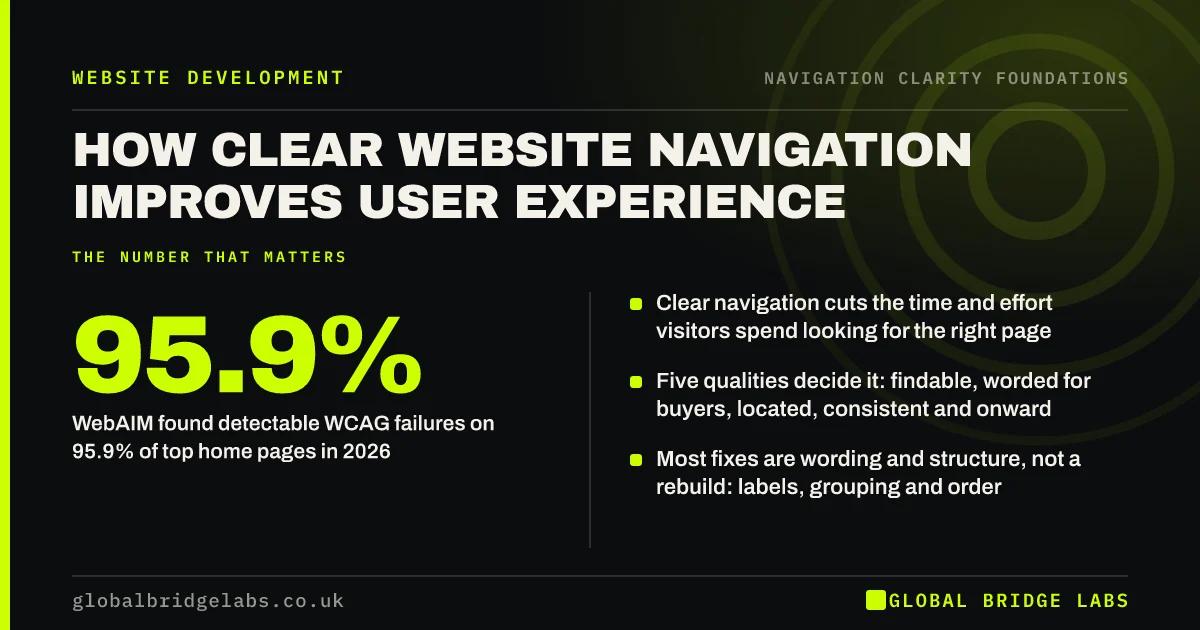
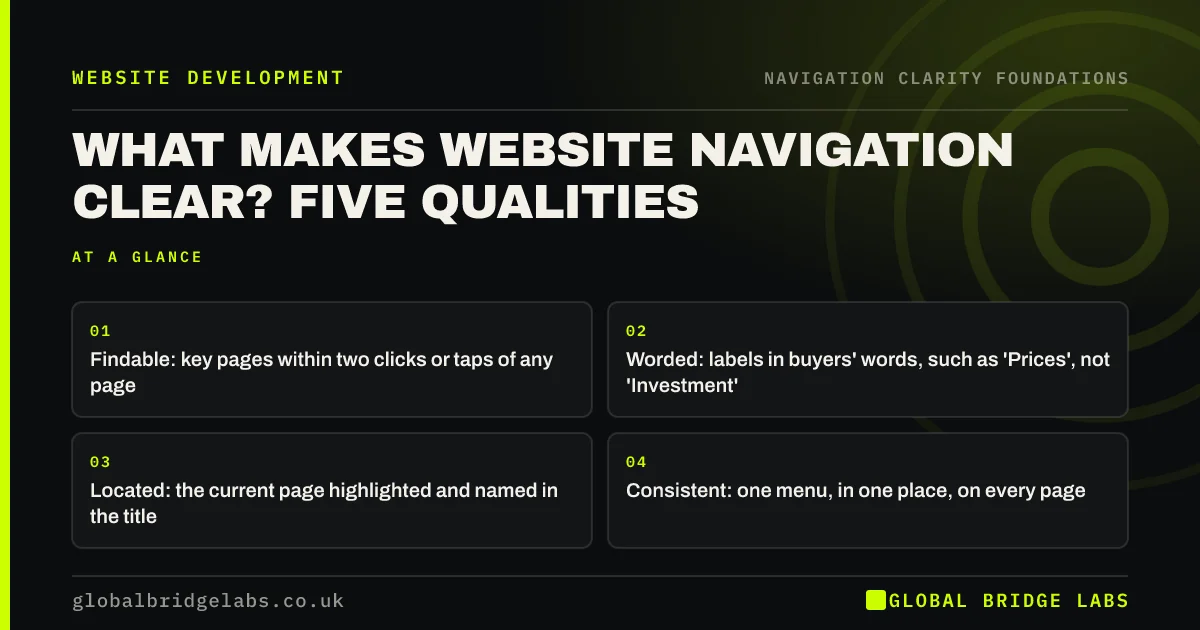
Website navigation is clear when a first-time visitor can find a key page quickly, understand every label, tell where they are, rely on the menu staying the same and see a next step on every page. Those five qualities are findable, worded, located, consistent and onward. Missing any one of them makes visitors guess.
- Findable: key pages within two clicks or taps of any page.
- Worded: labels in buyers' words, such as 'Prices', not 'Investment'.
- Located: the current page highlighted and named in the title.
- Consistent: one menu, in one place, on every page.
- Onward: every page ends with an obvious next step.
Want to know which quality your site is missing? Message us on WhatsApp.
Chat on WhatsApp →What does 'findable' mean in navigation?
Findable means the pages buyers need most, such as services, prices, proof and contact, are visible in the menu or one level below it, from every page. It is about short, obvious routes, not about the number of clicks alone. A visitor who lands on a blog post from search should still see what the business sells.
What does 'worded' mean?
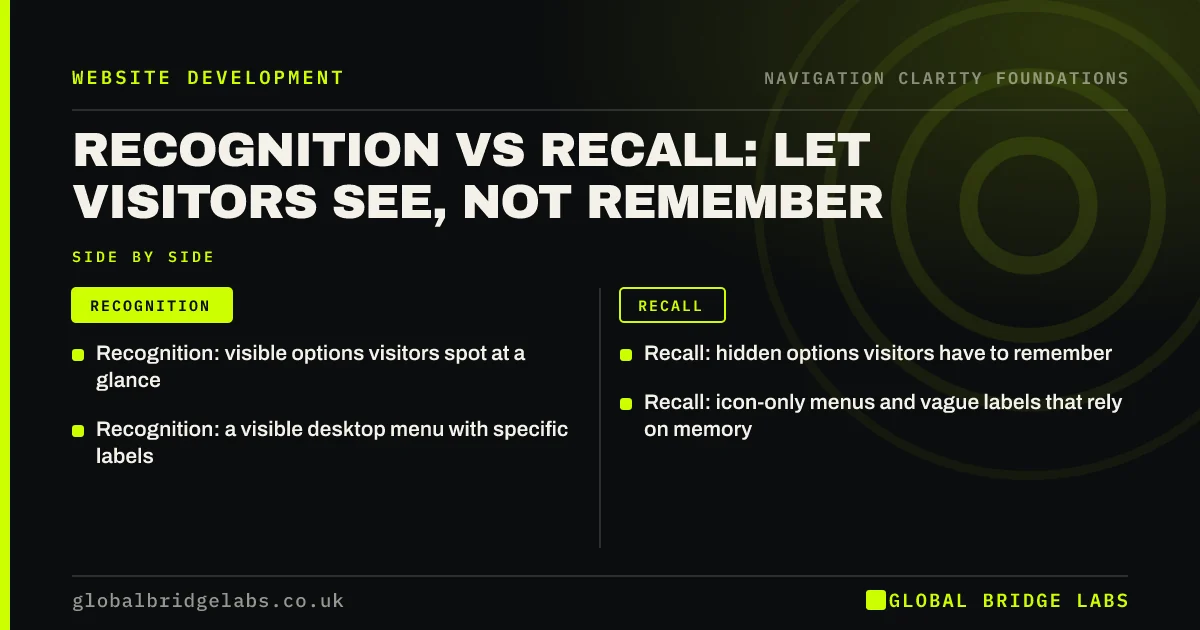
Worded means each label says plainly what is behind it, in the words customers use. 'Boiler servicing' beats 'Solutions'; 'Prices' beats 'Investment'. Nielsen Norman Group's work on information scent shows visitors follow labels that look like their goal, and abandon trails that do not.
What does 'located' mean?
Located means the visitor can tell where they are at a glance: the current menu item is highlighted, the page has a clear title and heading, and deeper pages show a breadcrumb or section menu. WCAG 2.2 success criterion 2.4.8, Location, describes this as information about the user's location within a set of pages.
What does 'consistent' mean?
Consistent means the same menu appears in the same place, in the same order, with the same labels, on every page. WCAG 2.2 success criterion 3.2.3, Consistent Navigation, sets this at level AA. Consistency lets visitors learn the menu once and then stop thinking about it.
What does 'onward' mean?
Onward means every page offers a sensible next step: a related service, the price page, a case study or the contact action. Pages that end with nothing, or only with a footer, leave visitors to work out where to go. Most will use the back button or leave.
Which quality matters most?
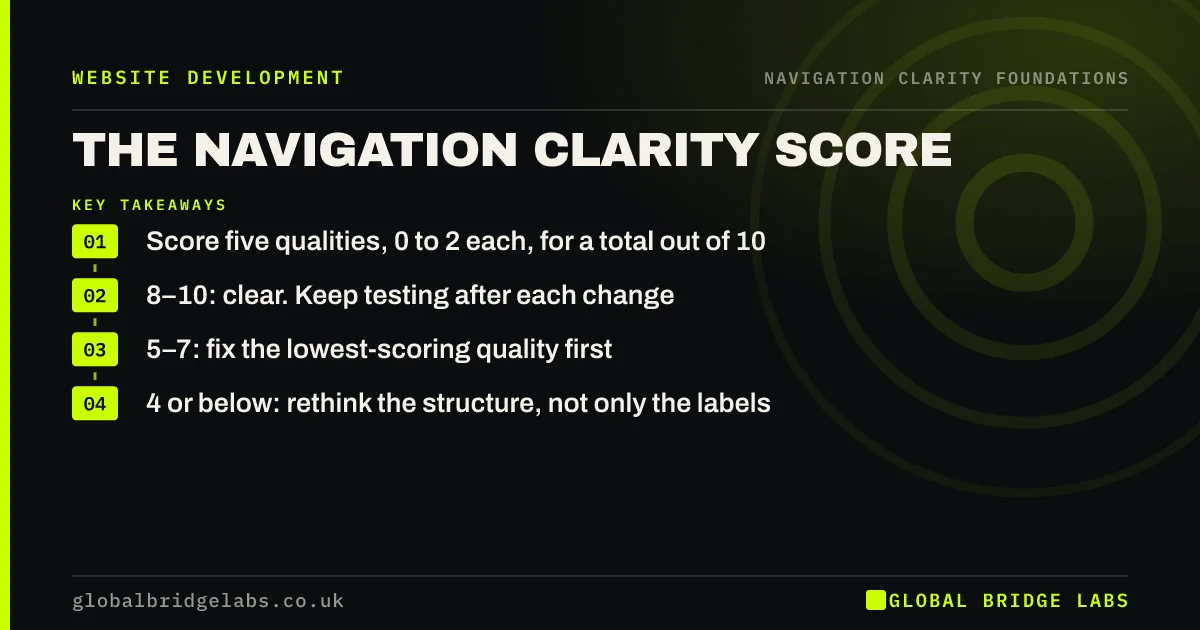
It depends on the site, which is why it helps to score all five. On small service sites, wording is most often the weakest: the structure is simple, but the labels are vague. On larger sites, findability and location usually suffer first, as pages pile up under broad headings.
What does this look like in practice?
A pattern we see: a professional services firm has a tidy five-item menu, but the items are 'Who we are', 'What we do', 'How we help', 'Insights' and 'Talk to us'. The structure is fine; the wording hides everything. Renaming to the actual services and adding 'Fees' makes the same five items specific.
Five qualities checklist
- List your five most important pages and check each is in or just under the menu.
- Read every label aloud and ask: would a customer say this?
- Check the current page is highlighted in the menu.
- Open three pages and confirm the menu is identical.
- Scroll to the end of each key page and look for a next step.
Next step
Pick the quality your site meets least well and fix it before touching the others.
Message us on WhatsApp for a navigation review, or book a 30-minute consultation.
Chat on WhatsApp →Sources and further reading
Frequently asked questions
What are the characteristics of good navigation?
Good navigation is easy to find, uses plain labels in customers' words, shows visitors where they are, is consistent on every page and device, and always offers a next step. It also follows familiar conventions, so visitors do not have to learn how your site works.
What is the difference between clear and simple navigation?
Simple navigation has few items. Clear navigation has items visitors understand. A three-item menu with vague labels is simple but unclear; a seven-item menu with specific labels can be both clear and quick to scan. Aim for clarity first, then simplify.
How long does it take to make navigation clearer?
Label and order changes often take a day or two on a well-built site. Restructuring sections, adding breadcrumbs or reorganising services takes longer, typically a few weeks including testing. Changing URLs adds redirects and search checks, so plan that work carefully.
Written by

Global Bridge Labs (GBL) is a UK–Sri Lanka partner for social media, websites and BPO. Everything here comes from client delivery, not theory.