On this page
- 01Short answer
- 02What counts as a website mistake?
- 03Which clarity mistakes lose visitors first?
- 04Which technical mistakes cost the most?
- 05Which conversion mistakes lose ready buyers?
- 06What do these mistakes cost?
- 07When is a mistake not worth fixing?
- 08What does this look like in practice?
- 09Your quick-fix checklist
- 10Next step
- 11Sources and further reading
- 12Frequently asked questions
Short answer
The small business website mistakes that cost the most enquiries are rarely about design. They are a vague headline, slow mobile pages, no proof near the call to action, too many competing actions, long forms, hidden pricing, and no tracking. Most can be fixed in days, not months, and without a rebuild.
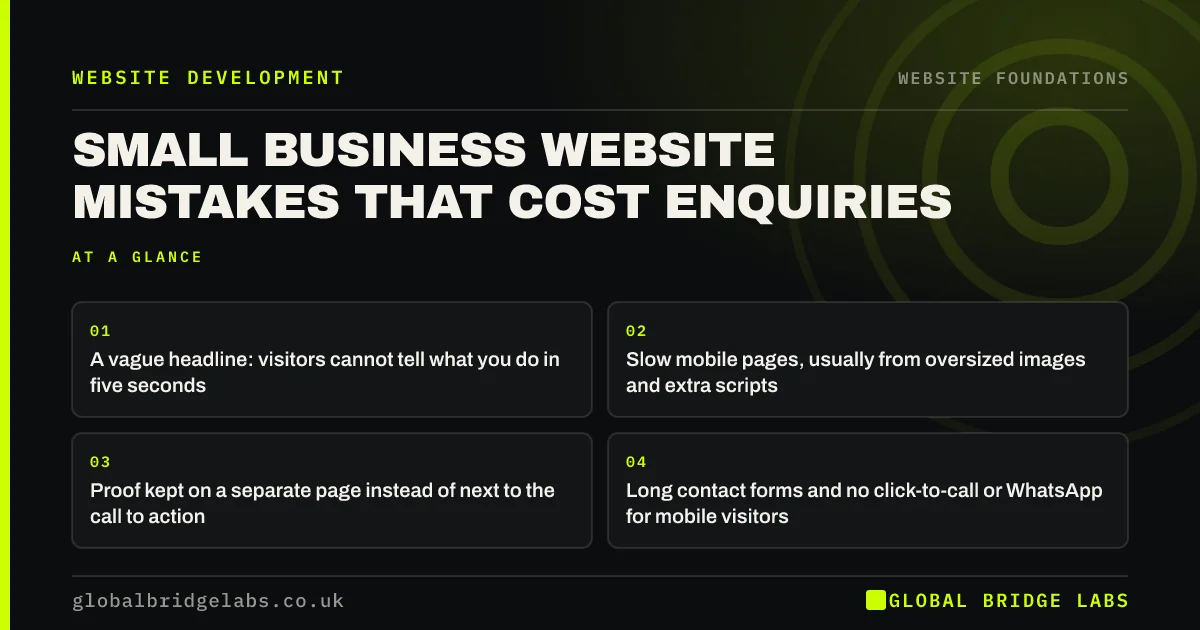
- A vague headline: visitors cannot tell what you do in five seconds.
- Slow mobile pages, usually from oversized images and extra scripts.
- Proof kept on a separate page instead of next to the call to action.
- Long contact forms and no click-to-call or WhatsApp for mobile visitors.
- No tracking, so nobody knows which pages or channels produce work.
Want to know which of these your site has? Send us the URL on WhatsApp and we will list the top three.
Chat on WhatsApp →What counts as a website mistake?
A website mistake is any feature, omission or technical problem that reduces the number of qualified visitors who find the site, understand the offer or take the next step. It is judged by its effect on enquiries, not on how the site looks.
That framing matters because the most visible problems are rarely the most expensive. An old-fashioned colour scheme costs far less than a contact form that silently fails on some phones.
Which clarity mistakes lose visitors first?
Clarity mistakes lose visitors in the first few seconds, before anything else can help. They are the cheapest to fix and usually the most valuable.
- 1. Headline says Welcome or a slogan instead of the service and area.
- 2. Services grouped on one page, so none can rank or persuade.
- 3. Internal jargon in menus and headings instead of buyer language.
- 4. No indication of price, so price-sensitive buyers leave to find one.
Which technical mistakes cost the most?
Technical mistakes are often invisible to the owner, who uses the site on a fast office connection. Google measures real visits, and most of those are on phones.
- 5. Hero images of several megabytes, pushing Largest Contentful Paint past 2.5 seconds.
- 6. Layout jumping as banners and fonts load, failing Cumulative Layout Shift.
- 7. Plugins and tracking scripts that nobody remembers adding.
- 8. Forms that fail silently or land in a spam folder nobody checks.
Which conversion mistakes lose ready buyers?
Conversion mistakes lose people who have already decided they might buy, which makes them the most expensive of all.
- 9. Five competing calls to action with equal weight.
- 10. Contact forms with eight to twelve fields, including optional ones nobody needs.
- 11. No click-to-call or WhatsApp on mobile, where most service enquiries start.
- 12. No tracking of calls, forms and chats, so the site's value is invisible.
- Website call to action examples that get clicked
- Track every website enquiry to its source
- Website friction: the small obstacles that stop enquiries
- Website conversion myths that waste budget
Want these twelve checked on your own site? Message us on WhatsApp and we will run through them with you.
Chat on WhatsApp →What do these mistakes cost?
The cost is easy to estimate. If 1,000 people a month visit a site converting at 1%, that is ten enquiries. Fixing the headline, form and mobile speed to lift it to 3% produces thirty from the same traffic. If one in five enquiries becomes a £2,000 job, that is £8,000 a month in additional work, without spending another pound on advertising.
Across our client work, we have seen a 2.4x enquiry rate after a website rebuild. Much of that lift comes from fixing exactly these twelve items, which is why an audit should come before any decision to rebuild.
When is a mistake not worth fixing?
Some imperfections are not worth the effort. If a page gets almost no traffic, polishing it will not change results. If the platform makes a fix extremely expensive, it may be better to note it for the next rebuild and focus on the pages that carry most enquiries.
Prioritise by traffic multiplied by commercial value. Fix the homepage, top service pages and contact route first. Leave the archive of old news posts until last, or remove it.
What does this look like in practice?
A pattern across many UK SMEs: the owner believes the site needs a rebuild because it looks dated, but an audit finds that the contact form has been sending to an old employee's inbox for months.
That single fix recovers more enquiries than any redesign could. It is why the first step is always to test every enquiry route yourself, on a phone, and check that the message arrives where someone will answer it.
Your quick-fix checklist
Do these in order. Most take less than a day each.
- Send a test enquiry through every form, phone link and WhatsApp button.
- Rewrite the homepage headline to name the service and area.
- Compress hero images and remove unused plugins.
- Cut the contact form to the essential fields.
- Add a specific review next to each call to action.
- Add price ranges or cost factors to service pages.
- Set up tracking for forms, calls and WhatsApp.
Next step
If you suspect your site is losing enquiries but are not sure where, we will run through these twelve with you in 30 minutes and rank the fixes by likely impact.
Message us on WhatsApp for a website mistakes check, or book a 30-minute consultation.
Chat on WhatsApp →Sources and further reading
- Understanding Core Web Vitals and Google search results · Google Search Central
- Google Search Console · Google
- Structuring forms · GOV.UK Service Manual
Frequently asked questions
What is the most common small business website mistake?
A vague headline is the most common and most costly, because it loses visitors before anything else on the page can help. Close behind are slow mobile pages, long contact forms and the absence of any enquiry tracking, which means the owner cannot see what the site is producing.
Why does my website get visitors but no enquiries?
Usually because visitors cannot quickly see what you offer and how to act, the page is slow on mobile, proof is missing near the call to action, or the enquiry route is broken or awkward. Test every form and button on a phone first, then check the headline and proof.
How do I check my website for problems?
Test every enquiry route on a phone, run key pages through PageSpeed Insights, check Google Search Console for indexing and mobile issues, and ask five people unfamiliar with the business what you sell after five seconds on the homepage. Those four checks find most serious problems.
Do I need a new website to fix these mistakes?
Usually not. Most of these mistakes can be fixed on the existing site in days: rewriting headlines, compressing images, shortening forms, adding proof and tracking. A rebuild is only needed when the platform itself prevents fixes or the site cannot be made fast and secure.
Written by

Global Bridge Labs (GBL) is a UK–Sri Lanka partner for social media, websites and BPO. Everything here comes from client delivery, not theory.