On this page
- 01Short answer
- 02What makes a good contact form?
- 03Why do visitors abandon contact forms?
- 04How many fields should a contact form have?
- 05How should a contact form be designed?
- 06What are the legal basics for enquiry forms?
- 07When is a longer form the right choice?
- 08What does this look like in practice?
- 09Contact form checklist
- 10Next step
- 11Sources and further reading
- 12Frequently asked questions
Short answer
Contact form best practice is to ask only for what you need to send a useful first reply, usually name, contact details and a short description, with clear labels, helpful error messages and a promise of what happens next. Then test that every submission actually arrives, because silent form failures are common.
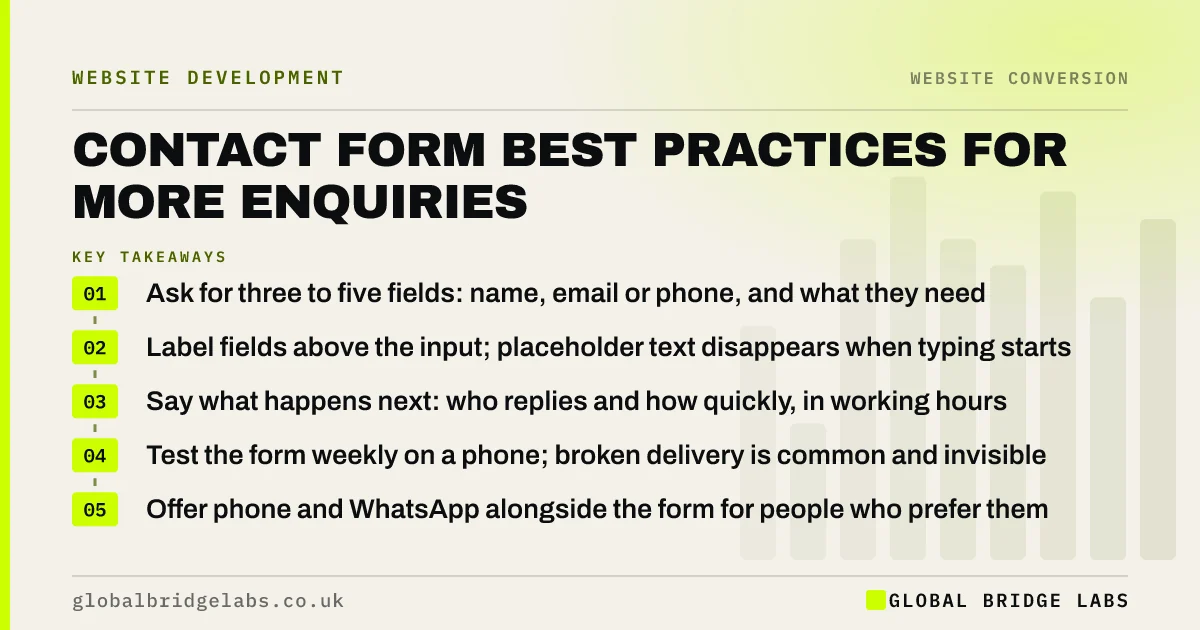
- Ask for three to five fields: name, email or phone, and what they need.
- Label fields above the input; placeholder text disappears when typing starts.
- Say what happens next: who replies and how quickly, in working hours.
- Test the form weekly on a phone; broken delivery is common and invisible.
- Offer phone and WhatsApp alongside the form for people who prefer them.
Want your form reviewed? Send us the link on WhatsApp and we will suggest which fields to cut.
Chat on WhatsApp →What makes a good contact form?
A good contact form is a short web form that collects just enough information for a business to respond usefully to an enquiry, is easy to complete on a phone, and reliably delivers every submission to someone who will reply.
Each part of that definition is a common failure point. Forms ask for too much, are awkward on mobile, or send messages to an inbox nobody reads.
Why do visitors abandon contact forms?
Visitors abandon forms when the effort looks higher than the likely reward. Every extra field, mandatory drop-down and unclear question raises the effort. A form asking for company size, budget, timeline, how did you hear about us and a phone number before the visitor has had a single reply feels like a sales process, not a conversation.
The GOV.UK Service Manual advises starting with the questions you need to ask and removing anything you do not, which is exactly the right test for a business enquiry form.
- Too many mandatory fields.
- Unclear labels, or labels only inside the field as placeholder text.
- Error messages that appear only after submitting and do not say what is wrong.
- CAPTCHA puzzles that are hard to solve on a phone.
- No confirmation, so people are not sure it worked.
How many fields should a contact form have?
Three to five fields suits most service businesses: name, email or phone, and a message box, optionally with one qualifying question such as service needed or postcode. Every extra field should earn its place by changing how you reply.
Ask qualifying questions later in the conversation, or make them optional. If you need detailed information for quoting, a two-step form works well: a short first step that captures contact details, and a second step for detail that visitors can skip.
How should a contact form be designed?
Design for a phone first. That means one column, large inputs, labels above each field, the correct keyboard for each input (email, phone, number), and a full-width submit button with outcome-led wording.
Validate as the visitor goes, with messages that say exactly what to fix. Keep what they have typed if something goes wrong. After submission, show a confirmation page that states what happens next and offers a faster route, such as WhatsApp, for anything urgent.
- Keep labels visible above fields, not inside them.
- Mark optional fields rather than required ones, and keep optional fields few.
- Use input types that bring up the right mobile keyboard.
- Word the button as an outcome: Send my enquiry, Get my quote.
- Show a confirmation with the reply time.
What are the legal basics for enquiry forms?
Under UK GDPR you need to tell people how their data will be used at the point you collect it, usually through a short line and a link to your privacy notice. You do not need consent to reply to an enquiry, because replying is necessary to do what they asked.
You do need separate, unticked opt-in consent if you want to send marketing emails afterwards. Do not bundle marketing consent into the enquiry, and never pre-tick the box.
Want a form layout that is short, compliant and tracked? Message us on WhatsApp and we will sketch it.
Chat on WhatsApp →When is a longer form the right choice?
Longer forms suit high-value or complex work where the first reply needs detail, and where you would rather receive fewer, better enquiries. A commercial fit-out, a software project or a mortgage application may justify more questions.
The trade-off is volume. Expect fewer submissions, and decide whether that is acceptable. A two-step form or a short form followed by a booked call is often the better compromise.
What does this look like in practice?
A pattern we find in audits more often than anyone expects: a contact form whose notifications go to an address that was set up by a previous developer, or into a spam folder, so enquiries have been lost for weeks.
The fix is a weekly test submission, a notification to at least two people, and a copy of each enquiry stored somewhere other than email. Combined with trimming the form to four fields, it turns the contact page back into a reliable source of work.
Contact form checklist
Run through this once, then repeat the test monthly.
- Cut the form to three to five fields.
- Put labels above fields.
- Use mobile-friendly input types.
- Word the button as an outcome.
- Add a privacy line and link.
- Keep marketing consent separate and unticked.
- Send notifications to two people.
- Submit a test enquiry every week.
Next step
If you are not sure your form is working, or suspect it asks for too much, we will review it with you in 30 minutes and test delivery live.
Message us on WhatsApp for a contact form review, or book a 30-minute consultation.
Chat on WhatsApp →Sources and further reading
- Structuring forms · GOV.UK Service Manual
- Right to be informed (privacy information) · Information Commissioner's Office
- Electronic and telephone marketing under PECR · Information Commissioner's Office
Frequently asked questions
How many fields should a contact form have?
Three to five for most service businesses: name, an email address or phone number, and a message, with perhaps one qualifying question such as the service needed. Each extra field reduces completions, so only include fields that genuinely change how you reply to the enquiry.
Do I need a GDPR tick box on my contact form?
Not to reply to the enquiry, because responding is necessary to do what the person asked. You do need to explain how you use their data, usually with a line and a link to your privacy notice, and a separate unticked box if you want to send marketing emails.
Why is my contact form not sending emails?
Common causes are notifications going to an old address, emails landing in spam, a broken plugin after an update, or the hosting server blocking outgoing mail. Use a dedicated email delivery service, send notifications to two people, store submissions in the website too, and test weekly.
Is a contact form better than showing an email address?
Offer both, plus phone and WhatsApp where appropriate. A form lets you ask one or two useful questions and track submissions, while some visitors prefer to email or call. The best option is whichever route your buyers use most, made easy and tracked properly.
Written by

Global Bridge Labs (GBL) is a UK–Sri Lanka partner for social media, websites and BPO. Everything here comes from client delivery, not theory.