
On this page
- 01Key takeaways
- 02What is operational efficiency?
- 03Why do small businesses become inefficient?
- 04What are the five steps, and why that order?
- 05What does the gain look like in numbers?
- 06Where does a managed team fit?
- 07What are the common traps?
- 08What does this look like in practice?
- 09Operational efficiency checklist
- 10Next step
- 11Sources and further reading
- 12Frequently asked questions
Key takeaways
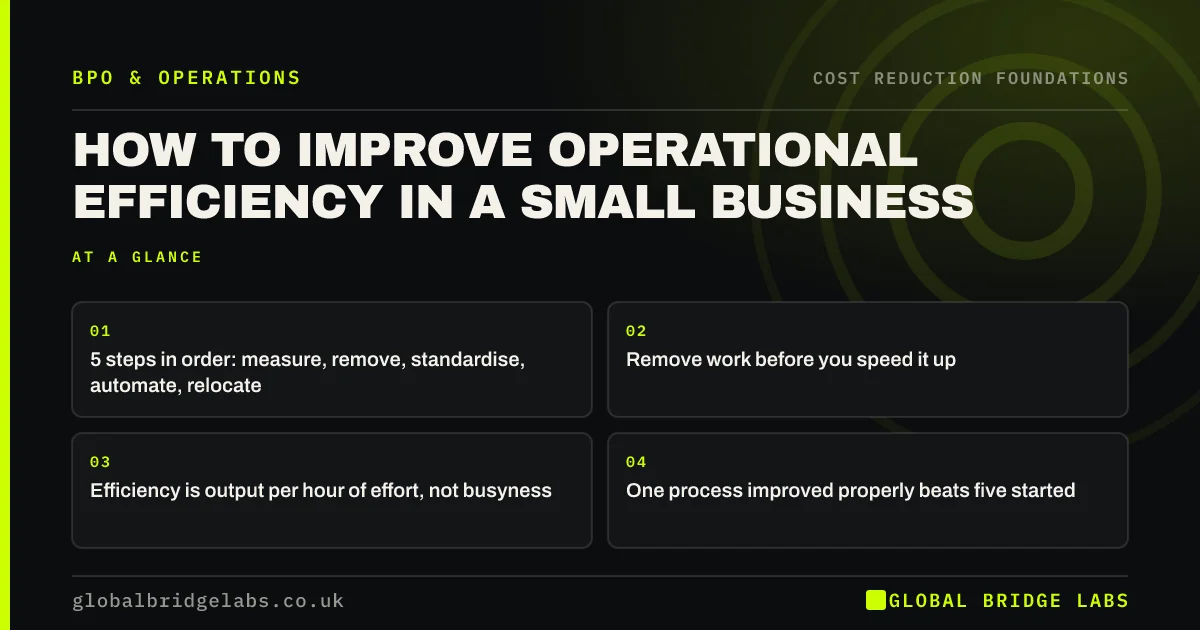
To improve operational efficiency, work in a fixed order: measure, remove, standardise, automate, then relocate. Most small businesses start at step four by buying software, and automate a process that should have been simplified first. Efficiency is output per hour of effort, so every step should raise output or lower hours.
- 5 steps in order: measure, remove, standardise, automate, relocate.
- Remove work before you speed it up.
- Efficiency is output per hour of effort, not busyness.
- One process improved properly beats five started.
Want to know which step your business should start at? Message us on WhatsApp with one process.
Chat on WhatsApp →What is operational efficiency?
Operational efficiency is the amount of useful output a business produces for each unit of time, effort and money it puts in. An efficient operation delivers the same orders, replies or invoices with fewer hours and fewer errors. It is a ratio, so it can improve by raising output, lowering input, or both.
Why do small businesses become inefficient?
Small businesses become inefficient by growing without redesign. A process invented for 20 orders a week is still in use at 200, with extra steps added after each mistake. People switch between tasks all day, and research summarised by the American Psychological Association suggests task switching can cost as much as 40% of productive time.
What are the five steps, and why that order?
The five steps are measure, remove, standardise, automate and relocate. The order matters because each step makes the next one cheaper. Measuring shows where time goes. Removing shrinks the process. Standardising makes it teachable. Automating then handles a simple, stable routine. Relocating moves what is left to the lowest reliable cost.
- 1. Measure: time, volume and errors for two weeks.
- 2. Remove: steps, approvals and reports nobody uses.
- 3. Standardise: one written way of doing what remains.
- 4. Automate: the rule-based, high-volume steps.
- 5. Relocate: move the rest to the right team at the right cost.
What does the gain look like in numbers?
Take an illustrative quoting process that takes 45 minutes per quote, at 60 quotes a month, or 45 hours. Removing a duplicate approval saves 5 minutes. A standard template saves 10. Pulling customer details from the CRM instead of retyping saves 5. The quote now takes 25 minutes and the month takes 25 hours.
That is 20 hours a month returned, about 44%, before anyone has considered who should do the work. If the remaining 25 hours then move from a £23.20-an-hour employee to an indicative £12 managed rate, the monthly cost falls from about £1,044 to £300.
- Work out your cost per task before you outsource
- Double data entry: what rekeying costs and how to stop it
Want to run these five steps on one of your processes? Send it to us on WhatsApp.
Chat on WhatsApp →Where does a managed team fit?
A managed team fits at step five, and it helps with step three, because a process must be written down before anyone else can run it. Handing over a process that has not been through steps one to three still saves on rate, but it locks in the waste. The best results come from simplifying first and relocating second.
What are the common traps?
The common traps are optimising a step that is not the constraint, measuring activity instead of output, and treating efficiency as speed alone. A team that replies faster but resolves less is not more efficient. Pushing efficiency too far also removes the slack that absorbs a busy week.
What does this look like in practice?
A pattern we see in UK service firms: a new system is bought to fix a slow process, and six months later the process is just as slow inside the new system. The old steps were rebuilt screen for screen. Mapping the work on one page and deleting a third of it before choosing any tool is usually where the time comes back.
Operational efficiency checklist
Apply these checks to one process at a time.
- Measure time per item and items per week.
- List every step and who does it.
- Delete steps that no customer or regulator needs.
- Write the remaining steps on one page.
- Automate only the stable, rule-based steps.
- Decide who should run what remains.
- Re-measure after 90 days.
Next step
Pick the process that frustrates your team most and tell us roughly how it runs today. We will walk through the five steps with you and show where the first hours can come back.
Message us on WhatsApp for an efficiency review of one process, or book a 30-minute consultation.
Chat on WhatsApp →Sources and further reading
- Labour productivity · Office for National Statistics
- Multitasking: switching costs · American Psychological Association
Frequently asked questions
What is the best way to improve operational efficiency?
Start by measuring one process, then remove unnecessary steps before speeding anything up. Standardise what remains, automate the rule-based parts, and move the rest to the lowest reliable cost. Doing these in order prevents the common mistake of automating or outsourcing waste.
How do you measure operational efficiency?
Measure output against input for a specific process: items completed per hour, cost per task, and the share done right first time. Company-wide measures such as revenue per employee and the operating expense ratio show the overall direction, but improvement happens at process level.
Does technology always improve efficiency?
No. Software speeds up a process as it is designed. If the design includes duplicate entry, extra approvals or unclear ownership, the tool preserves them. Simplify and standardise first, then choose technology for the stable process that remains.
Can efficiency go too far?
Yes. A team running at full stretch has no slack for a busy week, a sick day or an unusual request, so service fails at the first surprise. Routine teams generally plan to use most, not all, of their available hours, and keep a buffer for peaks.
Written by

Global Bridge Labs (GBL) is a UK–Sri Lanka partner for social media, websites and BPO. Everything here comes from client delivery, not theory.


