On this page
- 01Key takeaways
- 02Will AI replace BPO?
- 03What does AI do well in support and admin?
- 04Where do trained people still win?
- 05How do AI and BPO costs compare?
- 06What are the risks of relying on AI?
- 07How do you combine AI and people?
- 08When should you automate first?
- 09What does this look like in practice?
- 10Checklist: AI or people?
- 11Next step
- 12Sources and further reading
- 13Frequently asked questions
Key takeaways
AI vs BPO is rarely either-or. AI handles predictable, high-volume tasks well: answering common questions, routing, drafting replies and extracting data from documents. Trained people still win on judgement, empathy, exceptions and anything where a mistake is costly. The strongest set-up uses AI to remove simple volume and people to handle the rest.
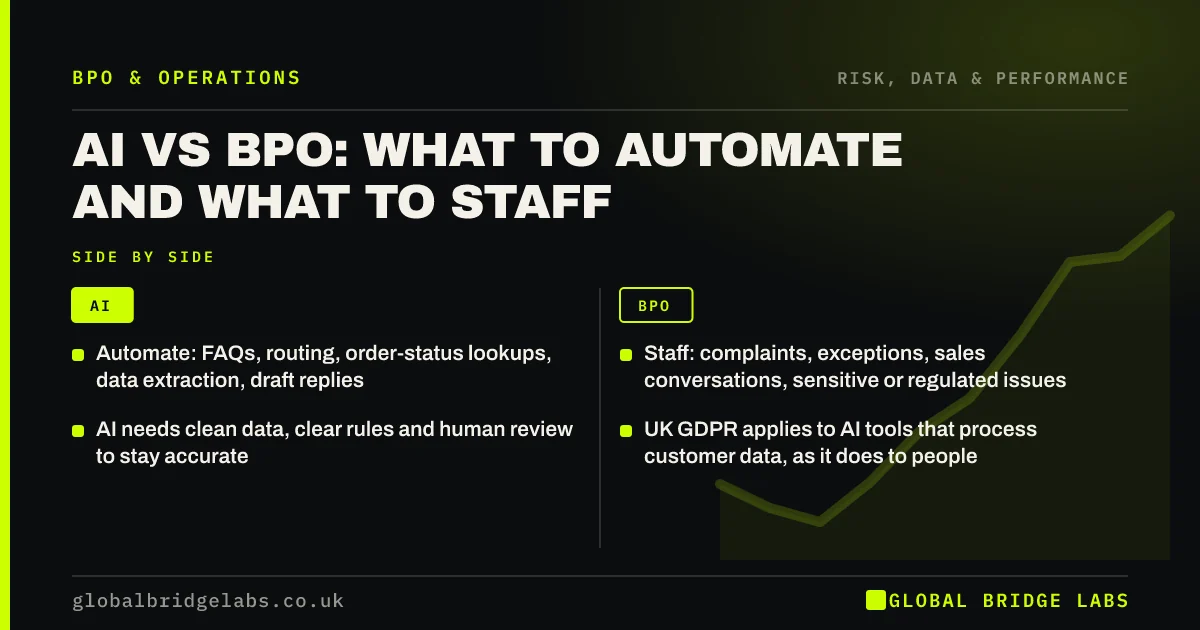
- Automate: FAQs, routing, order-status lookups, data extraction, draft replies.
- Staff: complaints, exceptions, sales conversations, sensitive or regulated issues.
- AI needs clean data, clear rules and human review to stay accurate.
- UK GDPR applies to AI tools that process customer data, as it does to people.
- Combine them: AI handles the first step, trained people handle what matters.
Wondering what you could automate before outsourcing the rest? Message us on WhatsApp with your top tasks.
Chat on WhatsApp →Will AI replace BPO?
AI will replace some tasks that business process outsourcing (BPO) teams do today, particularly simple, repetitive ones. It will not replace the need for people who can handle exceptions, judgement calls, complaints and conversations where trust matters. What changes is the mix: fewer people on simple volume, more on complex work, supervising and improving the automation.
For UK SMEs, the practical question is not whether AI will replace BPO but which of your tasks should be automated, which staffed, and how the two work together.
What does AI do well in support and admin?
AI does well where inputs are predictable, rules are clear and mistakes are cheap to correct.
- Answering frequently asked questions from your own content.
- Routing messages to the right queue or person.
- Looking up order status or booking details.
- Drafting replies for a person to review and send.
- Extracting data from invoices, forms and documents.
- Summarising long email threads or call notes.
Where do trained people still win?
People win where judgement, empathy and accountability matter, or where a wrong answer is costly. They also handle the exceptions that automation cannot, which are often the contacts customers care about most.
- Complaints and upset customers.
- Exceptions outside the rules, such as unusual refunds.
- Sales conversations and quotes that need context.
- Sensitive, vulnerable-customer or regulated issues.
- Checking and correcting automated output.
- Phone calls where customers want a person.
How do AI and BPO costs compare?
AI tools are typically priced per user, per conversation or per resolution, and cost little per interaction once set up. But setup, content preparation, integration and ongoing tuning take time, and AI that gives wrong answers has its own cost in complaints and rework.
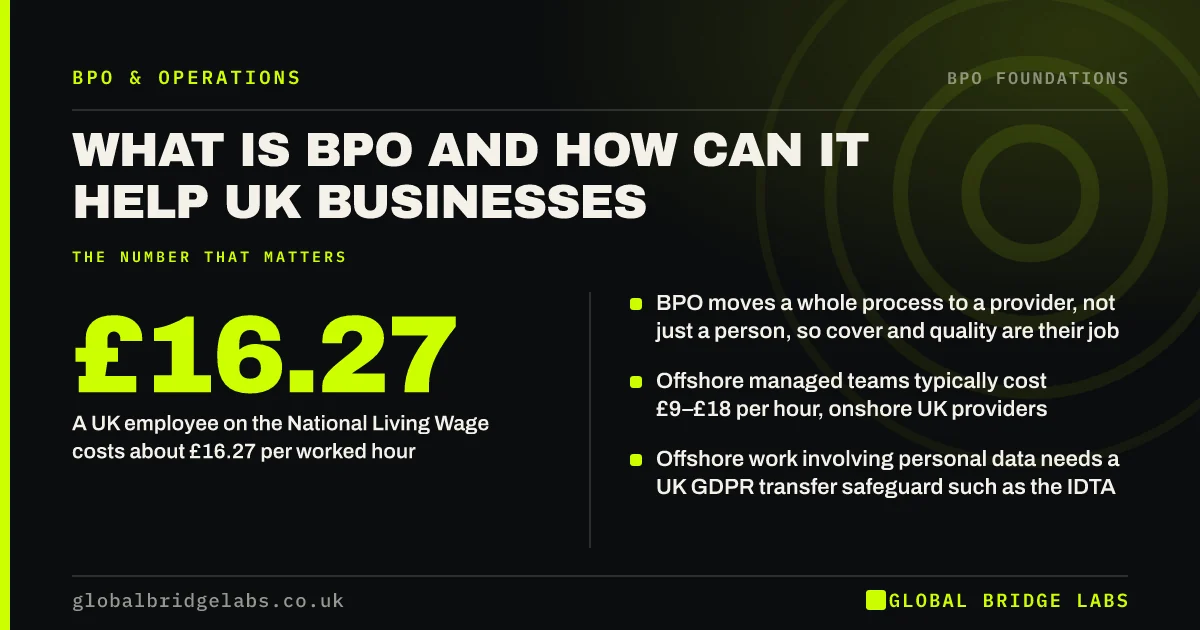
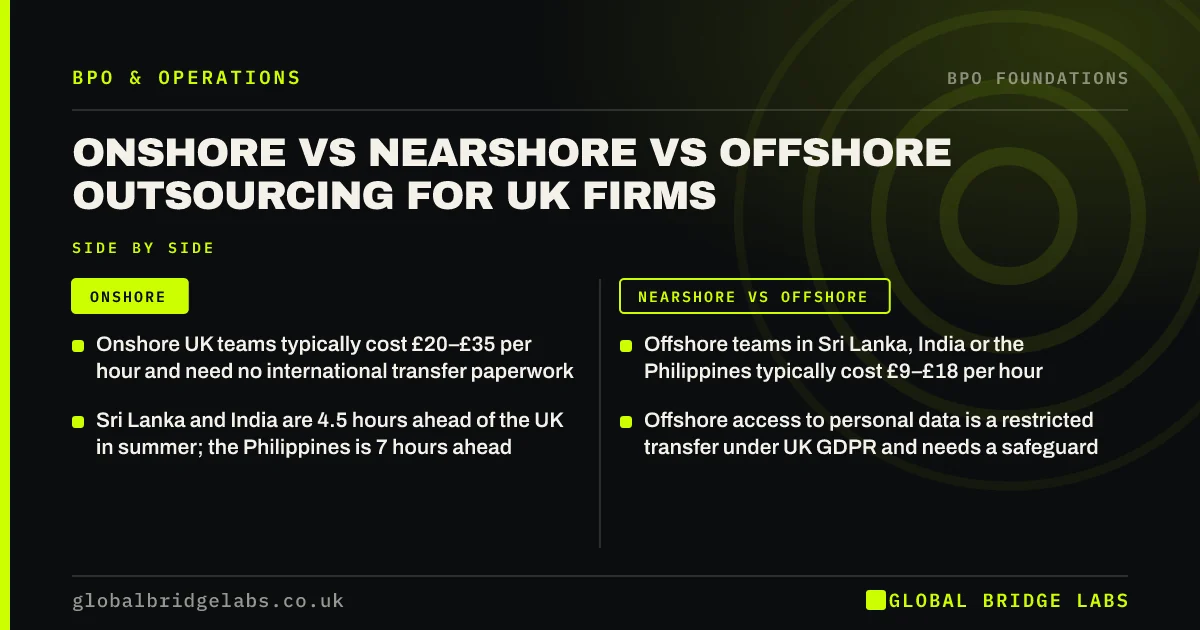
As indicative market ranges, managed offshore BPO costs around £9–£18 per hour and onshore UK around £20–£35. A UK employee on the April 2026 National Living Wage costs about £16.27 per worked hour after employer costs. The cheapest total is usually AI for the simple volume and a smaller, better-used team for the rest.
Want a costed plan that combines automation with a managed team? Send us your task list on WhatsApp and we will discuss your requirements.
Chat on WhatsApp →What are the risks of relying on AI?
The main risks are wrong or invented answers stated confidently, customers frustrated by being unable to reach a person, bias, and data protection. AI tools that process customer data are subject to UK GDPR like any other processor: you need a lawful basis, a processor contract, transparency in your privacy notice and, for tools hosted abroad, a transfer safeguard.
Keep a clear route to a person, review a sample of AI conversations regularly, and do not let AI make decisions with significant effects on customers without human involvement.
How do you combine AI and people?
Design the flow so each does what it is good at. AI greets, answers simple questions and routes; a person picks up anything complex with the context already captured. AI drafts; a person reviews and sends. AI extracts data; a person checks exceptions. The outsourced team becomes the human layer that makes automation safe.
- Chat: bot answers FAQs, hands over to an agent within a minute.
- Email: AI tags and drafts; agent edits and sends.
- Back office: AI extracts invoice data; person checks and posts.
- Quality: people review a sample of AI output weekly.
When should you automate first?
Automate first when a task is high-volume, rules-based and low-risk, such as order-status questions or copying form data into a CRM. Outsource first when the task needs judgement, a human voice or handles exceptions. For many SMEs, the right sequence is to document the process, automate the obvious parts, then outsource what remains.
What does this look like in practice?
A pattern we see: a business installs a chatbot to cut support costs, customers get stuck in loops, and complaints rise. Keeping the bot for tracking links and opening hours, and handing everything else to a trained team within a minute, keeps the savings on simple volume and restores the service customers expect.
Checklist: AI or people?
Ask these for each task.
- Is the task predictable and rules-based?
- What does a wrong answer cost?
- Does the customer need empathy or judgement?
- Is your data clean enough for automation?
- Is there a clear route to a person?
- Who reviews automated output, and how often?
- Is the data protection position covered?
Next step
Send us your task list and we will tell you honestly what to automate, what to staff and what to leave alone. 30 minutes, no pitch.
Message us on WhatsApp for an automate-or-staff review, or book a 30-minute consultation.
Chat on WhatsApp →Sources and further reading
- Lawful basis for processing personal data · Information Commissioner's Office
- International transfers of personal data · Information Commissioner's Office
- National Minimum Wage and National Living Wage rates · GOV.UK
Frequently asked questions
Can AI replace customer service staff?
AI can handle a share of simple, repetitive questions, but not complaints, exceptions, sensitive issues or conversations that need judgement. Most businesses get the best results using AI to answer and route simple queries, with trained people handling everything else and reviewing AI output.
Is AI cheaper than outsourcing?
Per interaction, AI is often cheaper for simple, predictable tasks once set up. But setup, tuning and the cost of wrong answers add up, and AI cannot handle exceptions. The lowest total cost is usually a combination: automation for simple volume and a managed team for the rest.
Does UK GDPR apply to AI customer service tools?
Yes. AI tools that process customer personal data must comply with UK GDPR: a lawful basis, transparency in your privacy notice, a processor contract with the vendor, security, and a transfer safeguard if data is processed outside the UK. Human involvement is needed for significant automated decisions.
Should I automate or outsource admin first?
Document the process first, then automate high-volume, rules-based, low-risk steps such as data transfers between systems. Outsource the remaining work that needs judgement, a human touch or exception handling. That sequence avoids paying people to do what software could, and vice versa.
Written by

Global Bridge Labs (GBL) is a UK–Sri Lanka partner for social media, websites and BPO. Everything here comes from client delivery, not theory.