
On this page
- 01Key takeaways
- 02What is the difference between a wireframe and a mockup?
- 03Should you use Canva or Figma?
- 04What should the mockup contain?
- 05How do you get useful feedback?
- 06What can a mockup not tell you?
- 07When can you skip the mockup?
- 08What does this look like in practice?
- 09Homepage mockup checklist
- 10Next step
- 11Sources and further reading
- 12Frequently asked questions
Key takeaways
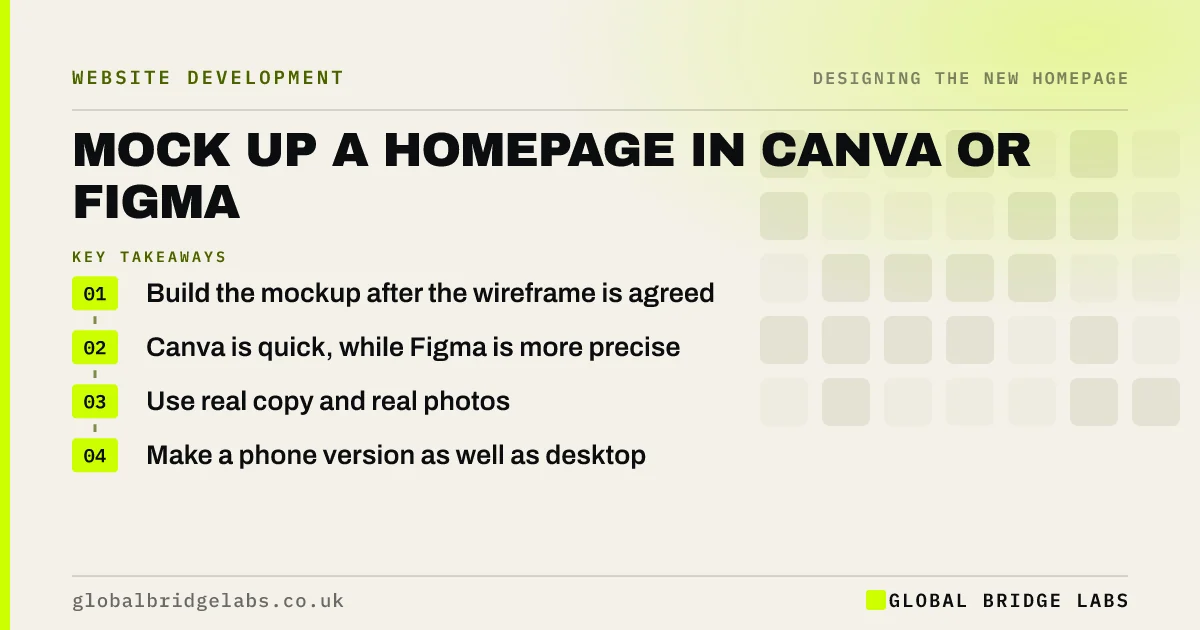
A homepage mockup is a static picture of how the finished page will look, made after the wireframe and before the build. An SME can make a useful one in Canva or Figma using real copy and photos. Its purpose is to reveal visual problems when they are still cheap to fix.
- Build the mockup after the wireframe is agreed.
- Canva is quick, while Figma is more precise.
- Use real copy and real photos.
- Make a phone version as well as desktop.
Want feedback on your mockup? Message us on WhatsApp.
Chat on WhatsApp →What is the difference between a wireframe and a mockup?
A wireframe shows structure in grey, while a mockup shows how the page will look, with colours, fonts and images. Agree structure first and appearance second. If you mix them, feedback on layout gets tangled up with opinions on colour, and both conversations take much longer.
Should you use Canva or Figma?
Use Canva if you are a non-designer who wants something quick and shareable. Use Figma if you are working with a designer or need accurate spacing, components and handover. Both have free options at the time of writing. The tool makes little difference to the quality of your decisions.
What should the mockup contain?
It should contain the actual headline, the real photos or close stand-ins, your button styles and the proof you hold. Mock up the top of the page in detail, then one or two typical sections. You do not need every section perfect, if the visual system is clear.
- Header and hero, in full.
- One proof section.
- One services section.
- Closing section with the button.
- The same sections at phone width.
How do you get useful feedback?
Show the mockup at actual size, ideally on the device buyers use. Ask specific questions: what does this business do, what would you do next and does it look trustworthy? Avoid asking 'do you like it?', which invites taste. A phone in someone's hand beats a projected slide in a meeting room.
What can a mockup not tell you?
A mockup cannot show speed, how real content reflows on small screens or whether forms work. Images may look beautiful in a static picture and be far too heavy in a live page. Never treat approval of a mockup as approval of the finished page, because the built version needs its own check.
When can you skip the mockup?
Skip it for template builds, where you can work directly in the template and preview the real thing. Building a live draft is often quicker than drawing one. Keep the mockup for custom builds, where development is much more expensive to change than a design file.
What does this look like in practice?
A pattern worth watching for: a mockup approved on a large monitor is first seen at phone size after it has been built, and the hero takes up the whole screen. Reviewing a phone-width version at the mockup stage takes only a few extra minutes, and it avoids paying for changes during development.
Homepage mockup checklist
- Agree the wireframe first.
- Use real copy.
- Use your real photos if you have them.
- Mock up desktop and phone.
- Review on a real device.
- Ask buyer questions, not taste questions.
Next step
Mock up just the first screen, at phone width, with your real headline. That one small picture will reveal most of your problems with hierarchy.
Send us your mockup on WhatsApp and we will give you honest feedback.
Chat on WhatsApp →Sources and further reading
- Visual hierarchy in UX: definition · Nielsen Norman Group
- The aesthetic-usability effect · Nielsen Norman Group
- Responsive web design basics · web.dev (Google)
Frequently asked questions
What is a website mockup?
It is a static design showing how a page will look, with colours, fonts and images, before anything is built. It follows the wireframe, and it lets you agree on the appearance while changes are still quick and inexpensive.
Can I mock up a website in Canva?
Yes. Canva works well for simple homepage mockups, especially for non-designers, and you can share it easily. It lacks the precision of Figma for a developer handover, but it is often enough to agree on a direction.
Do I need a mockup if I am using a template?
Usually not. You can put real content into the template and preview it directly, which is more accurate than a picture. Mockups earn their cost on custom builds, where changes during development are expensive.
Written by

Global Bridge Labs (GBL) is a UK–Sri Lanka partner for social media, websites and BPO. Everything here comes from client delivery, not theory.


