
On this page
- 01Key takeaways
- 02What is a staging site?
- 03How do you set one up?
- 04How do you keep staging out of Google?
- 05What should you test on staging?
- 06What goes wrong when publishing?
- 07When can you skip staging?
- 08What does this look like in practice?
- 09Homepage staging checklist
- 10Next step
- 11Sources and further reading
- 12Frequently asked questions
Key takeaways
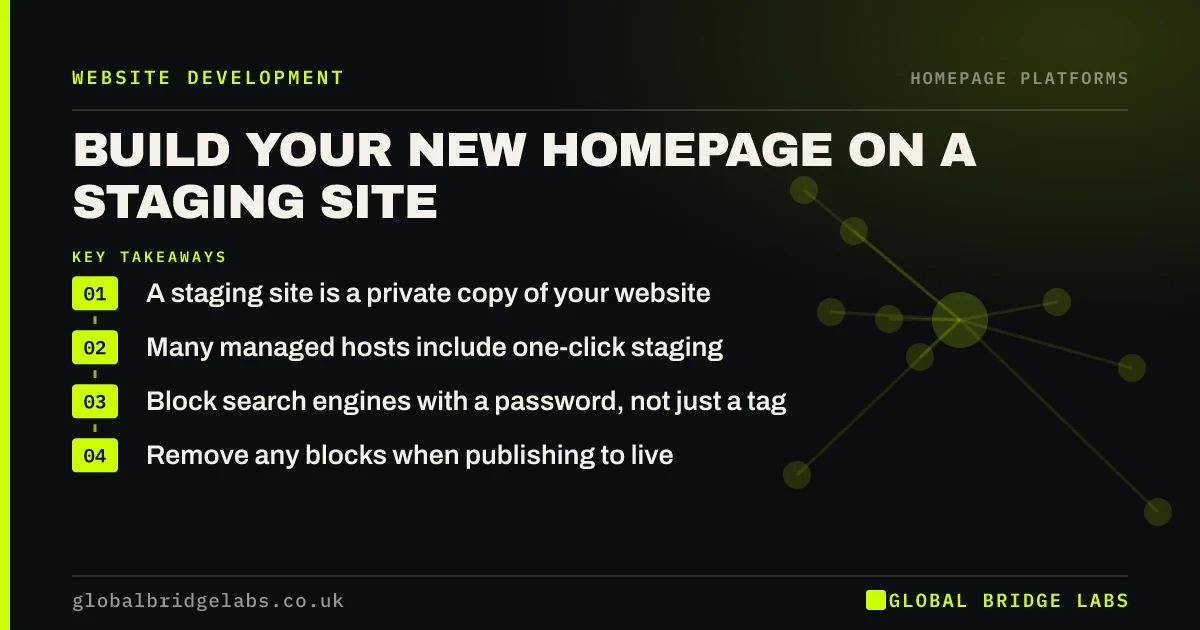
A staging site is a private copy of your website where you can build and test a new homepage without affecting live visitors. Many hosts offer one in a click. Keep it hidden from search engines, test forms and tracking there, and only then publish, so a mistake never reaches your customers.
- A staging site is a private copy of your website.
- Many managed hosts include one-click staging.
- Block search engines with a password, not just a tag.
- Remove any blocks when publishing to live.
Not sure how to set up staging? Message us on WhatsApp.
Chat on WhatsApp →What is a staging site?
A staging site is a working copy of a website, kept away from the public, used to build and test changes safely. It behaves like the real site, so you can see how a new homepage looks, loads and submits forms before visitors ever see it. Developers treat it as standard practice.
How do you set one up?
Check your hosting control panel first, because many managed WordPress hosts offer staging in one click. Shopify lets you duplicate a theme and preview it. On Wix or Squarespace, you can usually edit and preview before you publish, or duplicate the site. A developer can set up staging on any hosting.
How do you keep staging out of Google?
Protect the staging site with a password, which is the most reliable option. A noindex tag helps, but Google must still crawl the page to see it, and robots.txt on its own does not guarantee that a URL stays out of results. Stray staging pages can compete with your real site.
What should you test on staging?
Test the page on a real phone, run speed checks, submit the form and click each link. Check that third-party tools, such as booking widgets and chat, work on the staging address. Some tools only work on the live domain, so list what you will need to re-test after you publish.
- Layout on a real phone and a laptop.
- PageSpeed Insights, if the page can be reached.
- Form submission and notification email.
- Every link and button destination.
- Booking, chat and any embedded tools.
What goes wrong when publishing?
The classic error is pushing a noindex tag or 'discourage search engines' setting to the live site, which can quietly remove you from Google. Other risks include overwriting recent orders or form entries on a database-driven site. Take a backup first, and check the live page immediately afterwards.
When can you skip staging?
Skip it for small text edits on a site with good backups. On hosted builders, the built-in preview often does the job. You should use staging for any full homepage replacement, a theme change or a plugin update on a site that takes orders or relies on enquiries.
What does this look like in practice?
A pattern worth checking after any launch: traffic falls slowly over a few weeks, and nobody connects it to the redesign, because a 'discourage search engines' setting from the staging build went live with the page. It takes seconds to check and can cost months if missed.
Homepage staging checklist
- Confirm whether your host offers staging.
- Password-protect the staging site.
- Build and test the new page there.
- Take a full backup before publishing.
- Remove noindex and search-blocking settings.
- Re-test the form on the live site.
Next step
Find out today whether your host offers staging, before you need it. If it does not, ask your developer how they would test a homepage without touching the live site.
Message us on WhatsApp for help with a safe build and launch.
Chat on WhatsApp →Sources and further reading
- Temporarily pause or disable a website · Google Search Central
- Updating WordPress · WordPress.org
- Google Search Essentials · Google Search Central
Frequently asked questions
What is a staging website?
It is a private copy of your site, used to build and test changes without affecting the live version. Once everything works, the changes are published to the real site. Many hosting companies provide one at no extra cost.
Do I need a staging site for a small business?
You need one for major changes, such as a new homepage or theme, particularly if your site takes orders or enquiries. For small text edits, a backup and a careful preview are usually enough.
Can Google find my staging site?
Yes, if it is left open and linked from somewhere. Password protection is the safest choice. A noindex tag also works if Google can crawl the page, but remember to remove it when the work goes live.
Written by

Global Bridge Labs (GBL) is a UK–Sri Lanka partner for social media, websites and BPO. Everything here comes from client delivery, not theory.


