
On this page
- 01Key takeaways
- 02What is a homepage wireframe for?
- 03What should a homepage wireframe include?
- 04What tool should you use?
- 05How do you get a wireframe approved quickly?
- 06When can you skip the wireframe?
- 07What does this look like in practice?
- 08Homepage wireframe checklist
- 09Next step
- 10Sources and further reading
- 11Frequently asked questions
Key takeaways
A homepage wireframe is a plain grey layout showing what goes on the page and in what order, with no colours, fonts or photos. Wireframing a homepage fixes the structure and places your real words, so visual design starts from an agreed plan instead of a series of opinions.
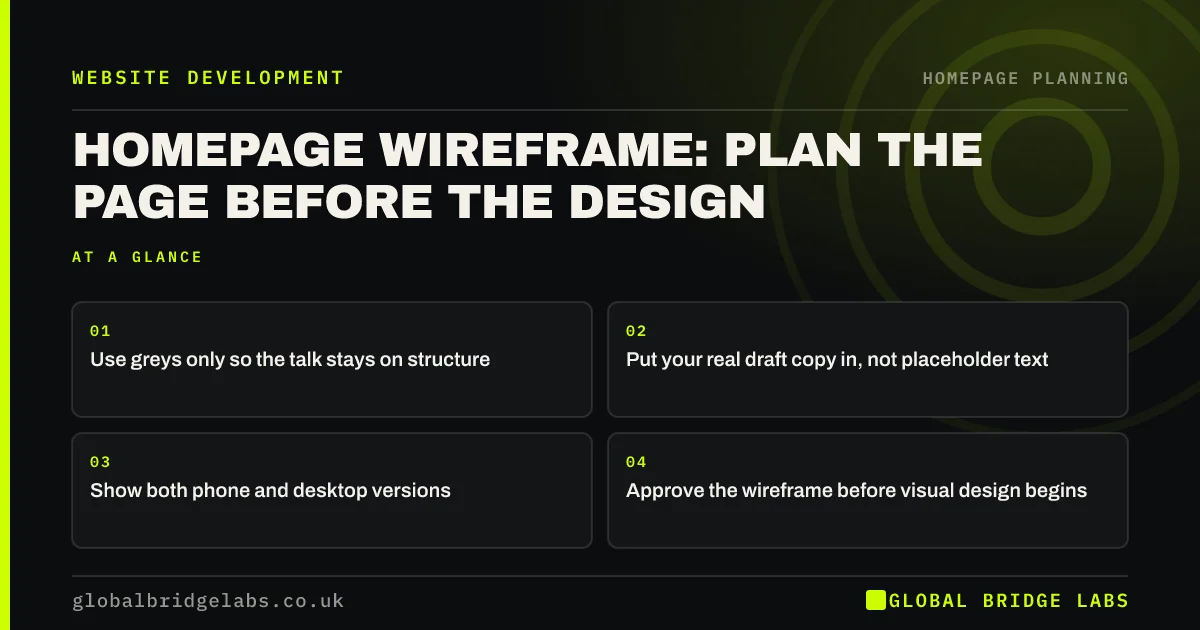
- Use greys only so the talk stays on structure.
- Put your real draft copy in, not placeholder text.
- Show both phone and desktop versions.
- Approve the wireframe before visual design begins.
Want your wireframe checked before design starts? Message us on WhatsApp.
Chat on WhatsApp →What is a homepage wireframe for?
A homepage wireframe is for agreeing structure cheaply. It answers what appears, in what order and how much space it takes. Because it looks unfinished, people comment on the content and flow rather than on whether they like the colour blue, which is exactly the conversation you need at this stage.
What should a homepage wireframe include?
Include every section with real headings and draft text, the main and secondary buttons, image positions with a note on what each should show, and the navigation. Mark what is proof, what is an action and what is explanation. Note any behaviour, such as which link goes where.
- Header with logo, menu and primary action.
- Hero with headline, subheadline, button and image note.
- Proof, services, process and closing sections.
- Link destinations for each button.
- Separate phone and desktop layouts.
What tool should you use?
Use whichever tool you already have. Figma is the common choice for designers and has a free tier, but a slide deck or a page in your website builder works too. The tool matters far less than keeping it plain. Avoid adding branding, because it restarts the conversation about taste.
How do you get a wireframe approved quickly?
Walk the decision-maker through it from a buyer's view, section by section, instead of emailing a file for comments. Ask three questions: does the order match what buyers ask, is anything missing and can anything go? Record the approval in writing, so that design does not reopen the structure later.
When can you skip the wireframe?
You can skip it for a template build where you are keeping the section order, because the template is effectively your wireframe. Replace its demo text with real copy and treat that as the review. Keep the wireframe for custom designs, where structural changes later become costly.
What does this look like in practice?
A pattern we see in design reviews: a stakeholder questions a section's place on the page only after seeing polished artwork, and a day of design work is redone. The same comment on a grey wireframe would have taken a minute to accommodate.
Homepage wireframe checklist
- Keep everything greyscale.
- Use real draft copy throughout.
- Show image intent in a short note.
- Mark where each button leads.
- Include a phone layout.
- Review it from the buyer's point of view.
- Record the approval in writing.
Next step
Take your sketch and turn it into a one-page grey wireframe with your draft words in place. If a section looks thin, you have found where your message needs more work.
Message us on WhatsApp for a wireframe review, or book a 30-minute consultation.
Chat on WhatsApp →Sources and further reading
- Visual hierarchy in UX: definition · Nielsen Norman Group
- Progressive disclosure · Nielsen Norman Group
- Scrolling and attention · Nielsen Norman Group
Frequently asked questions
What is a wireframe for a homepage?
It is a basic, usually grey layout that shows the content, order and rough size of each section, without colour or final imagery. It lets a team agree on structure before paying for visual design, when changes are still quick and cheap to make.
Do I need a wireframe for a small business website?
For a custom design, yes, because it avoids costly rework. For a template, you can usually skip it and test your real words inside the template. Either way, the principle is to agree structure before spending time on appearance.
Should a wireframe use real text or lorem ipsum?
Use real draft text. Placeholder text hides whether the message fits and whether the sections make sense. Even rough wording shows up gaps, and it gives designers a realistic idea of how long headings and paragraphs will be.
Written by

Global Bridge Labs (GBL) is a UK–Sri Lanka partner for social media, websites and BPO. Everything here comes from client delivery, not theory.


