
On this page
- 01Key takeaways
- 02Why does vague feedback cause design mistakes?
- 03How do you write feedback a designer can act on?
- 04What should you review first?
- 05How do you separate problems from personal taste?
- 06How do you handle feedback from several people?
- 07What feedback mistakes should you avoid?
- 08When should you trust the designer over your instinct?
- 09What does this look like in practice?
- 10Design feedback checklist
- 11Next step
- 12Sources and further reading
- 13Frequently asked questions
Key takeaways
Good website design feedback describes the problem and the reason, not the fix: 'I could not find the phone number on my phone' beats 'make the header blue'. Tie every comment to a goal, collect feedback from everyone into one list, give it on the real page on a real phone, and separate must-fix issues from personal taste.
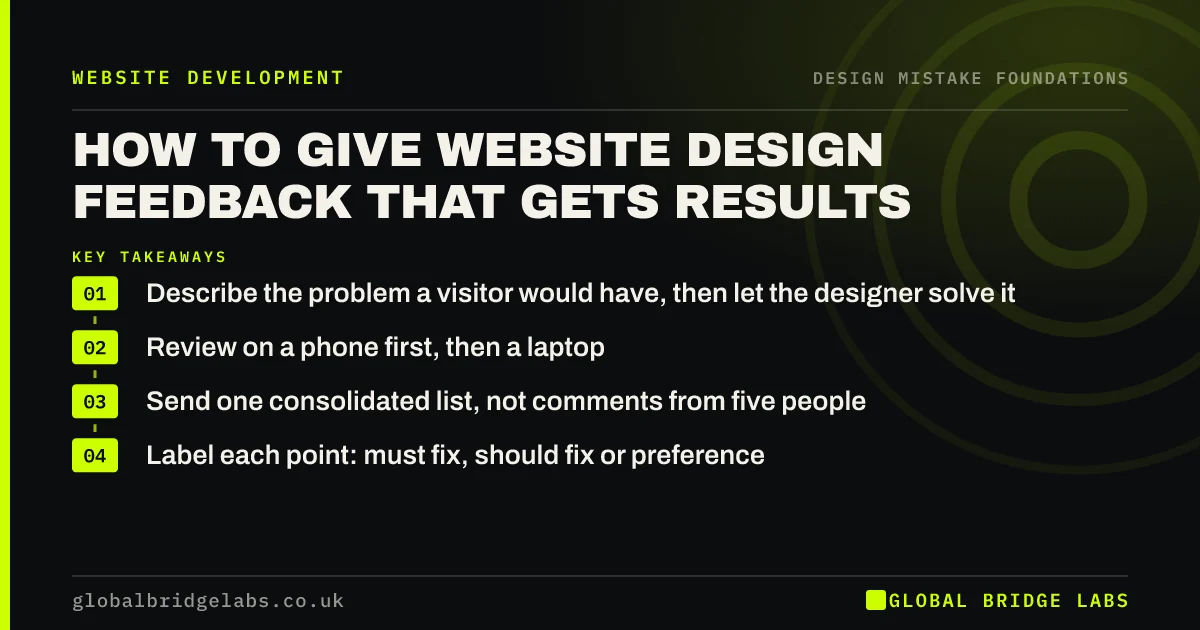
- Describe the problem a visitor would have, then let the designer solve it.
- Review on a phone first, then a laptop.
- Send one consolidated list, not comments from five people.
- Label each point: must fix, should fix or preference.
Want help reviewing a design before you sign it off? Message us on WhatsApp.
Chat on WhatsApp →Why does vague feedback cause design mistakes?
Vague feedback such as 'make it pop', 'more modern' or 'I don't like it' forces the designer to guess. The guess is usually more colour, bigger images or a trend, which can make the site harder to use. Several rounds of guessing add cost and often end with a design that pleases the reviewers and confuses visitors.
How do you write feedback a designer can act on?
Write each point as what you did, what you expected and what happened, linked to a goal. For example: 'On my phone I tried to find emergency call-outs from the homepage. I expected it in the menu. It was under Services, then Domestic. Our goal is emergency calls.' The designer can then choose the best fix.
- Name the page and the device.
- Say what you were trying to do.
- Describe what got in the way.
- Link it to a business goal or a customer question.
- Suggest a fix only as an idea, not an instruction.
What should you review first?
Review in order of impact. First, can you read every page comfortably on a phone? Second, can you find each service and the contact details quickly? Third, is the main button obvious and does the form work? Only then comment on colours, imagery and details. Early rounds spent on colours waste budget.
How do you separate problems from personal taste?
Label every point as must fix (stops a visitor reading, finding or acting, or is factually wrong), should fix (makes something harder) or preference (you would like it different). Designers should act on all must-fix points and most should-fix points. Preferences are worth discussing, but they should not override evidence.
Stuck in feedback rounds? Message us on WhatsApp and we will discuss your requirements.
Chat on WhatsApp →How do you handle feedback from several people?
Choose one person to collect, merge and prioritise feedback before it reaches the designer. Contradictory comments ('bigger logo', 'smaller logo') should be settled internally, ideally by checking what customers need. Sending five separate email threads is one of the most common reasons design projects overrun.
What feedback mistakes should you avoid?
Avoid reviewing only on a large office monitor, judging a mock-up with placeholder text as if it were final, asking for 'one more option' each round, and redesigning by email at the last minute. Also avoid feedback that asks to copy a competitor; describe what you liked about it and why instead.
When should you trust the designer over your instinct?
Trust the designer when they can explain a choice in terms of visitors: readability, hierarchy, convention or accessibility. Push back when the explanation is about style alone or contradicts what your customers tell you. The best answer to a disagreement is a quick test with a few real customers.
What does this look like in practice?
A pattern we see: a design goes through several rounds on colours while nobody has checked the contact form on a phone. Switching to problem-based feedback on a phone usually surfaces the real issues in one round.
Design feedback checklist
- Review on a phone, then a laptop.
- Use real content, not placeholders.
- Write problems, not solutions.
- Link each point to a goal.
- Label must fix, should fix or preference.
- Send one merged list from one person.
Next step
Before your next design review, agree who will merge the feedback and which three goals every comment must relate to.
Message us on WhatsApp for help with a design review, or book a 30-minute consultation.
Chat on WhatsApp →Sources and further reading
- User research · GOV.UK Service Manual
- Why you only need to test with 5 users · Nielsen Norman Group
- Understanding SC 1.4.3: Contrast (Minimum) · W3C
Frequently asked questions
How do I give constructive feedback on a website design?
Describe what you were trying to do, on which device, what got in the way, and which business goal it affects. Let the designer propose the fix. Label each point as must fix, should fix or preference, and send one merged list.
How many revisions should a website design have?
Many agencies include two or three rounds of revisions in a quote. Clear, consolidated, problem-based feedback usually means two rounds are enough. Check your contract for what is included and what extra rounds cost.
What should I look for when reviewing a website design?
Readable text on a phone, services you can find in two taps, contact details without scrolling, one obvious main button, a form that works with clear labels, and consistent styling across pages. Colours and imagery come after those.
Written by

Global Bridge Labs (GBL) is a UK–Sri Lanka partner for social media, websites and BPO. Everything here comes from client delivery, not theory.


