
On this page
- 01Key takeaways
- 02What should a design handoff include?
- 03Why are interaction states often forgotten?
- 04What should you agree on performance?
- 05How do you run the handover?
- 06How do you check the build against the design?
- 07When is a formal handoff unnecessary?
- 08What does this look like in practice?
- 09Homepage handoff checklist
- 10Next step
- 11Sources and further reading
- 12Frequently asked questions
Key takeaways
A homepage design handoff gives a developer everything needed to build the page without guessing: final designs for phone and desktop, button states, assets, fonts, link destinations and acceptance checks. A short handover meeting catches problems early. Poor handoffs show up as small differences that add up to a page that feels wrong.
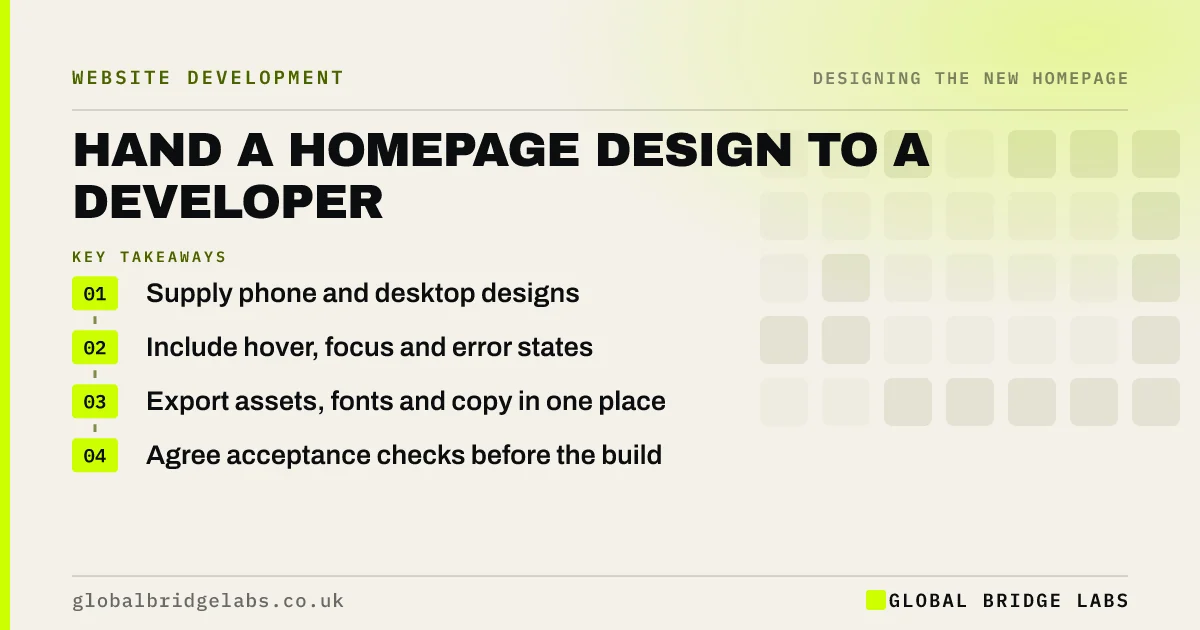
- Supply phone and desktop designs.
- Include hover, focus and error states.
- Export assets, fonts and copy in one place.
- Agree acceptance checks before the build.
Handing over a design soon? Message us on WhatsApp for a review.
Chat on WhatsApp →What should a design handoff include?
A design handoff should include the approved designs at phone and desktop widths, the design system, assets, final copy and notes on behaviour. It should also state link destinations and what happens at each interaction. Anything left out will be guessed, and small guesses add up across a page.
- Approved phone, tablet and desktop layouts.
- Colours, fonts and spacing values.
- Button hover, focus and pressed states.
- Form fields, errors and success messages.
- Exported images and icons.
- Final copy, and every link destination.
Why are interaction states often forgotten?
Designers usually draw the page at rest, but real pages have hover, keyboard focus, loading and error states. WCAG requires a visible focus indicator, so it needs designing. Form errors matter even more, because a clear message at that point can rescue an enquiry that would otherwise be lost.
What should you agree on performance?
Agree a speed target before the build, using Core Web Vitals. Provide optimised images, or agree who compresses them. Limit font files and weights. Note that the hero image must not be lazy-loaded, as it is usually the largest element. These decisions are cheap in handover and expensive after launch.
How do you run the handover?
Hold a 30-minute walkthrough with the designer and developer. Go through the page from top to bottom, and ask the developer what is unclear or difficult to build. This often brings up a simpler way to achieve the same result, and it reveals any costly details while they are easy to change.
How do you check the build against the design?
Compare the built page with the design on real devices, and use a short acceptance list covering layout, copy, links, forms, speed and accessibility. Do not expect a pixel-perfect match on every screen, because the web is fluid. Judge it by whether hierarchy, spacing and behaviour match the intent.
When is a formal handoff unnecessary?
It is unnecessary when one person designs and builds in a template or a builder, as there is nobody to hand over to. They should still keep the same checklist, because states, link destinations and speed checks still need doing, whoever does the work.
What does this look like in practice?
A pattern we see at this stage: the build matches the desktop design closely, but the phone version has been left to the developer's judgement, and the buttons, spacing and section order all shift. Including the phone layout in the handoff removes most of this drift.
Homepage handoff checklist
- Share final phone and desktop layouts.
- Document fonts, colours and spacing.
- Design focus and error states.
- Supply optimised assets.
- List all link destinations.
- Agree speed and accessibility targets.
- Run a 30-minute walkthrough.
Next step
Ask your developer what they usually have to guess. Their answer is the list of what your handoff is missing.
Message us on WhatsApp for help with your build, or book a 30-minute consultation.
Chat on WhatsApp →Sources and further reading
- Understanding SC 2.4.7: Focus Visible · W3C
- Optimise Largest Contentful Paint · web.dev (Google)
- How to test frontend performance · GOV.UK Service Manual
Frequently asked questions
What does a developer need from a designer?
Final layouts at phone and desktop widths, a clear system for fonts, colours and spacing, interaction states, exported assets, approved copy and link destinations. A short walkthrough helps, because questions are quicker to answer in conversation than by email.
Should a website match the design exactly?
It should match the hierarchy, spacing and behaviour, on real devices. Small differences are normal, because browsers and screens vary. Judge the build on whether it delivers the design's intent, not whether every pixel lines up with a static file.
Who is responsible for the final built page?
Agree that in advance. Commonly the developer builds it, the designer checks it against the design and the project owner approves it against the brief. Make sure that one named person has the final say before launch.
Written by

Global Bridge Labs (GBL) is a UK–Sri Lanka partner for social media, websites and BPO. Everything here comes from client delivery, not theory.


