
On this page
- 01Key takeaways
- 02Does an Instagram feed help a homepage?
- 03What does a feed cost in speed?
- 04What should you do instead?
- 05When does a feed make sense?
- 06What is the risk of an abandoned feed?
- 07What does this look like in practice?
- 08Homepage Instagram checklist
- 09Next step
- 10Sources and further reading
- 11Frequently asked questions
Key takeaways
An Instagram feed on a website rarely earns its place on a homepage. It adds third-party scripts, shows posts you cannot choose and sends visitors away from your page. Choose a few of your best images instead, hosted on your own site, and use a simple link for anyone who wants to follow you.
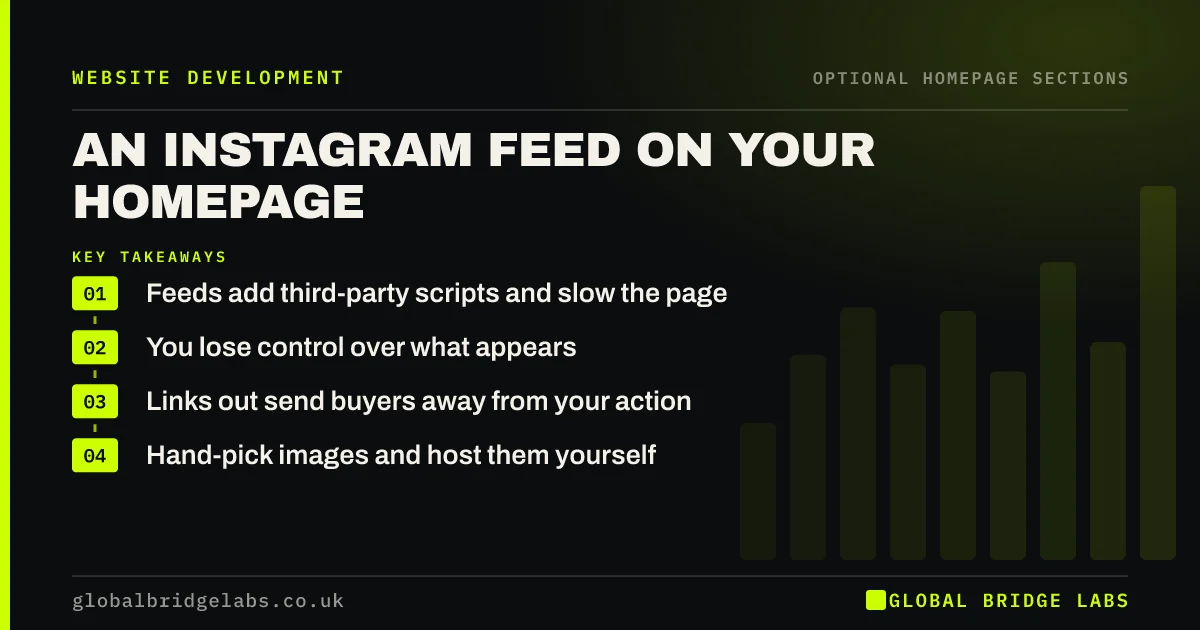
- Feeds add third-party scripts and slow the page.
- You lose control over what appears.
- Links out send buyers away from your action.
- Hand-pick images and host them yourself.
Wondering what to keep on your homepage? Message us on WhatsApp.
Chat on WhatsApp →Does an Instagram feed help a homepage?
Usually not. Its job is to look busy, not to move a buyer towards an enquiry. A feed displays your latest posts, which may be irrelevant to someone deciding whether to hire you. It also invites a click away to an app full of distractions, including your competitors.
What does a feed cost in speed?
Embeds and feed plugins add scripts, images and requests from third parties, which you do not control. Google's web.dev guidance warns that third-party embeds can hold back loading, and it recommends lazy loading them. On a phone over a weak connection, that delay falls on your most important page.
What should you do instead?
Pick three to six strong images showing real work, save them to your own site and compress them. You choose what appears, and it loads quickly. Add a small text link to your profile near the bottom, or in the footer, for people who want to see more.
When does a feed make sense?
A feed can make sense for hospitality, fashion or events, where constantly updated visuals are part of what you sell, or when user-generated photos act as proof. Place it low on the page, make sure it loads only when needed and confirm that it is kept up to date.
What is the risk of an abandoned feed?
A feed showing your last post from 14 months ago advertises that nobody is minding the business. The same applies to dormant social links. If you cannot post regularly, do not put a live window on your homepage. Inactive social proof is worse than having none.
What does this look like in practice?
A pattern worth checking: a homepage feed plugin that broke when the platform's connection expired, leaving an empty box for months that nobody noticed. Static images have no connection to fail, which is one more reason they suit a small team better.
Homepage Instagram checklist
- Ask what the feed does for a buyer.
- Measure speed with and without it.
- Choose static images instead.
- Host the images on your own site.
- Use a small link to your profile.
- Remove feeds that are not updated.
Next step
Run PageSpeed Insights with your feed switched on and off on a staging copy. If the difference is obvious, the decision is made for you.
Message us on WhatsApp for a homepage speed and content review, with no pitch.
Chat on WhatsApp →Sources and further reading
- Best practices for using third-party embeds · web.dev (Google)
- Loading third-party JavaScript · web.dev (Google)
- Browser-level image lazy loading for the web · web.dev (Google)
Frequently asked questions
Should I add my Instagram feed to my website?
Usually not on the homepage, as it slows the page and pulls people away. Hand-picked images on your own site do the job better. A feed can make sense for visual businesses that post often, placed low on the page.
Do social media feeds slow down a website?
Often, yes. They load third-party scripts and images you do not control. The impact varies, so test with PageSpeed Insights. If you must have one, lazy-load it so that it does not affect your first screen.
How do I show my Instagram on my website without slowing it down?
Save a few of your best images, compress them and place them on your page as ordinary images, linked to your profile. You keep the visual effect, choose what appears and avoid running a third-party script.
Written by

Global Bridge Labs (GBL) is a UK–Sri Lanka partner for social media, websites and BPO. Everything here comes from client delivery, not theory.


