
On this page
- 01Key takeaways
- 02Why are header social icons a mistake?
- 03Where should social media icons go?
- 04Should you link to inactive profiles?
- 05What about embedded social feeds?
- 06How should social icons be designed?
- 07What about share buttons?
- 08What does this look like in practice?
- 09Social icons checklist
- 10Next step
- 11Sources and further reading
- 12Frequently asked questions
Key takeaways
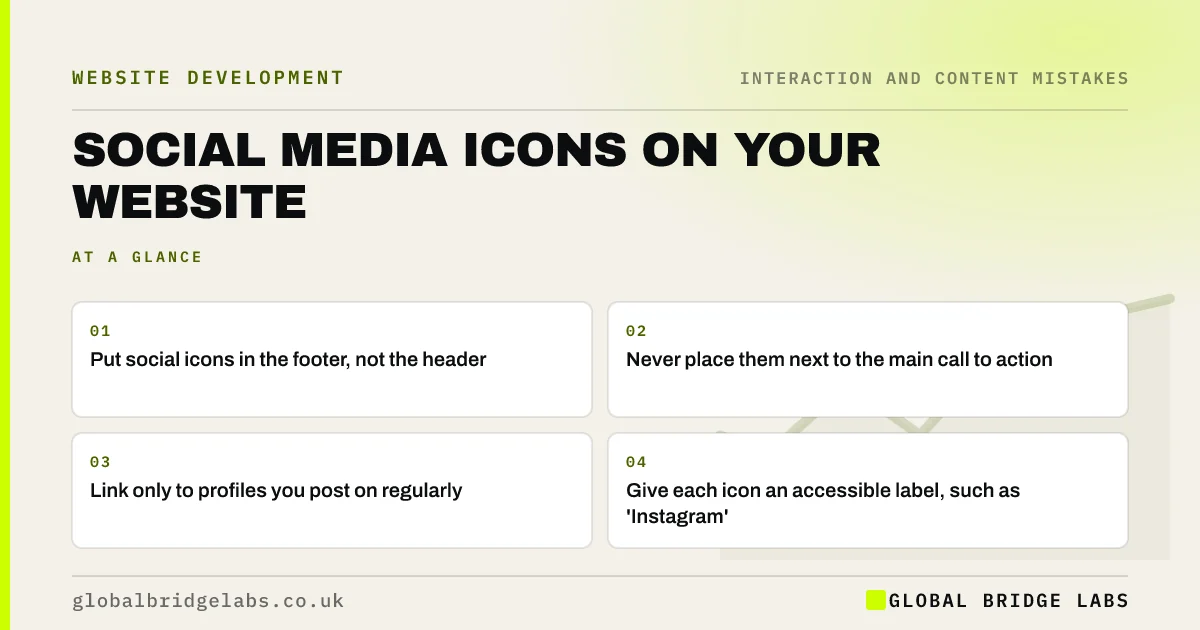
Social media icons usually belong in the footer and on the contact or about page, not in the header or beside the main call to action. Prominent icons invite visitors who were close to enquiring to leave for a feed full of distractions. Link only to active profiles, and give each icon an accessible name.
- Put social icons in the footer, not the header.
- Never place them next to the main call to action.
- Link only to profiles you post on regularly.
- Give each icon an accessible label, such as 'Instagram'.
Want your header decluttered? Message us on WhatsApp.
Chat on WhatsApp →Why are header social icons a mistake?
The header is prime space for your menu and main contact action. Social icons there compete with both and send visitors to platforms designed to keep them scrolling. A buyer who taps Instagram from your header may never come back to enquire. You worked to get them onto your site; do not invite them off it.
Where should social media icons go?
The footer is the conventional place, where visitors who want to follow you will look. The about and contact pages are also sensible, where visitors are getting to know you. Some businesses add a social proof section, such as an Instagram gallery of work, on a relevant page, which is fine if it supports a decision.
Should you link to inactive profiles?
No. A visitor who clicks through to a profile with the last post from two years ago may wonder whether you are still trading. Link only to profiles you keep active. It is better to show two lively channels than six neglected ones.
What about embedded social feeds?
Embedded feeds can show recent work, but they often load slowly, add tracking scripts that may need cookie consent, and can display content you would not choose for a sales page. If you use one, place it lower down, on a relevant page, and check its effect on speed.
Want to use social proof without slowing your site? Message us on WhatsApp and we will discuss your requirements.
Chat on WhatsApp →How should social icons be designed?
Use the official platform logos at a modest size, in a consistent style. Give each link an accessible name, such as 'Global Bridge Labs on LinkedIn', so screen readers announce more than 'link'. WebAIM's 2026 survey found empty links on 46.3% of top home pages, and icon links are a frequent cause.
What about share buttons?
Share buttons on service pages are rarely used and add clutter and scripts. They make more sense on articles and guides that people might pass on. Keep them off pages whose job is to win an enquiry.
What does this look like in practice?
A pattern we see: a header shows five social icons beside a small 'Contact' link, and the contact link is harder to spot than the icons. Moving the icons to the footer and making contact a clear button keeps visitors on the path to enquiring.
Social icons checklist
- Move social icons from the header to the footer.
- Keep them away from calls to action.
- Remove links to inactive profiles.
- Add accessible names to each icon.
- Check embedded feeds for speed and consent.
- Keep share buttons to articles.
Next step
Check where your social icons sit, and when you last posted on each profile they link to.
Message us on WhatsApp for a header and footer review, or book a 30-minute consultation.
Chat on WhatsApp →Sources and further reading
- The WebAIM Million: accessibility of the top 1,000,000 home pages · WebAIM
- Cookies and similar technologies under PECR · Information Commissioner's Office
- Understanding SC 1.1.1: Non-text Content · W3C
Frequently asked questions
Where should social media icons go on a website?
In the footer, and optionally on the about or contact page. Avoid the header and the area around your main call to action, where they compete with enquiries and send visitors away.
Should I put social media links in my website header?
Usually not. The header should carry your menu and main contact action. Social icons there invite visitors to leave for a distracting feed just when they might be about to enquire.
Should I embed my Instagram feed on my website?
Only if it shows relevant work and does not slow the page. Embedded feeds add scripts, may need cookie consent and can show posts you would not choose. A curated gallery of your best work is often better.
Written by

Global Bridge Labs (GBL) is a UK–Sri Lanka partner for social media, websites and BPO. Everything here comes from client delivery, not theory.


