
On this page
Key takeaways
Linking to social media accounts you no longer use sends visitors to a profile whose last post was years ago, which makes the business look inactive. Link only to profiles you keep active, remove the rest from the website and either archive or post a pinned note on old accounts directing people to your website.
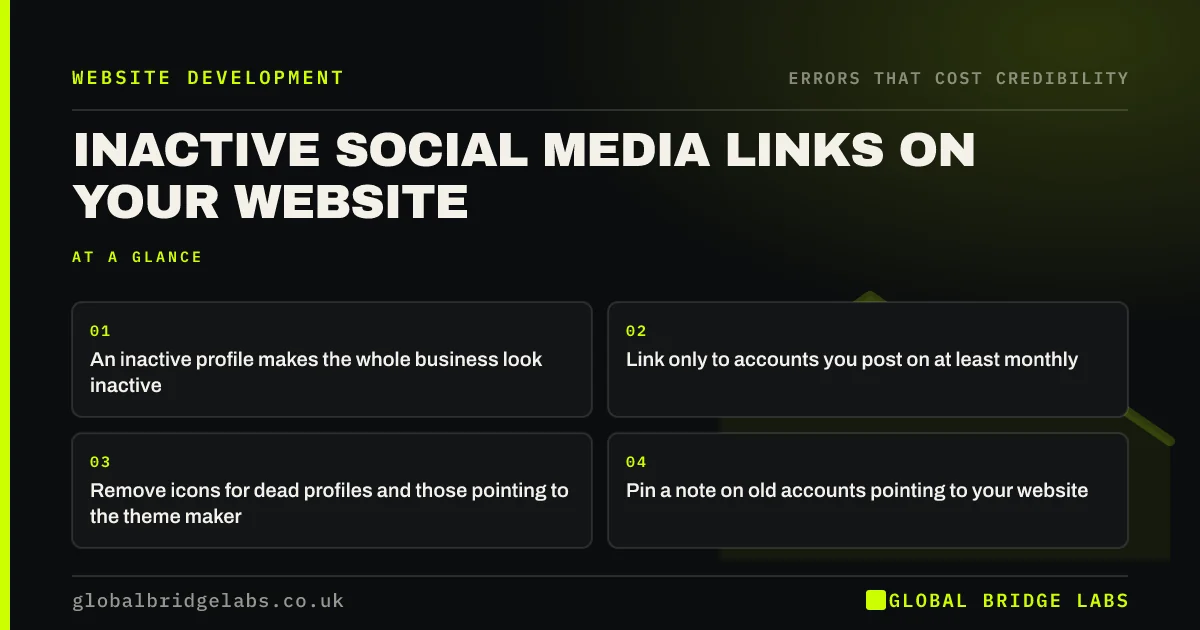
- An inactive profile makes the whole business look inactive.
- Link only to accounts you post on at least monthly.
- Remove icons for dead profiles and those pointing to the theme maker.
- Pin a note on old accounts pointing to your website.
Want your social links checked and tidied? Message us on WhatsApp.
Chat on WhatsApp →Why do inactive social links hurt credibility?
Visitors click social icons to see whether a business is active and what others say. Landing on a profile whose last post is from 2021 suggests the business has slowed or stopped. Worse are icons that link to the theme maker's profile or nowhere, which tell visitors nobody checked the site.
Which profiles should you link?
Link the profiles that show an active, real business: those you post on regularly and where customers interact. For many small businesses that is one or two platforms, not six. Google Business Profile reviews often matter more than any social profile, so consider linking those instead.
What should you do with old accounts?
You have three options.
- Revive it, if your customers use the platform and you can post consistently.
- Pin a final post pointing to your website and main contact route.
- Delete it, if it adds nothing and could confuse.
Want a social and website consistency review? Message us on WhatsApp and we will discuss your requirements.
Chat on WhatsApp →Where should social icons go?
Put social icons in the footer or on the contact page, not in the header, where they compete with your main action and lead visitors away from the site. Make sure each opens the correct profile and that the profile shows the same name, logo and contact details as the website.
What does this look like in practice?
A pattern we see: a header shows five social icons; three lead to profiles with fewer than ten posts, the last in 2020, and one leads to the theme designer. Keeping only the active Instagram and LinkedIn icons, moved to the footer, removes three reasons to doubt the business.
Social links checklist
- Click every social icon on your site.
- Remove links to inactive or wrong profiles.
- Move icons to the footer or contact page.
- Match names and logos across profiles.
- Pin a note on accounts you are retiring.
Next step
Click each social icon on your homepage now. Remove any that lead to a profile you would not want a buyer to see.
Message us on WhatsApp for a credibility review, or book a 30-minute consultation.
Chat on WhatsApp →Sources and further reading
- Stanford guidelines for web credibility · Stanford Web Credibility Project
- Web page footers 101: design patterns and when to use each · Nielsen Norman Group
- Google Business Profile Help · Google
Frequently asked questions
Should I link to social media accounts I do not use?
No. An inactive profile makes the business look like it has stopped. Link only to accounts you keep active, and either revive, archive or delete the others with a pinned note pointing to your website.
Where should social media icons go on a website?
In the footer or on the contact page. In the header, they compete with your main action and take visitors away from the site before they have learned about your business.
How often should a business post on social media to look active?
There is no fixed rule, but a profile with recent posts, within the last few weeks, looks active. Consistency matters more than volume. If you cannot keep a platform current, link to fewer platforms.
Written by

Global Bridge Labs (GBL) is a UK–Sri Lanka partner for social media, websites and BPO. Everything here comes from client delivery, not theory.


