
On this page
- 01Key takeaways
- 02What should a homepage portfolio show?
- 03How many projects should you include?
- 04What should each caption say?
- 05Should you use a slider or a grid?
- 06What permissions do you need?
- 07When is a portfolio not needed?
- 08What does this look like in practice?
- 09Homepage portfolio checklist
- 10Next step
- 11Sources and further reading
- 12Frequently asked questions
Key takeaways
A portfolio section on a homepage should show three to six of your best, most relevant projects, each with a line explaining what was done and for whom. It is a sample, not an archive. A short, curated selection linked to fuller examples makes a stronger impression than a long, slow gallery.
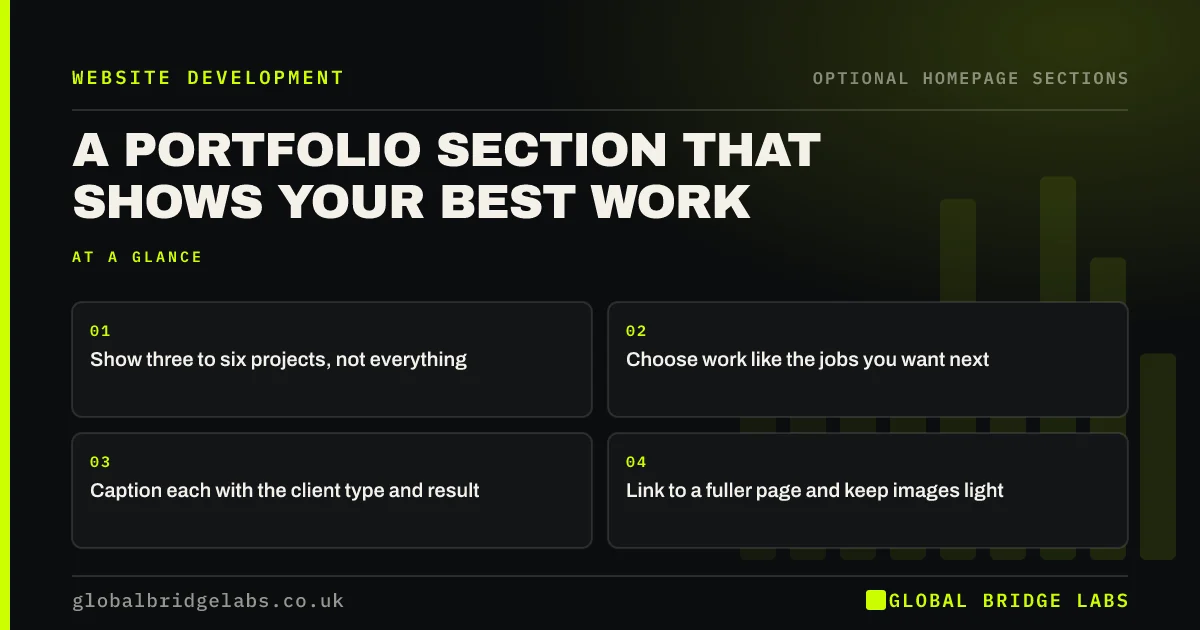
- Show three to six projects, not everything.
- Choose work like the jobs you want next.
- Caption each with the client type and result.
- Link to a fuller page and keep images light.
Want help choosing what to show? Message us on WhatsApp.
Chat on WhatsApp →What should a homepage portfolio show?
It should show the type of work you want more of. If you are moving towards larger extensions, leave out the small repairs, however good they were. Visitors will assume that what they see is what you do. Each image is a signal about the buyer, the price and the standard you are aiming for.
How many projects should you include?
Three to six is usually enough on a homepage, as a Global Bridge Labs (GBL) rule of thumb. Fewer may look thin, and more makes the page slower and harder to scan. Show three on phones, if needed, and link to a page with the rest. Choosing fewer forces you to pick your best work.
What should each caption say?
A caption should state what it was, where or for whom and the result. 'Kitchen extension, Harrogate, finished in 11 weeks' tells a buyer more than a thumbnail with no text. Live text also helps search engines and screen reader users. Add alt text that describes what the image actually shows.
Should you use a slider or a grid?
Use a simple grid. Carousels hide content, and few people click through them. Nielsen Norman Group's carousel research suggests people often miss what is not on the first slide. A grid shows several projects at once and adapts easily to a single column on phones.
What permissions do you need?
Get written permission to show client work, especially names, logos, addresses or homes. Copyright in a photograph usually belongs to the photographer unless agreed otherwise, so check before you publish a contractor's or architect's images. If a client will not agree, describe the work without identifying them.
When is a portfolio not needed?
It is not needed when your work is not visual, such as bookkeeping or IT support. Screenshots of spreadsheets persuade nobody. Use a short case example or results instead. If your finished work looks much the same every time, a few reviews will probably say more than a gallery.
What does this look like in practice?
A pattern worth noticing: a contractor shows 60 uncaptioned photos in a slider, half of them small jobs from years ago, and wonders why enquiries are mostly small repairs. Reducing it to five recent larger projects with captions changes what visitors assume the firm does.
Homepage portfolio checklist
- Pick work like your ideal next job.
- Limit the homepage to three to six.
- Caption each project.
- Use a grid rather than a slider.
- Compress images and add alt text.
- Get client and photographer permission.
- Link to the full portfolio.
Next step
Choose the three projects you would most like to repeat, and make them the first three people see. That single choice shapes who enquires.
Message us on WhatsApp for help building your proof section, with no pitch.
Chat on WhatsApp →Sources and further reading
- Carousel usability: designing an effective UI · Nielsen Norman Group
- How copyright protects your work · GOV.UK
- Photos as web content · Nielsen Norman Group
Frequently asked questions
How many projects should I show on my homepage?
Three to six is a sensible range. Show your best and most relevant work, and link to a full portfolio page. A smaller, chosen selection makes a stronger impression than a long gallery, and it keeps the page faster.
Should a portfolio use a carousel?
Usually not. People often miss slides beyond the first, and carousels can be awkward on phones. A simple grid shows more at once. If you do use one, make sure it never moves on its own.
Do I need permission to show client work on my website?
It is wise to get written permission, especially for logos, names or private homes. Also check who owns the copyright in the photos. A clause in your standard terms can make this easier for future jobs.
Written by

Global Bridge Labs (GBL) is a UK–Sri Lanka partner for social media, websites and BPO. Everything here comes from client delivery, not theory.


