
On this page
- 01Key takeaways
- 02What is a third-party script?
- 03How do third-party scripts slow a site down?
- 04How do you audit the scripts on your site?
- 05What can you do with a script you need?
- 06Which scripts are worth their cost?
- 07What does this look like in practice?
- 08Third-party script checklist
- 09Next step
- 10Sources and further reading
- 11Frequently asked questions
Key takeaways
Third-party scripts are the most common reason a well-built website feels slow. Each chat tool, review badge, map, tracking pixel and consent banner loads code from another company's servers and runs it on your visitor's phone. One is harmless. Twelve, added over three years by different people, can double the wait and make buttons ignore taps. An audit takes an hour and usually finds scripts nobody uses.
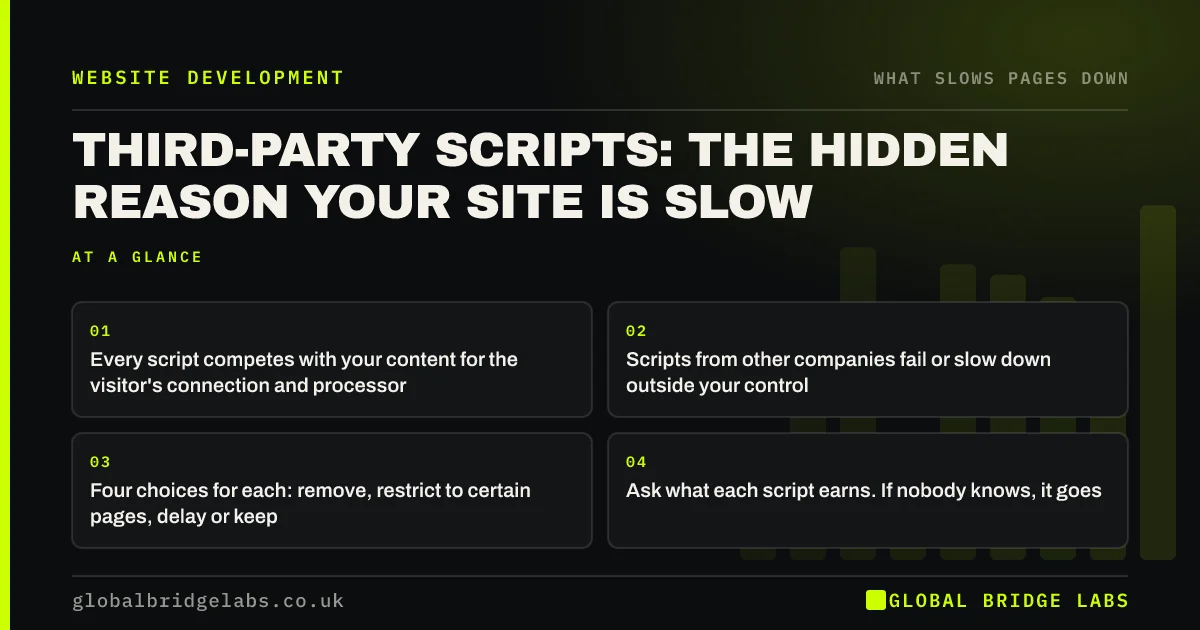
- Every script competes with your content for the visitor's connection and processor.
- Scripts from other companies fail or slow down outside your control.
- Four choices for each: remove, restrict to certain pages, delay or keep.
- Ask what each script earns. If nobody knows, it goes.
Want a list of every script your site loads? Send us the URL on WhatsApp.
Chat on WhatsApp →What is a third-party script?
A third-party script is code that a website loads from another company's servers to add a feature the site does not provide itself, such as analytics, live chat, adverts, reviews, maps, video, fonts or cookie consent.
They are popular because they are easy. Pasting one line into a site adds a working chat window. The cost arrives later and on someone else's device. The visitor's phone must connect to each supplier, download the code and run it, often before your own page is usable.
How do third-party scripts slow a site down?
Third-party scripts slow a site in three ways. They add connections and downloads to the first load. They occupy the phone's processor, so taps on your own menu and buttons wait their turn. And they depend on servers you do not run: if a supplier is slow today, so is your page.
Google's web.dev guidance notes that a third-party embed can delay a page when its server responds slowly, even when it has been set to load without blocking. Scripts also call other scripts. One advertising tag can bring in several more that you never chose.
How do you audit the scripts on your site?
List every script, then make someone justify each one. PageSpeed Insights names third-party code and the time it takes under its diagnostics. A developer can give a fuller list from the browser's network panel.
- 1. List each script and the supplier behind it.
- 2. Record who asked for it and when.
- 3. Note which pages load it and which pages need it.
- 4. Write down what it earns: enquiries, data used in a decision, a legal need.
- 5. Mark each one remove, restrict, delay or keep.
- How to test website speed the way customers feel it
- Tracking tags and pixels: how marketing slows your site
Want this audit done for you with a recommendation on each script? Ask us on WhatsApp.
Chat on WhatsApp →What can you do with a script you need?
Needing a script does not mean loading it everywhere, first. Most of the gain comes from changing where and when it loads.
- Restrict: load the booking tool on the booking page only.
- Delay: start chat and reviews after the main content has appeared.
- Load on tap: show a static preview of a map or video and load the real thing when pressed.
- Host it yourself: serve fonts and small libraries from your own site.
- Replace: swap a heavy widget for a plain link or a lighter alternative.
Which scripts are worth their cost?
A script is worth its cost when it produces something you would miss. Analytics you review every month, a booking tool that takes most of your appointments and a payment provider are all worth keeping. A social feed nobody scrolls, a heatmap tool last opened a year ago and a second analytics product are not.
Be careful with what looks unused. Removing a consent tool or a conversion pixel that feeds your advertising can cause a legal or commercial problem. Check with whoever runs marketing before deleting.
What does this look like in practice?
A pattern we see on sites more than two years old: a script audit finds a chat tool from a cancelled subscription, two advertising pixels for platforms the business no longer uses, a heatmap tool from a past agency and three font requests. None is doing anything. All of them load on every page.
Removing the dead ones and delaying the rest is usually a day's work and changes how the whole site responds. Across client work at Global Bridge Labs (GBL), we have seen a 2.4x enquiry rate from conversion changes like these.
Third-party script checklist
- List every external script and its owner.
- Remove scripts for cancelled or unused services.
- Restrict page-specific tools to their pages.
- Delay chat, reviews and social embeds.
- Replace maps and videos with tap-to-load previews.
- Review the list every quarter.
Next step
Nobody sets out to put twelve scripts on a website. They arrive one at a time. We will list yours, tell you what each costs in speed and recommend what to do with it.
Message us on WhatsApp for a third-party script audit, or book a 30-minute consultation.
Chat on WhatsApp →Sources and further reading
- Loading third-party JavaScript · web.dev (Google)
- Best practices for using third-party embeds · web.dev (Google)
- Optimise Interaction to Next Paint · web.dev (Google)
Frequently asked questions
Do third-party scripts slow down a website?
Yes. Each one adds downloads and processing on the visitor's device and depends on another company's servers. A few are fine. Many, loaded on every page before the content, are the commonest cause of slow first screens and unresponsive buttons.
How many third-party scripts is too many?
There is no fixed number. The test is whether each one earns its place and whether pages still pass Core Web Vitals on mobile. If nobody can say what a script is for, or the service was cancelled, remove it regardless of the total.
How do I find which scripts my website loads?
PageSpeed Insights lists third-party code and its impact in its diagnostics. A developer can show the complete list in the browser's network panel. If you use Google Tag Manager, check there as well, because tags added through it do not appear in the site's own code.
Is it safe to remove scripts from my website?
Usually, with care. Check what each one does before deleting. Consent tools, payment scripts and advertising conversion tracking may be needed for legal or commercial reasons. Remove on a test copy first where possible, and confirm that forms and tracking still work.
Written by

Global Bridge Labs (GBL) is a UK–Sri Lanka partner for social media, websites and BPO. Everything here comes from client delivery, not theory.


