
On this page
- 01Key takeaways
- 02What should a cafe homepage show first?
- 03Should your menu be a PDF?
- 04What do customers expect on food information?
- 05How do you show atmosphere?
- 06How should you keep it up to date?
- 07When do you need more than a simple page?
- 08What does this look like in practice?
- 09Cafe homepage checklist
- 10Next step
- 11Sources and further reading
- 12Frequently asked questions
Key takeaways
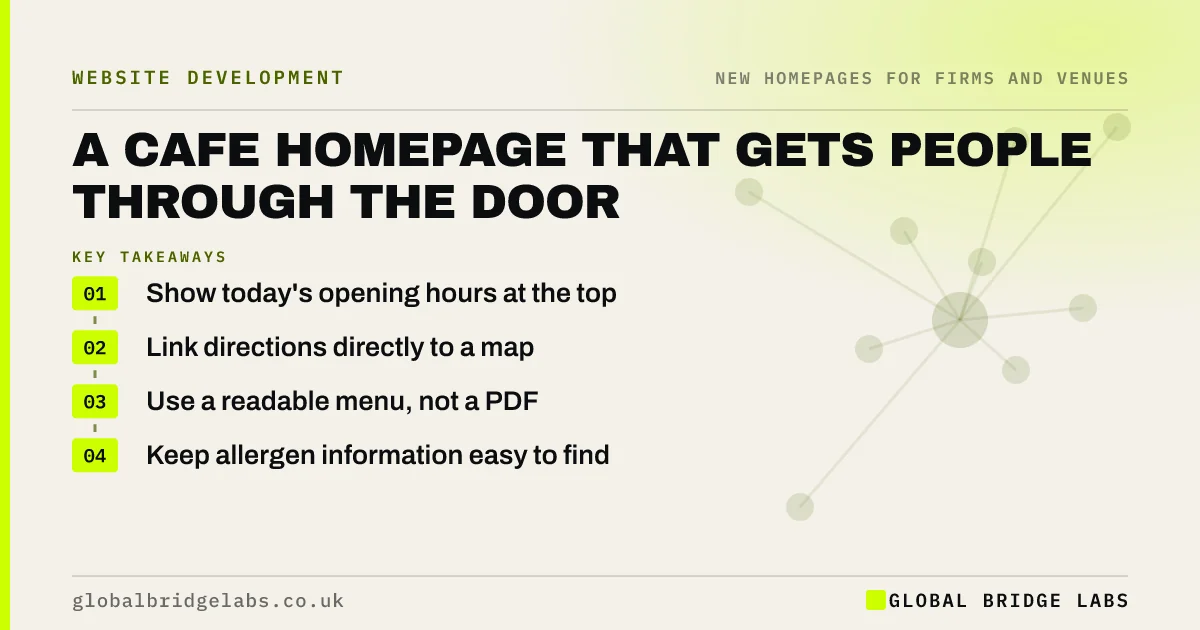
A cafe homepage has a simple job: tell a hungry person on a phone whether you are open, where you are, what you serve and whether they can book. Put hours and location first, use an HTML menu rather than a PDF and show real photos. Keep it current, because wrong opening hours lose customers immediately.
- Show today's opening hours at the top.
- Link directions directly to a map.
- Use a readable menu, not a PDF.
- Keep allergen information easy to find.
Run a cafe? Message us on WhatsApp for a homepage review.
Chat on WhatsApp →What should a cafe homepage show first?
It should show your opening hours, your address and a photo of what you serve, in the first screen on a phone. Add a tap-to-call number and a directions link. Most visitors want a quick answer, then to leave and walk to you. The page has succeeded when they do.
Should your menu be a PDF?
No. Menus should be real web text, as PDFs are awkward on phones, slow to load and hard for search engines to read in context. Nielsen Norman Group has criticised PDFs for online reading for two decades. A simple web menu is easy to update, including when prices or dishes change.
What do customers expect on food information?
Show dietary options clearly: vegan, gluten-free, and how to ask about allergens. Food law requires allergen information to be available, and the rules for pre-packed foods for direct sale are stricter. Displaying your food hygiene rating is a useful trust signal, if it is a good one.
How do you show atmosphere?
Use a few real photos: the room, your food, your people. A laptop-friendly cafe should say so, with wifi and sockets. A family cafe might mention high chairs and a dog-friendly policy. These details often decide who walks through the door, and they cost nothing to add.
How should you keep it up to date?
Keep hours consistent with your Google Business Profile, and update them for holidays and closures. Many customers see your hours on Google before they reach your site. Wrong information means a wasted trip and a poor review. Make one person responsible, and put holiday changes in the diary.
When do you need more than a simple page?
You need more if you take online orders, run events or do outside catering. Each deserves its own page, with a route from the homepage. Avoid expensive design: for most cafes, a clean page with the essentials is plenty, and a very good Google profile matters more.
What does this look like in practice?
A pattern worth checking today: a cafe's website says one thing about Sunday hours, Google says another and the door says a third. People tend to trust none of them. Choosing one source of truth and updating the others is free, and it probably saves more customers than a redesign would.
Cafe homepage checklist
- Show today's hours.
- Add a directions link.
- Use a web menu, not a PDF.
- Show dietary options.
- Match Google Business Profile.
- Add real photos.
- Name who updates it.
Next step
Check your opening hours on your website, Google, Facebook and the door. Make all four agree today.
Message us on WhatsApp for a cafe homepage review, with no pitch.
Chat on WhatsApp →Sources and further reading
- PDF: still unfit for human consumption, 20 years later · Nielsen Norman Group
- Allergen guidance for food businesses · Food Standards Agency
- Food hygiene ratings · Food Standards Agency
- Google Business Profile Help · Google
Frequently asked questions
What should a cafe have on its website?
Opening hours, address, directions, a readable menu, dietary and allergen information, real photos and a way to contact you. Keep it simple and fast on a phone, as most visitors are nearby and want a quick answer.
Does a small cafe need a website?
A simple site is useful, as it gives you a page you control for hours and menus. For many cafes, a complete Google Business Profile matters even more. A small one-page site, kept up to date, is usually enough.
Should I put my menu on my website as a PDF?
It is better not to. Web text loads faster, reads better on phones and is easier to update and for search engines to understand. If you must offer a PDF, also provide a version in plain web text.
Written by

Global Bridge Labs (GBL) is a UK–Sri Lanka partner for social media, websites and BPO. Everything here comes from client delivery, not theory.


