
On this page
- 01Key takeaways
- 02Why are redesigned sites often slower?
- 03How do you confirm it is slower?
- 04What are the usual causes?
- 05How do you recover the speed?
- 06Whose job is it to fix?
- 07What does this look like in practice?
- 08Post-redesign speed checklist
- 09Next step
- 10Sources and further reading
- 11Frequently asked questions
Key takeaways
A website is often slower after a redesign because the new design asked for more than the old one: larger images, more fonts, animation, a heavier theme and extra tools. The old site's caching and image settings may also not have been carried across. It is usually recoverable without undoing the design. Confirm the slowdown with data, find the heaviest additions and fix them in order.
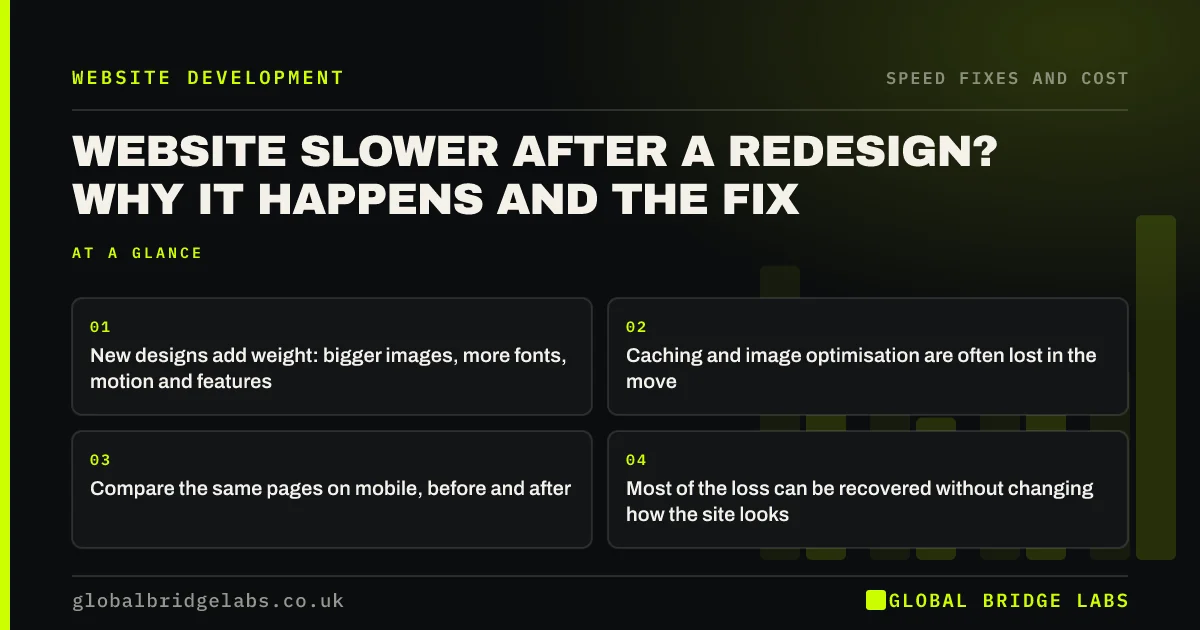
- New designs add weight: bigger images, more fonts, motion and features.
- Caching and image optimisation are often lost in the move.
- Compare the same pages on mobile, before and after.
- Most of the loss can be recovered without changing how the site looks.
New site, slower than the old one? Send us both URLs on WhatsApp if the old one is still reachable.
Chat on WhatsApp →Why are redesigned sites often slower?
Redesigned sites are often slower because a redesign is judged on appearance. The design is approved on a large monitor, the build is checked on office broadband, and nobody is asked to keep the new site as fast as the old one.
Each element of a modern look has a cost. A full-width photograph, a custom typeface in several weights, scroll effects, a video header and a new set of plugins all add weight the previous site did not carry.
How do you confirm it is slower?
Confirm it with the same measurements on the same page types. If a baseline was recorded before the redesign, compare against it. If not, Search Console's Core Web Vitals report keeps a history that shows whether pages moved from good to needs improvement after the launch date.
- Compare field data before and after launch, allowing 28 days.
- Compare mobile engagement and enquiry rate for the same landing pages.
- Test the new templates on a mid-range phone over mobile data.
- Check server response time on several pages.
What are the usual causes?
The causes are consistent enough to check in order.
- Images migrated or uploaded at full size, with no automatic resizing.
- Page caching not switched on in the new setup.
- A heavier theme or page builder than the old site used.
- More fonts, in more weights, from an external service.
- Animation, sliders or video added to the first screen.
- Old tracking tags kept and new ones added alongside.
- New hosting that is slower than the old.
- Website caching explained for business owners
- Optimise website images for speed and search
- Website animations: when motion makes a site feel slow
Want the causes on your new site ranked by impact? Ask us on WhatsApp.
Chat on WhatsApp →How do you recover the speed?
Start with what was lost in the move, then deal with what was added.
- 1. Turn on page and browser caching.
- 2. Resize and convert images, and set up automatic handling for new uploads.
- 3. Remove duplicate and unused tags.
- 4. Cut fonts to the weights in use and host them on the site.
- 5. Replace first-screen video and sliders on mobile.
- 6. Switch off entrance animations.
- 7. Re-test, then review the theme only if the site still fails.
Whose job is it to fix?
It depends on what was agreed. If the contract set speed requirements, failures within the supplier's scope are theirs to correct. If it did not, the conversation is harder, but a reasonable supplier will fix omissions such as caching and image handling, which are part of building a site properly.
Raise it promptly and with evidence: the pages, the mobile results and the date they changed. A redesign that also lost search traffic needs a separate check of redirects and content.
What does this look like in practice?
A pattern we see a few months after launch: the new site looks far better and mobile enquiries have slipped. The old site, for all its faults, was light. The new one opens with a video, loads eight font files and was moved to new hosting without caching.
Restoring caching, serving a still on mobile and trimming the fonts keeps the new look and returns the speed. Across client work at Global Bridge Labs (GBL), we have seen a 2.4x enquiry rate from conversion changes like these.
Post-redesign speed checklist
- Compare Core Web Vitals before and after the launch date.
- Check caching is on.
- Check image sizes on the new templates.
- Count fonts, tags and plugins against the old site.
- Test the first screen on a phone.
- Raise failures with the supplier, with evidence.
Next step
A redesign should not cost you the speed you had. We will compare the new site with the old and give you a list of what to recover and in what order.
Message us on WhatsApp for a post-redesign speed review.
Chat on WhatsApp →Sources and further reading
- Core Web Vitals report · Search Console Help
- Optimise Largest Contentful Paint · web.dev (Google)
- Prevent unnecessary network requests with the HTTP cache · web.dev (Google)
- Best practices for fonts · web.dev (Google)
Frequently asked questions
Why is my new website slower than the old one?
New designs usually carry more: larger images, more fonts, animation, video and extra plugins. Caching and image optimisation from the old site are often not set up on the new one. Both are fixable without undoing the design.
How do I prove my website got slower after a redesign?
Use Search Console's Core Web Vitals report, which shows a history, and compare mobile engagement and enquiry rates for the same landing pages before and after the launch date. Allow 28 days for real-visitor data to reflect the change.
Should the agency fix a slow redesign for free?
Where the contract set speed requirements, yes, for anything within their scope. Without them, it is a negotiation, though basics such as caching and image handling are part of building a site properly. Raise it promptly with page-level evidence.
Can a redesigned site be made fast without redesigning again?
Usually. Most of the lost speed comes from missing caching, oversized images, extra fonts and scripts, and first-screen video or animation. Correcting those keeps the design. A further rebuild is only needed if the new theme itself is too heavy.
Written by

Global Bridge Labs (GBL) is a UK–Sri Lanka partner for social media, websites and BPO. Everything here comes from client delivery, not theory.


