On this page
- 01Key takeaways
- 02Why does traffic drop after a website redesign?
- 03What should you check first?
- 04How do you fix missing redirects?
- 05What if content was removed?
- 06Could the new site be slower?
- 07How long does recovery take?
- 08How do you prevent it next time?
- 09What does this look like in practice?
- 10Recovery checklist
- 11Next step
- 12Sources and further reading
- 13Frequently asked questions
Key takeaways
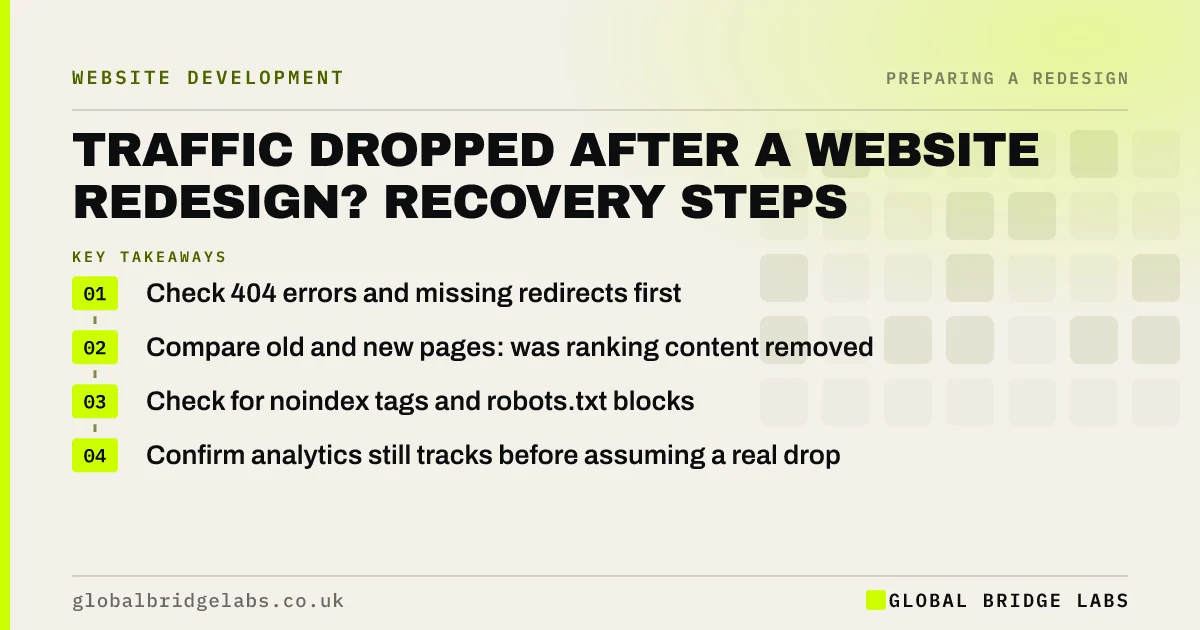
Traffic drops after a redesign are usually caused by missing redirects, removed or thinned content, pages blocked from indexing, or broken tracking. Check them in that order. Most can be fixed within days, and rankings typically recover over the following weeks once the causes are corrected.
- Check 404 errors and missing redirects first.
- Compare old and new pages: was ranking content removed?
- Check for noindex tags and robots.txt blocks.
- Confirm analytics still tracks before assuming a real drop.
Traffic down since your new site launched? Message us on WhatsApp now.
Chat on WhatsApp →Why does traffic drop after a website redesign?
Traffic drops after a website redesign when search engines cannot find the old pages at their new addresses, when content that earned rankings has been removed or cut back, when new pages are blocked from indexing, or when analytics tracking was not carried over. A short dip while Google recrawls is normal; a sustained fall is not.
What should you check first?
Work through these in order. Each check takes minutes.
- Tracking: are GA4 and key events still firing on the new site?
- Indexing: any noindex tag or robots.txt block left from staging?
- Redirects: do old URLs 301 to the right new pages?
- 404s: Search Console's page indexing report shows 'Not found' URLs.
- Content: do new pages still contain what ranked on the old ones?
Want the five checks run for you today? Ask us on WhatsApp.
Chat on WhatsApp →How do you fix missing redirects?
Find old URLs from Search Console, old sitemaps, analytics landing page reports or a web archive, map each to its closest new page, and add 301 redirects. Avoid sending everything to the homepage, which loses relevance. Google's site move guidance covers mapping and redirects.
What if content was removed?
Restore it. Compare the old versions of top pages with the new ones. If headings, answers, prices or detailed sections were cut to fit a cleaner design, add them back in a structured way. Pages that lost the content that made them useful often lose their rankings with it.
Could the new site be slower?
Yes. New designs with large images, videos or heavy scripts can be slower than the old site, especially on mobile. Test key templates in PageSpeed Insights against the Core Web Vitals thresholds, and fix images and scripts first.
How long does recovery take?
Once causes are fixed, many small business sites recover much of their traffic within a few weeks as Google recrawls, though it can take longer for larger changes. Request indexing for key pages in Search Console and submit an updated sitemap to speed things up.
How do you prevent it next time?
Build the checks into the launch. Before switching, crawl the new site to confirm no pages carry noindex, test a sample of old URLs to confirm they redirect correctly, and confirm analytics and key events fire. After launch, check Search Console daily for two weeks.
Keep the URL map and redirect list as permanent records, because future changes to the site will need them. The same process protects any later redesign, platform change or merger, and it is far cheaper than recovering lost traffic afterwards.
- Crawl the new site for noindex before launch.
- Test a sample of old URLs for redirects.
- Confirm analytics and key events fire.
- Keep the URL map for future changes.
What does this look like in practice?
A pattern we see: a redesign moves service pages from /services/name to /name, no redirects are added, and a staging noindex tag is left on the blog. Adding redirects and removing the tag are fixes of an hour. Traffic begins recovering within days, and enquiries follow.
Recovery checklist
Run this the day you notice the drop.
- Confirm tracking works on the new site.
- Remove any noindex or robots.txt blocks.
- Find and redirect all old URLs.
- Restore content removed from ranking pages.
- Test speed on key templates.
- Submit the sitemap and request indexing.
Next step
If traffic has dropped since your redesign, we will run the recovery checks with you in 30 minutes and list the fixes in order.
Message us on WhatsApp for a post-redesign traffic recovery review, or book a 30-minute consultation.
Chat on WhatsApp →Sources and further reading
- Site moves with URL changes · Google Search Central
- Performance report (Search results) · Search Console Help
- Understanding Core Web Vitals and Google search results · Google Search Central
Frequently asked questions
Is it normal for traffic to drop after a website redesign?
A small, short dip while Google recrawls changed pages can happen. A large or lasting drop is not normal and usually points to missing redirects, removed content, pages blocked from indexing or broken tracking, all of which can be fixed.
How do I recover SEO after a website redesign?
Check tracking, remove any noindex or robots.txt blocks, redirect every old URL to its closest new page, restore removed content, fix speed problems, and submit the sitemap in Search Console. Recovery often follows within weeks. Keep monitoring Search Console for several weeks.
How long does it take to recover rankings after a redesign?
Once the causes are fixed, many small business sites recover most traffic within a few weeks, though larger structural changes can take longer. Speed it up by requesting indexing for key pages and submitting an updated sitemap. Check progress weekly in Search Console.
How do I find old URLs after a redesign?
Use Search Console's performance and page indexing reports, old XML sitemaps, analytics landing page reports, backlink tools, and web archives. Map each old URL to its closest new page and add a 301 redirect. Keep the redirect list for future reference.
Written by

Global Bridge Labs (GBL) is a UK–Sri Lanka partner for social media, websites and BPO. Everything here comes from client delivery, not theory.